
No Monitor Boot Issue Fix for Q30900GE Series
Qotom Q30900GE 8x2.5Gbps mini PC fails to boot without a monitor? Here is the official fix for BIOS V13/V20. Disable CPU C-State in BIOS to solve the no-display boot problem permanently.
1. Problem Description
Many users encounter a boot issue on the Qotom Q30900GE (8×2.5Gbps) mini PC: the device boots normally with a monitor connected, but fails to power on or boot up without a monitor. This error occurs on BIOS versions Q30900GE02.V13 and Q30900GE02.V20. Common BIOS adjustments cannot resolve the problem, affecting headless deployment for router, server and industrial control scenarios.
2. Root Cause
This is a BIOS power management compatibility issue instead of hardware failure. The CPU C-State power-saving mode is enabled by default. When no monitor is detected, the CPU enters deep sleep mode during POST, causing boot failure.
3. Official Solution (All BIOS Versions)
Disable the CPU C-State option in BIOS to fix the headless boot issue. No BIOS upgrade or hardware reset is required.
BIOS Setup Steps
1. Enter the BIOS interface during startup;
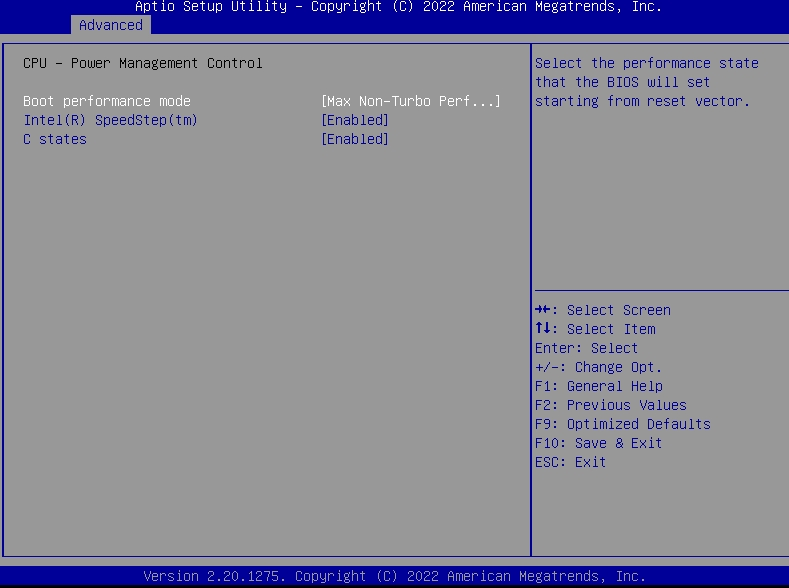
2. Go to Advanced > Power > CPU Power;
3. Locate the C State option and set it to Disable;
4. Press F10 to save changes and reboot the device.
4. Notes
1. After disabling C-State, the mini PC can boot normally in headless (no-monitor) mode, suitable for long-term unattended operation;
2. This setting slightly increases basic power consumption but does not affect network performance, forwarding speed and device stability;
3. If the problem persists, restore BIOS default settings and re-disable C-State.
Related Products
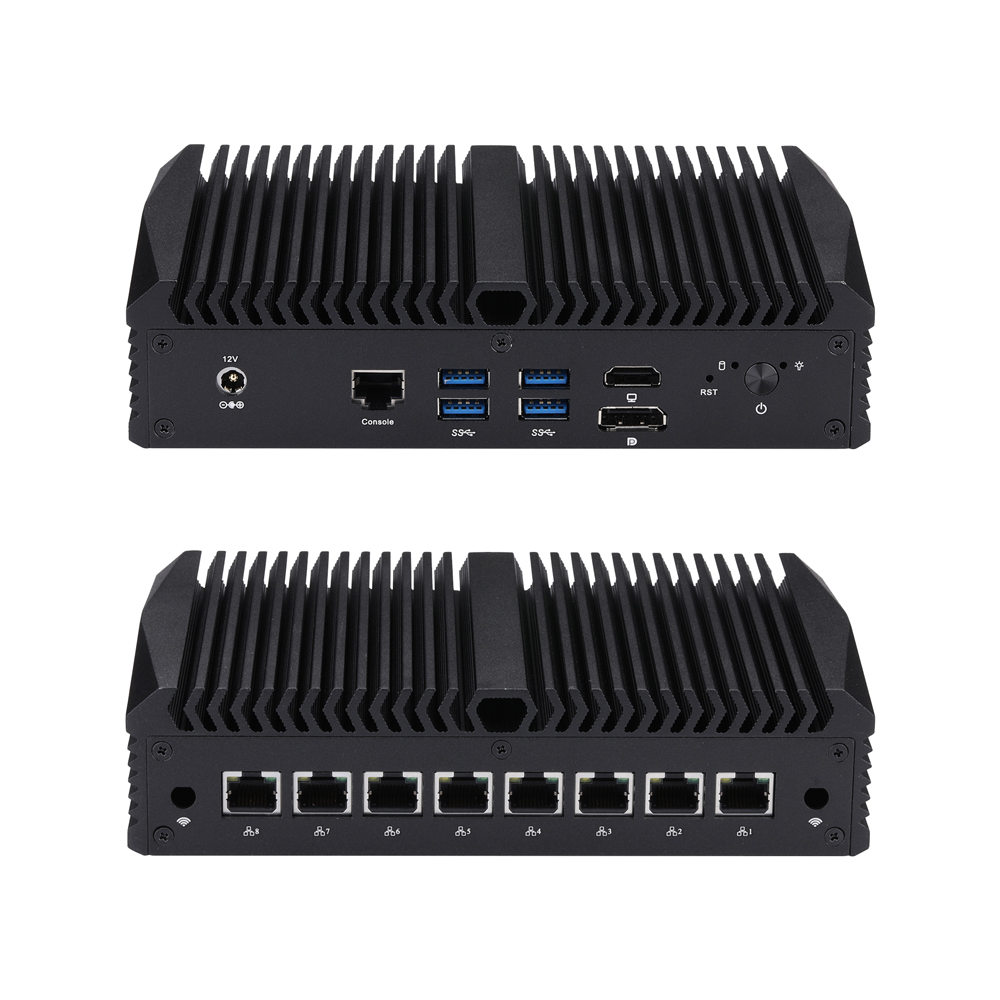
Міні-ПК Q30900GE S13 серыі
Q30900GE-S13
CPU: Whiskey Lake / Coffee Lake / Comet lake
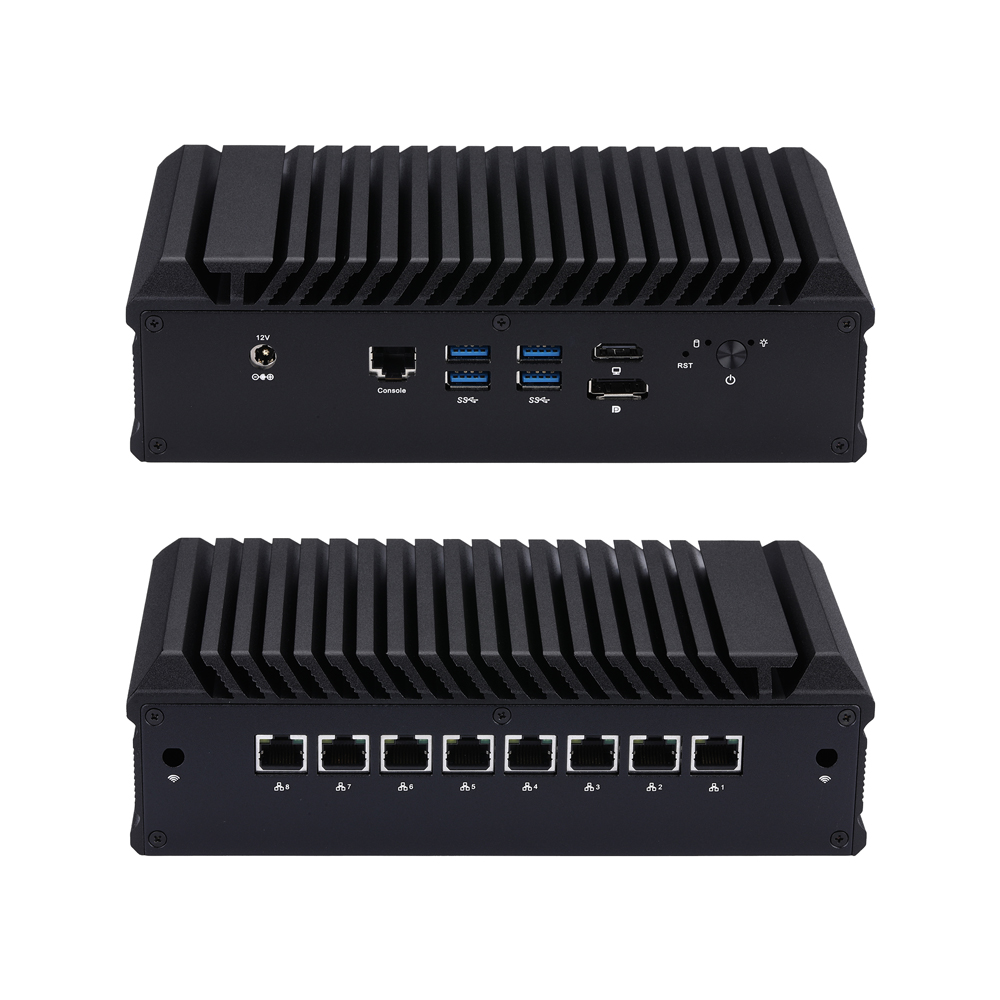
Міні-ПК Q30900GE S20 серыі
Q30900GE-S20
CPU: Whiskey Lake / Coffee Lake / Comet lake
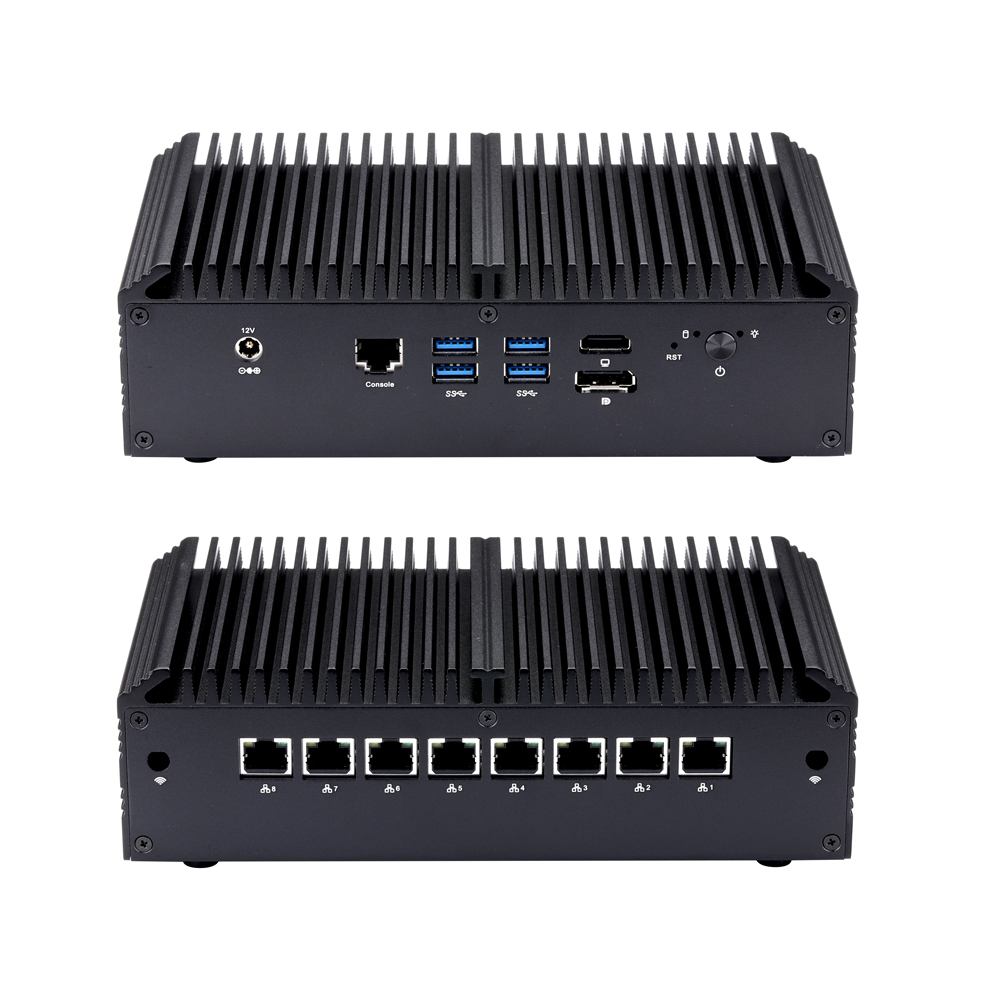
Міні-ПК Q30900GE S10 серыі
Q30900GE-S10
CPU: Whiskey Lake / Coffee Lake / Comet lake

Міні-ПК Q30900GE S23 серыі
Q30900GE-S23
CPU: Whiskey Lake / Coffee Lake / Comet lake
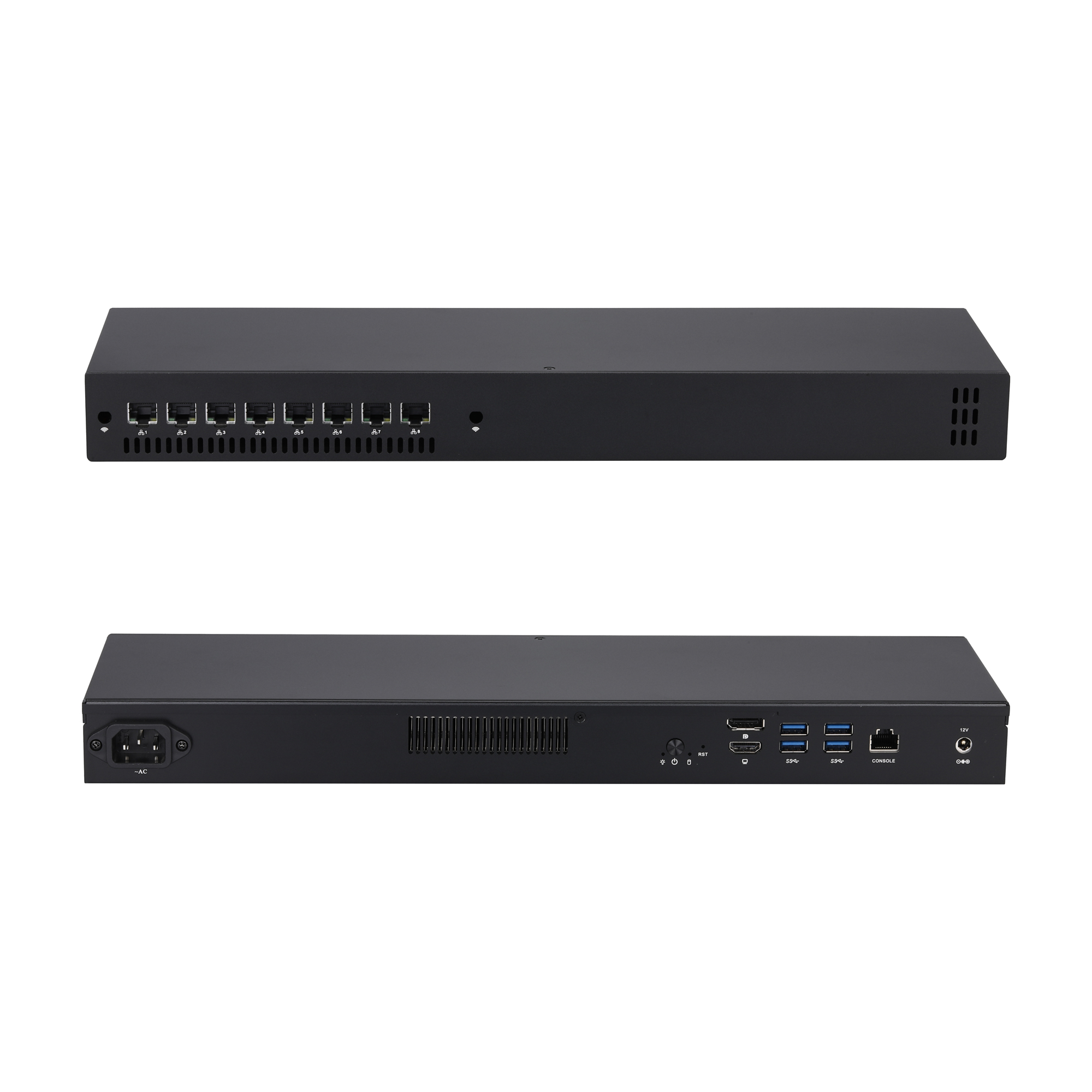
Міні-ПК Q30900GE 1U07 серыі
Q30900GE-1U07
CPU: Whiskey Lake / Coffee Lake / Comet lake
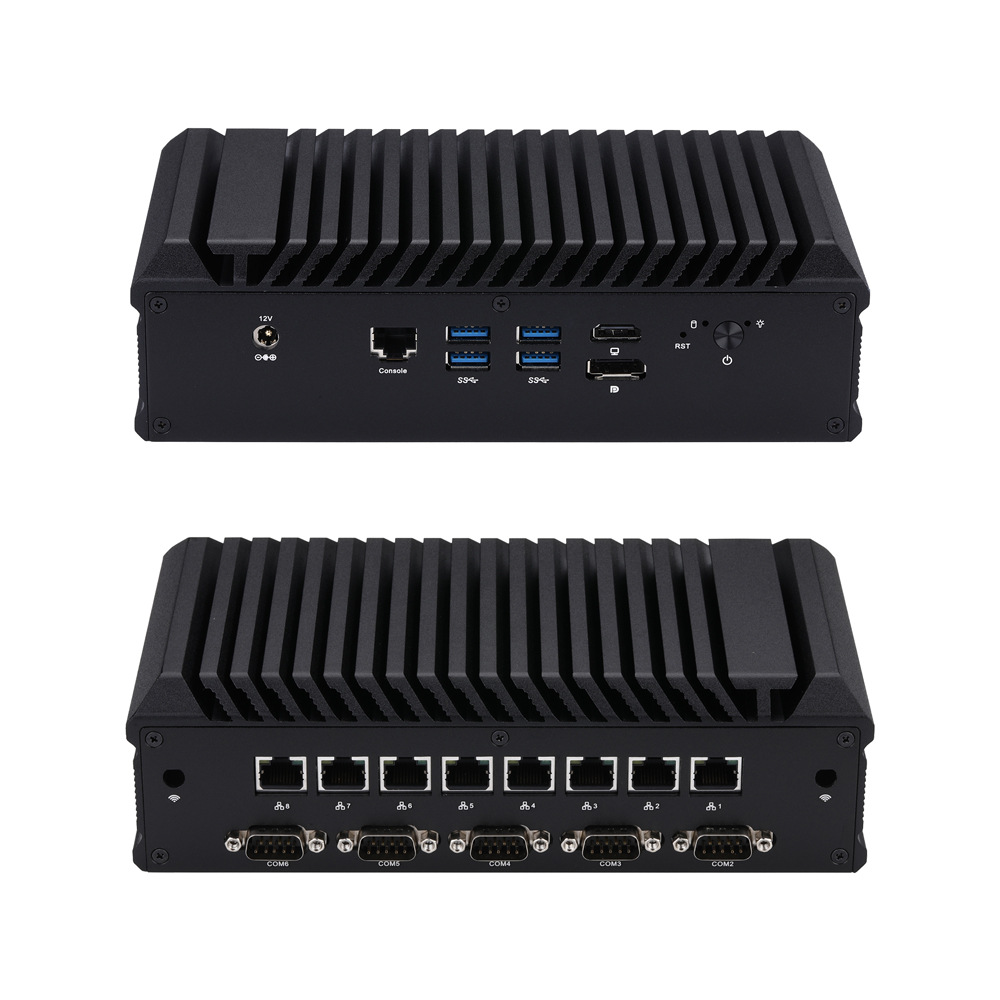
Міні-ПК Q30900GEX S20 серыі
Q30900GEX-S20
CPU: Whiskey Lake / Coffee Lake / Comet lake
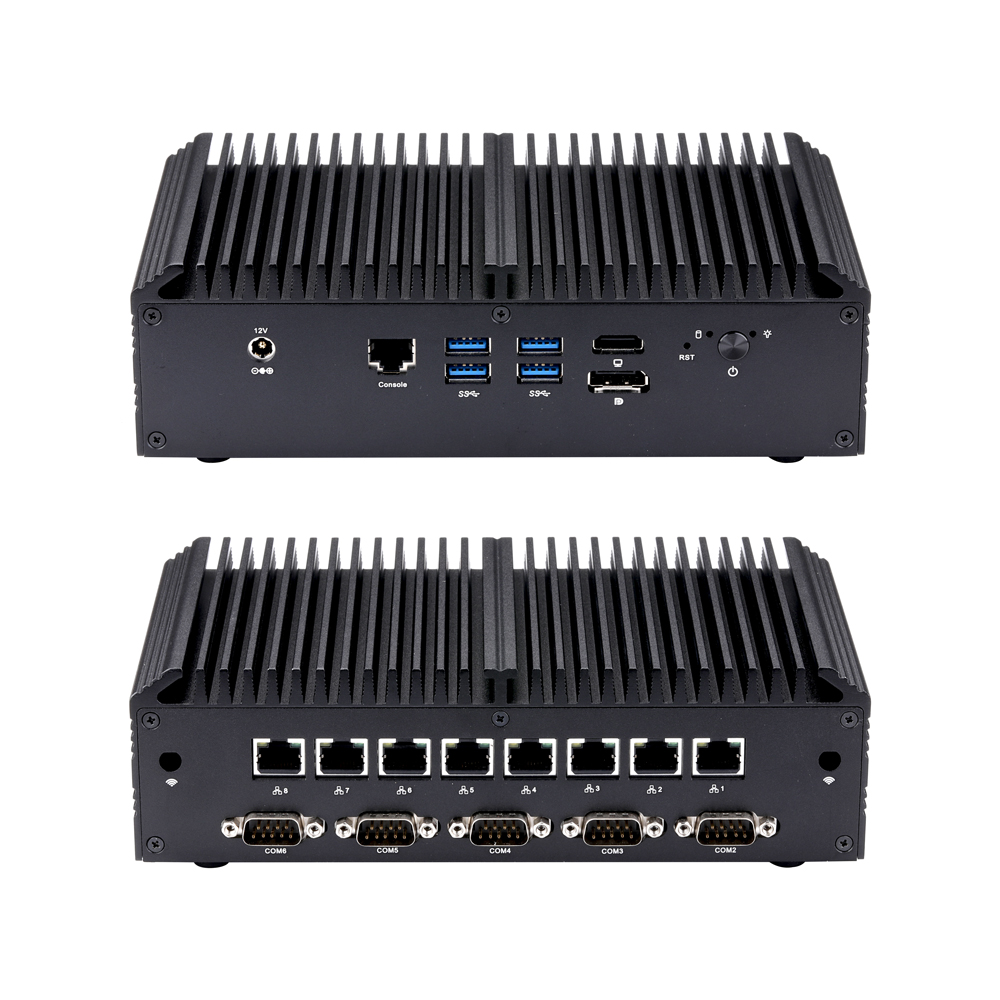
Міні-ПК Q30900GEX S10 серыі
Q30900GEX-S10
CPU: Whiskey Lake / Coffee Lake / Comet lake
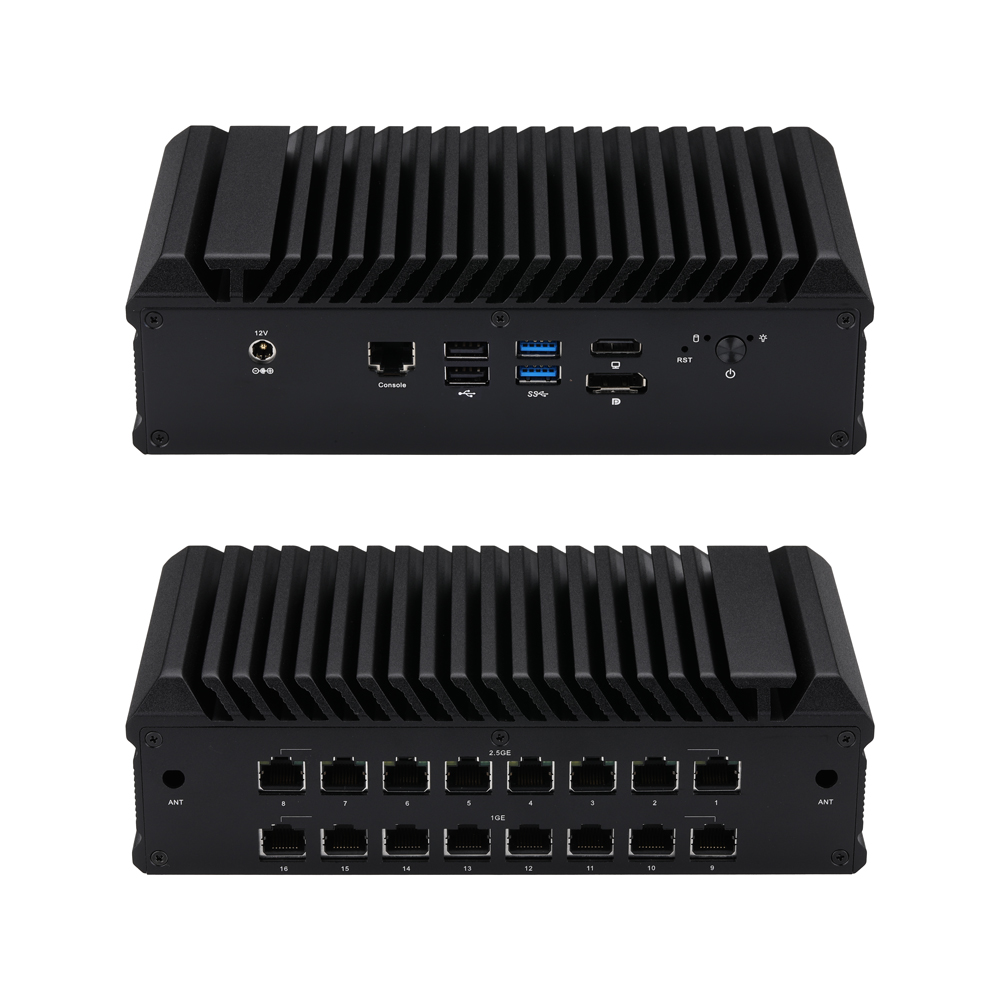
Міні-ПК Q30900GP S20 серыі
Q30900GP-S20
CPU: Whiskey Lake / Coffee Lake / Comet lake
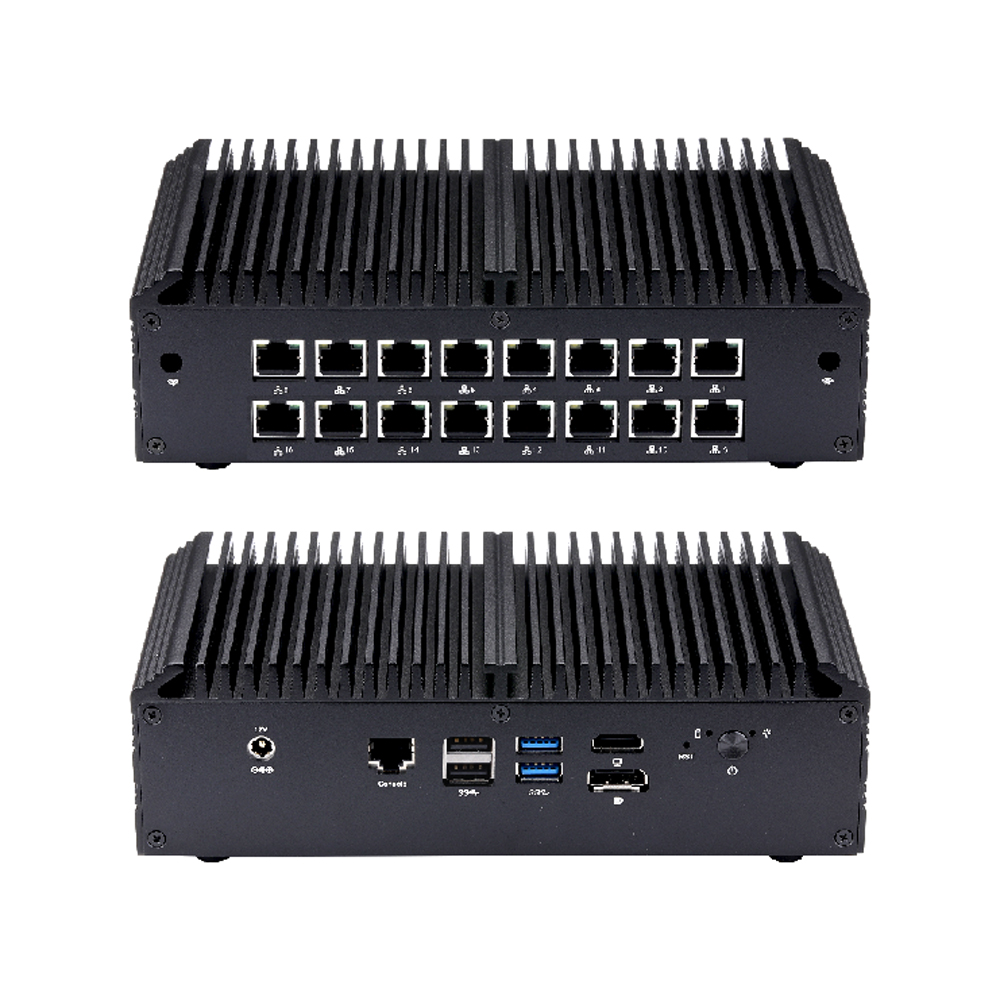
Міні-ПК Q30900GP S10 серыі
Q30900GP-S10
CPU: Whiskey Lake / Coffee Lake / Comet lake
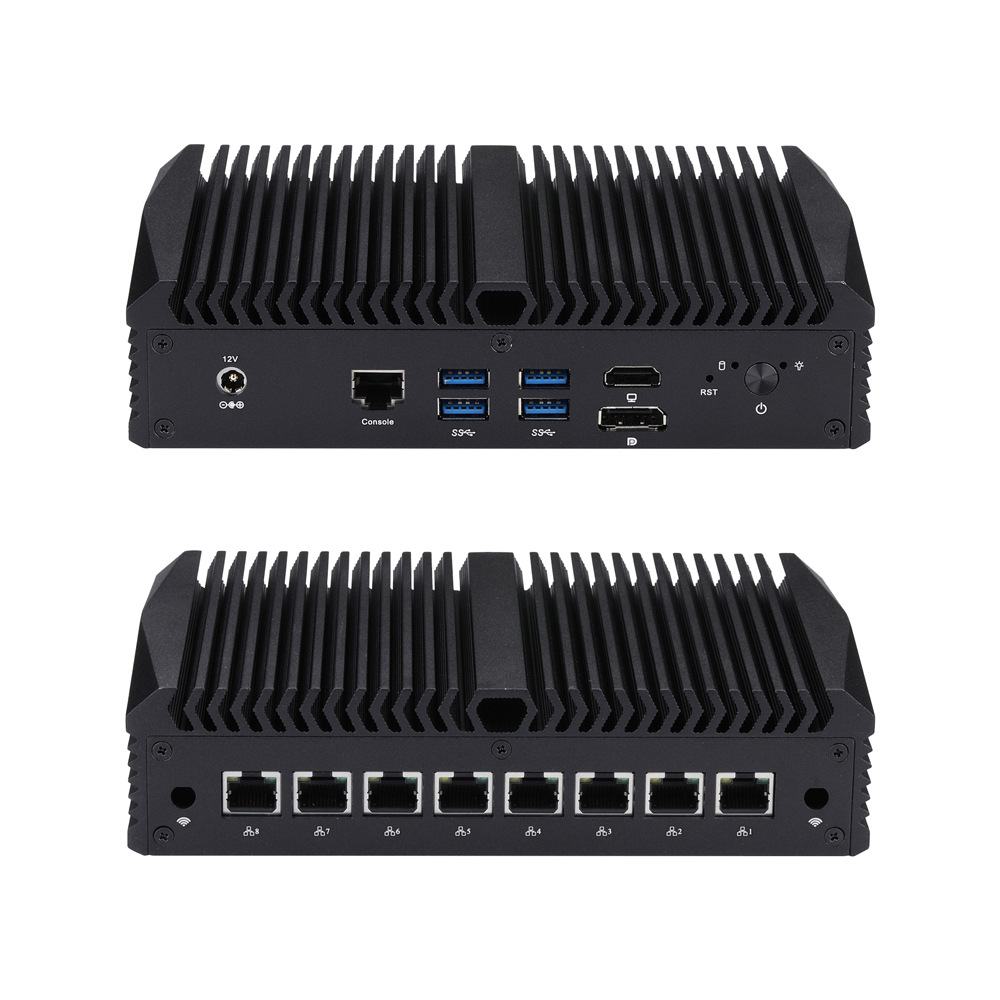
Міні-ПК Q30900GER S13 серыі
Q30900GER-S13
CPU: Whiskey Lake / Coffee Lake / Comet lake
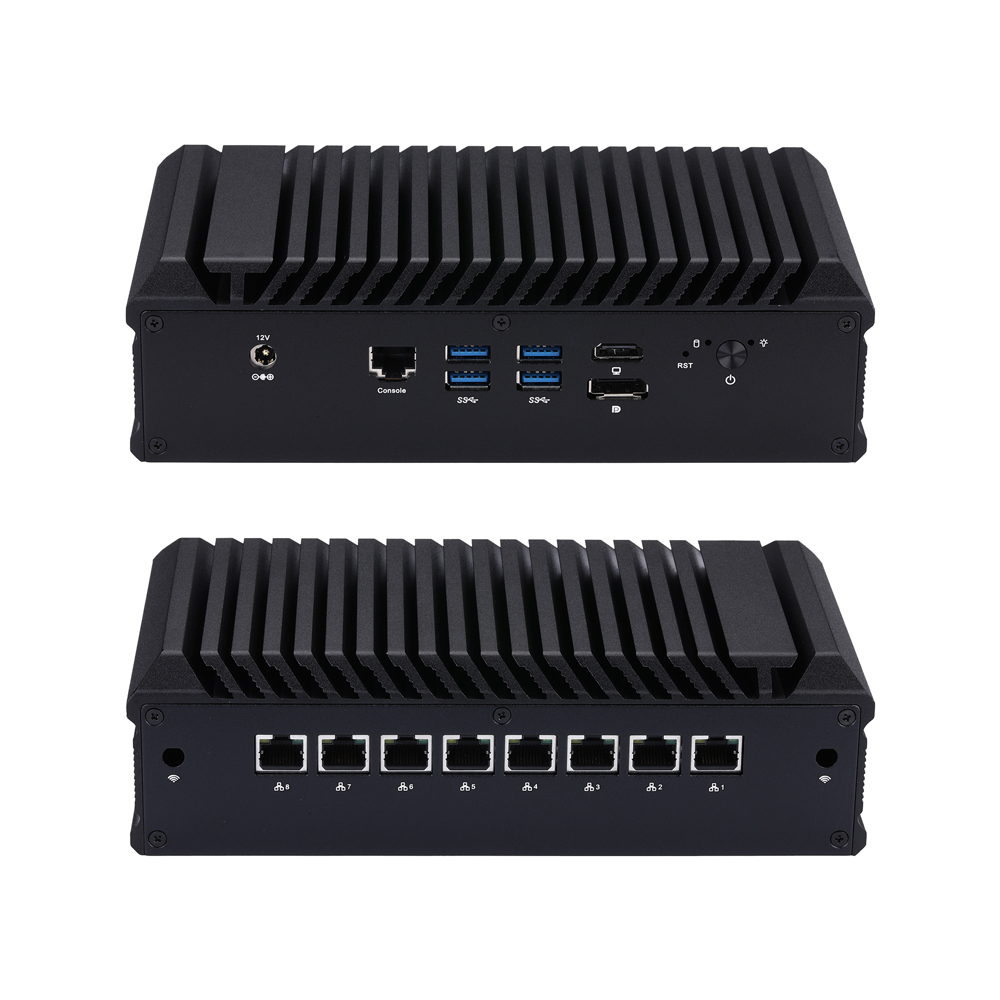
Міні-ПК Q30900GER S20 серыі
Q30900GER-S20
CPU: Whiskey Lake / Coffee Lake / Comet lake
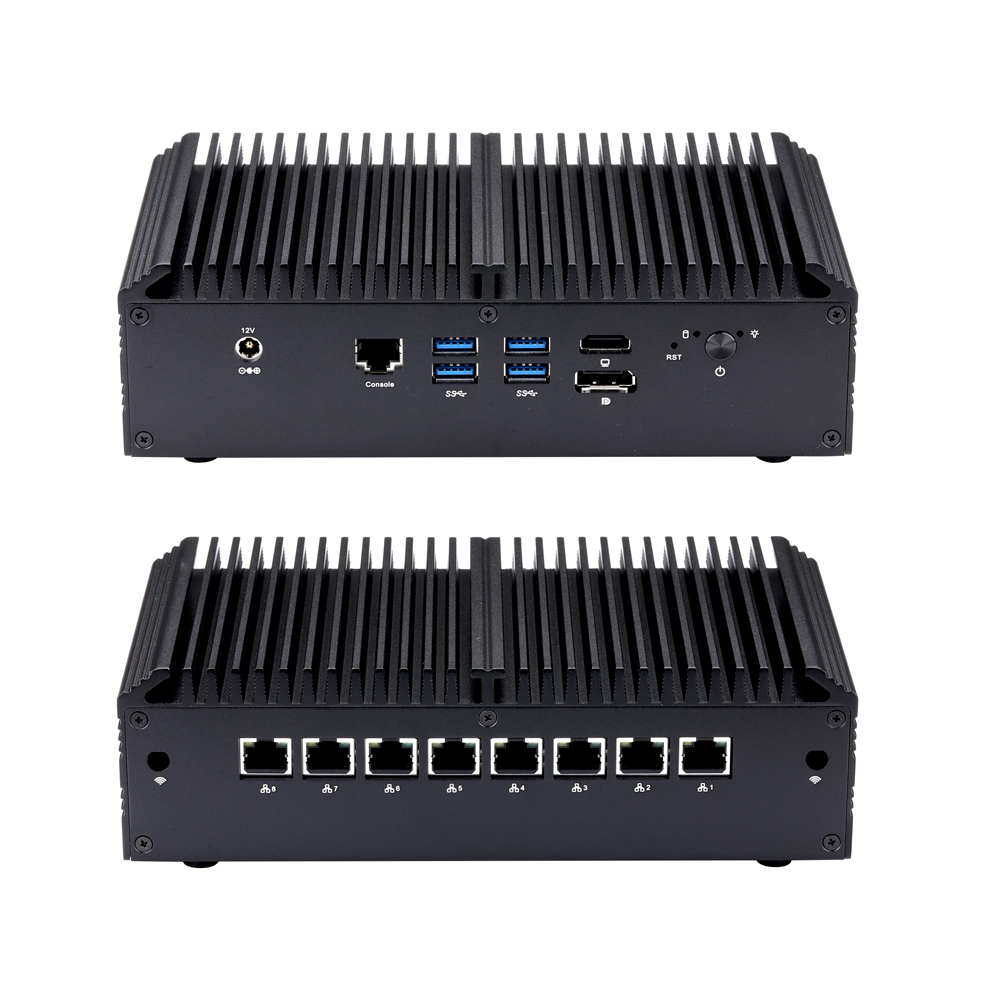
Міні-ПК Q30900GER S10 серыі
Q30900GER-S10
CPU: Whiskey Lake / Coffee Lake / Comet lake

Міні-ПК Q30900GER S23 серыі
Q30900GER-S23
CPU: Whiskey Lake / Coffee Lake / Comet lake
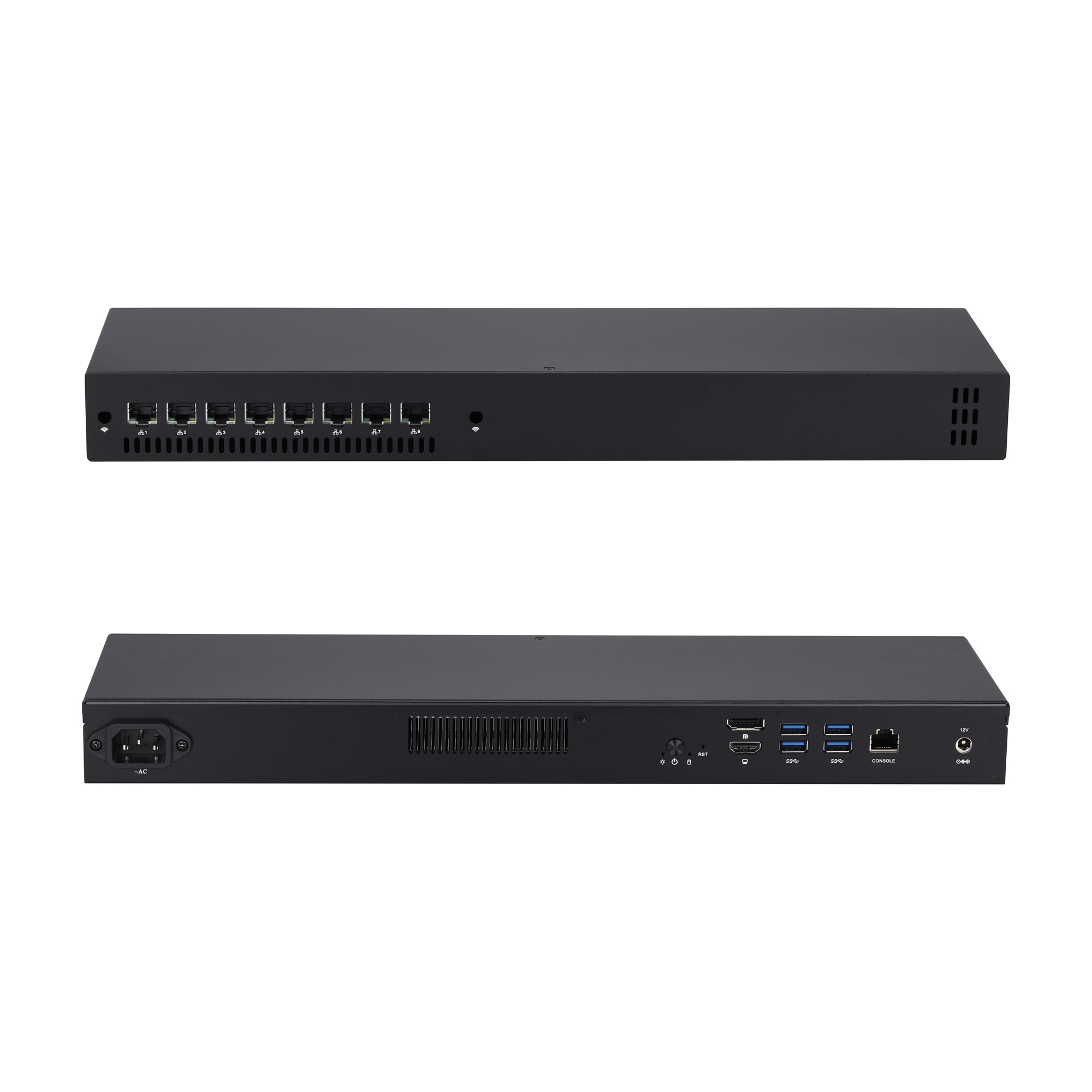
Міні-ПК Q30900GER 1U07 серыі
Q30900GER-1U07
CPU: Whiskey Lake / Coffee Lake / Comet lake
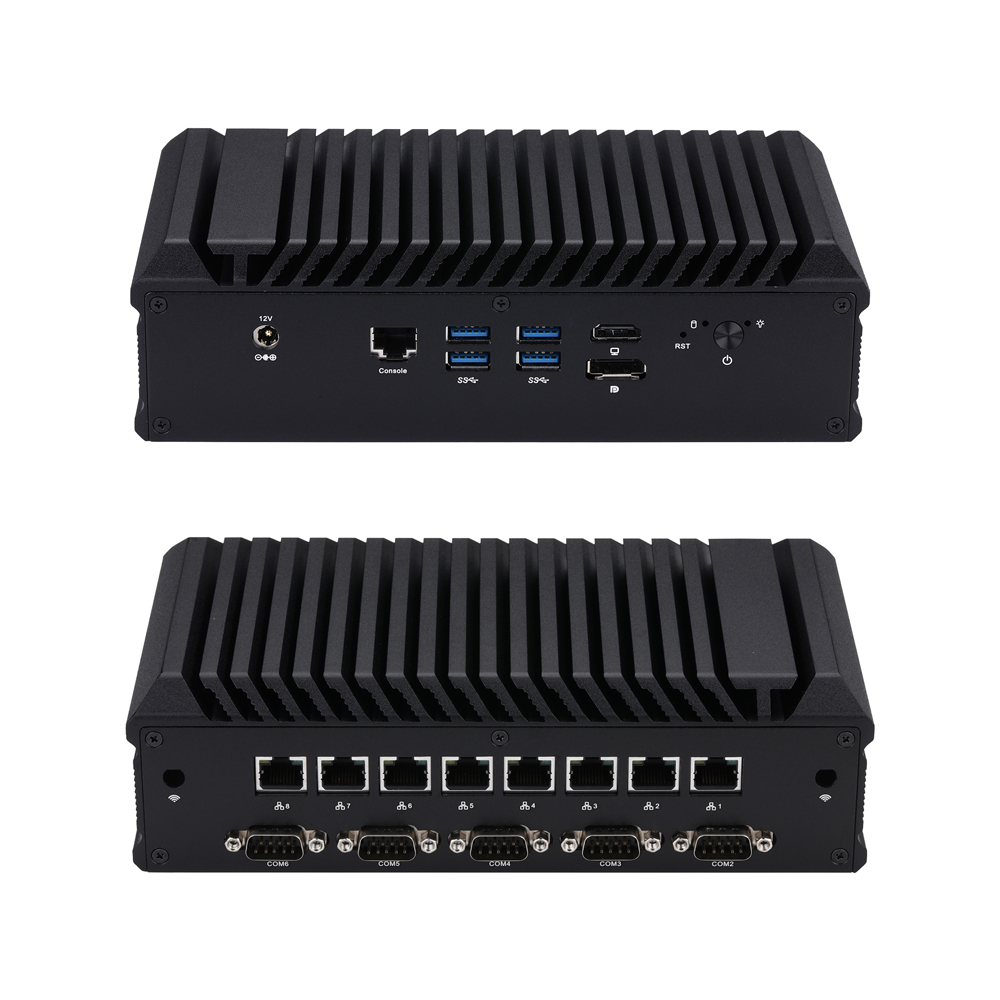
Міні-ПК Q30900GERX S20 серыі
Q30900GERX-S20
CPU: Whiskey Lake / Coffee Lake / Comet lake
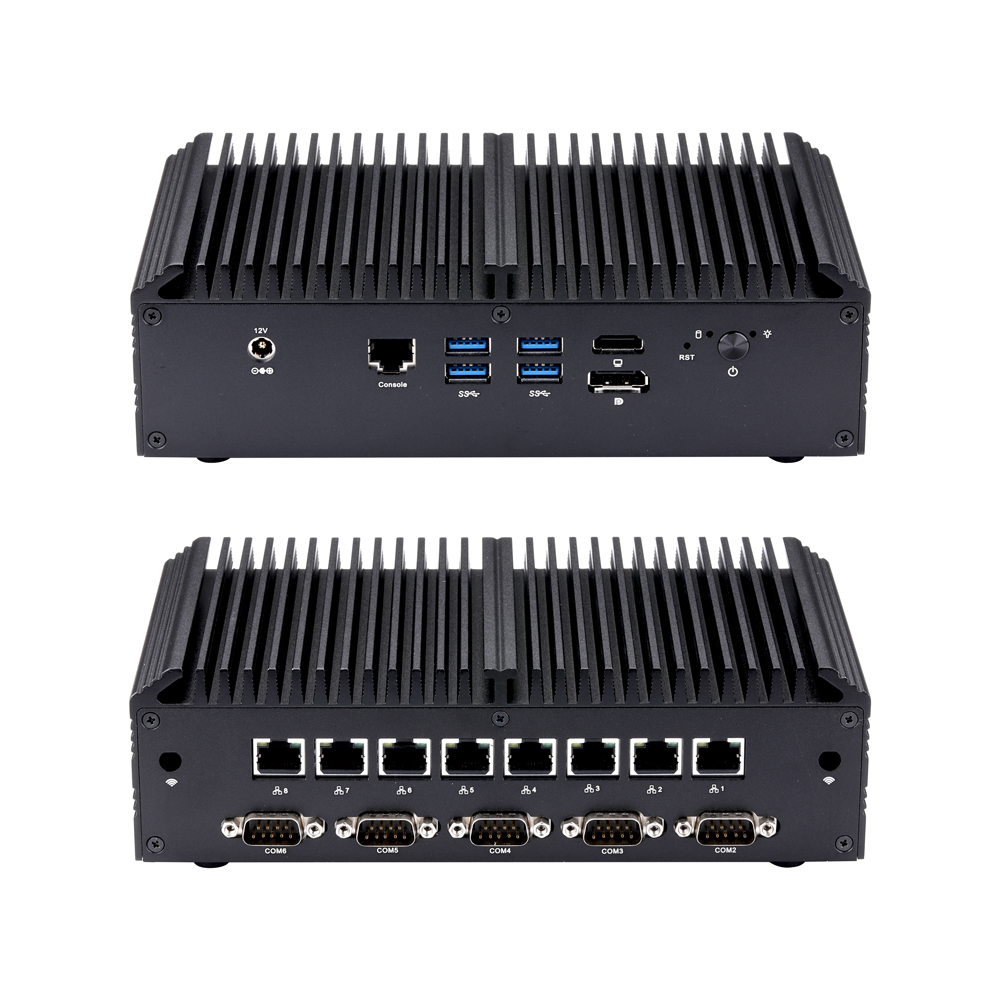
Міні-ПК Q30900GERX S10 серыі
Q30900GERX-S10
CPU: Whiskey Lake / Coffee Lake / Comet lake
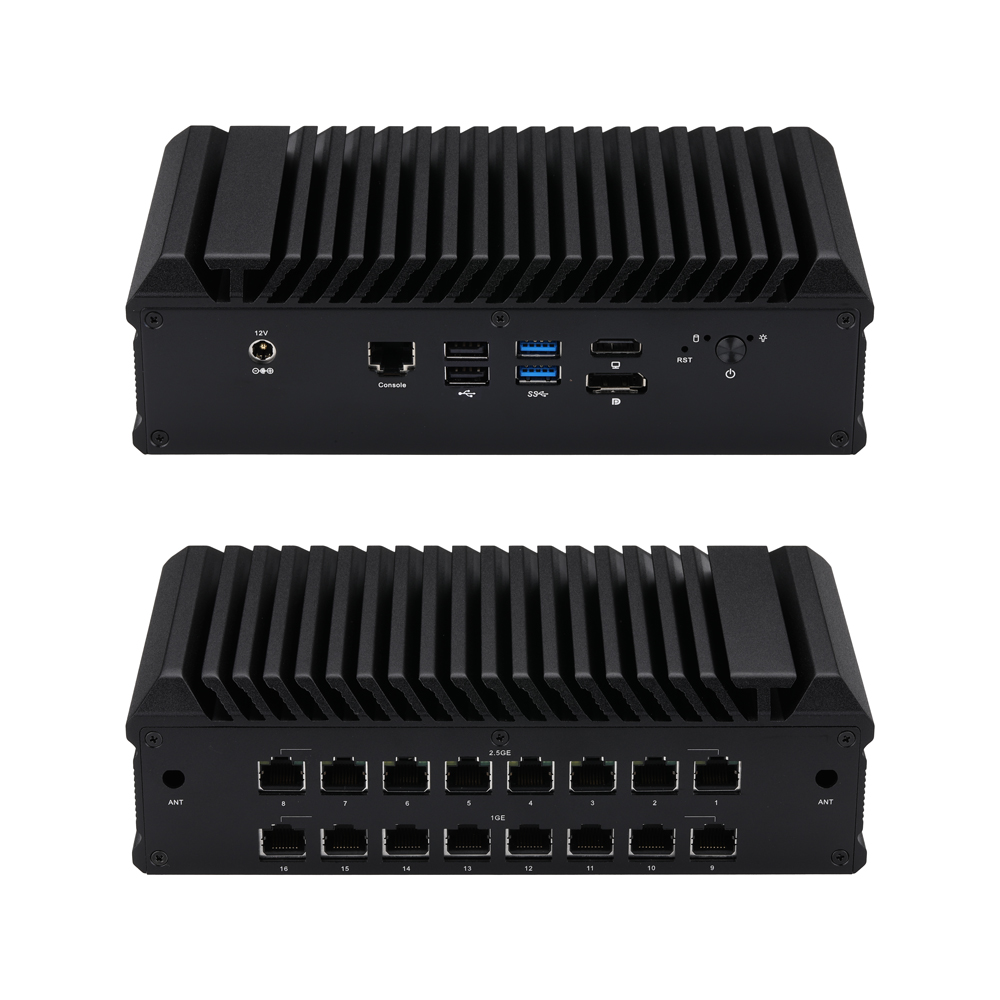
Міні-ПК Q30900GPR S20 серыі
Q30900GPR-S20
CPU: Whiskey Lake / Coffee Lake / Comet lake
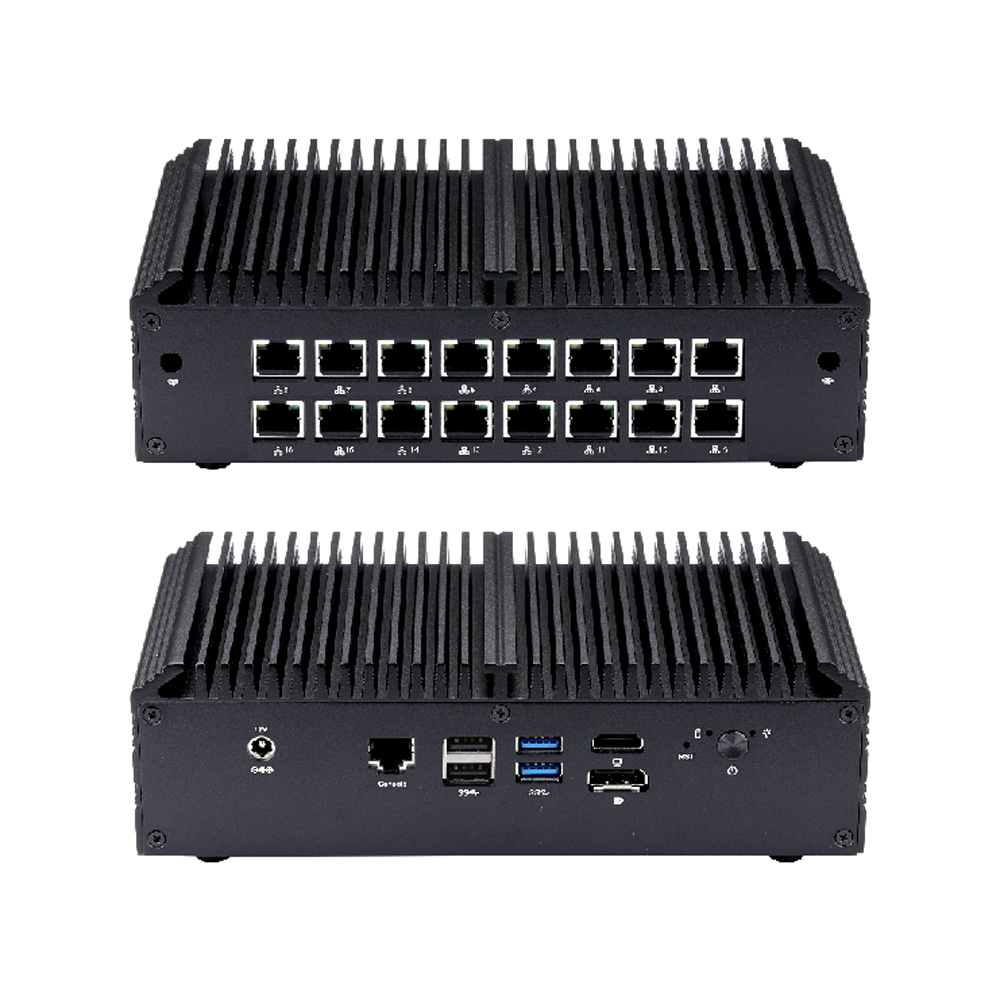
Міні-ПК Q30900GPR S10 серыі
Q30900GPR-S10
CPU: Whiskey Lake / Coffee Lake / Comet lake