
User Manuals
How to Prepare USB Stick for Update BIOS under UEFI Mode
This guide describes how to prepare a USB stick for BIOS refresh under UEFI mode, including formatting requirements and BIOS file deployment steps.
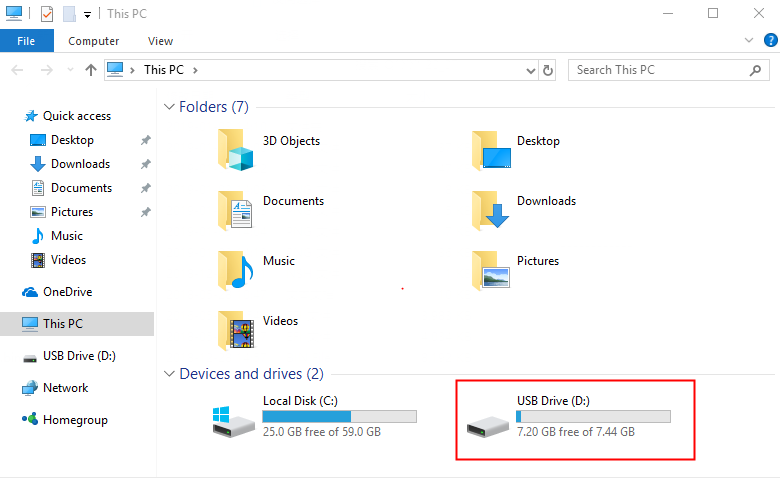
Plug the USB-Stick into the USB port of computer, refer to below screenshot.
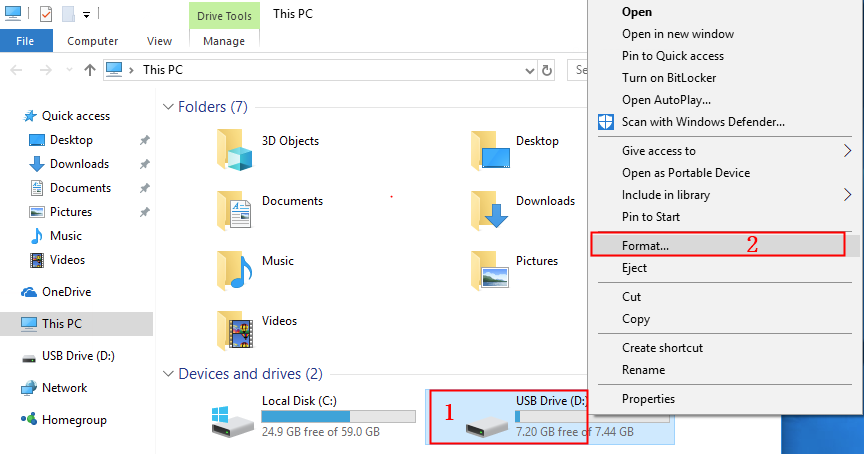
Click to the right button of mouse and choose option“Format”.
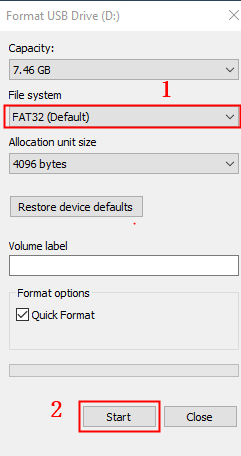
Please refer to below screenshot, File system-“FAT32 (Default)”-“Start”-“OK”start formatting.
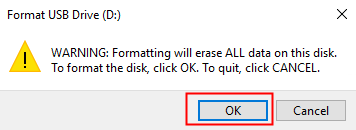
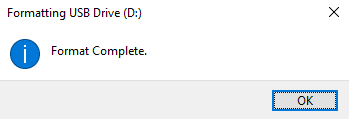
Format completed, refer to below screenshot。
After the BIOS file is unzipped, put it into the root of USB-Stick, make sure the “EFI”folder is in there as well, refer to below screenshot.
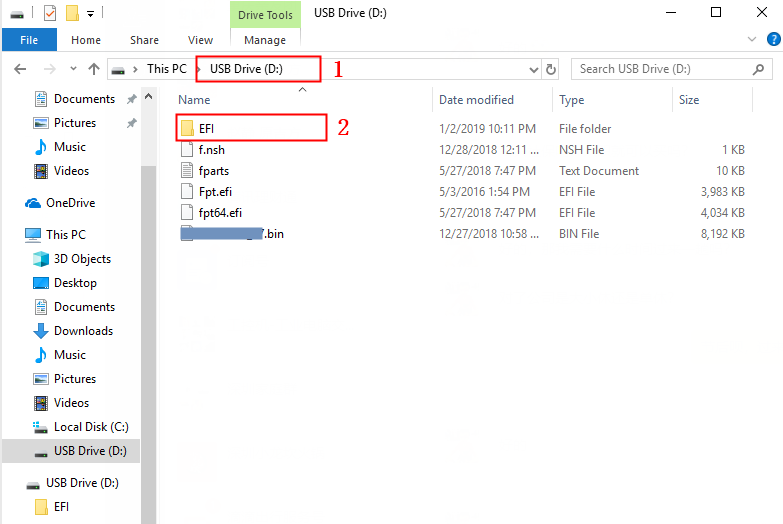
Done for the USB-Stick of refresh BIOS.