
 1 / 8
1 / 8Mini PC Q20300S9 S10 Series
Modelo: Q20300S9-S10
Principais Especificações
- CPU
- Denverton
- Memória
- DDR4 SO-DIMM · Máx 64GB
- LAN
- 9
- Armazenamento
- M.2 Mkey, SATA, Mini SAS
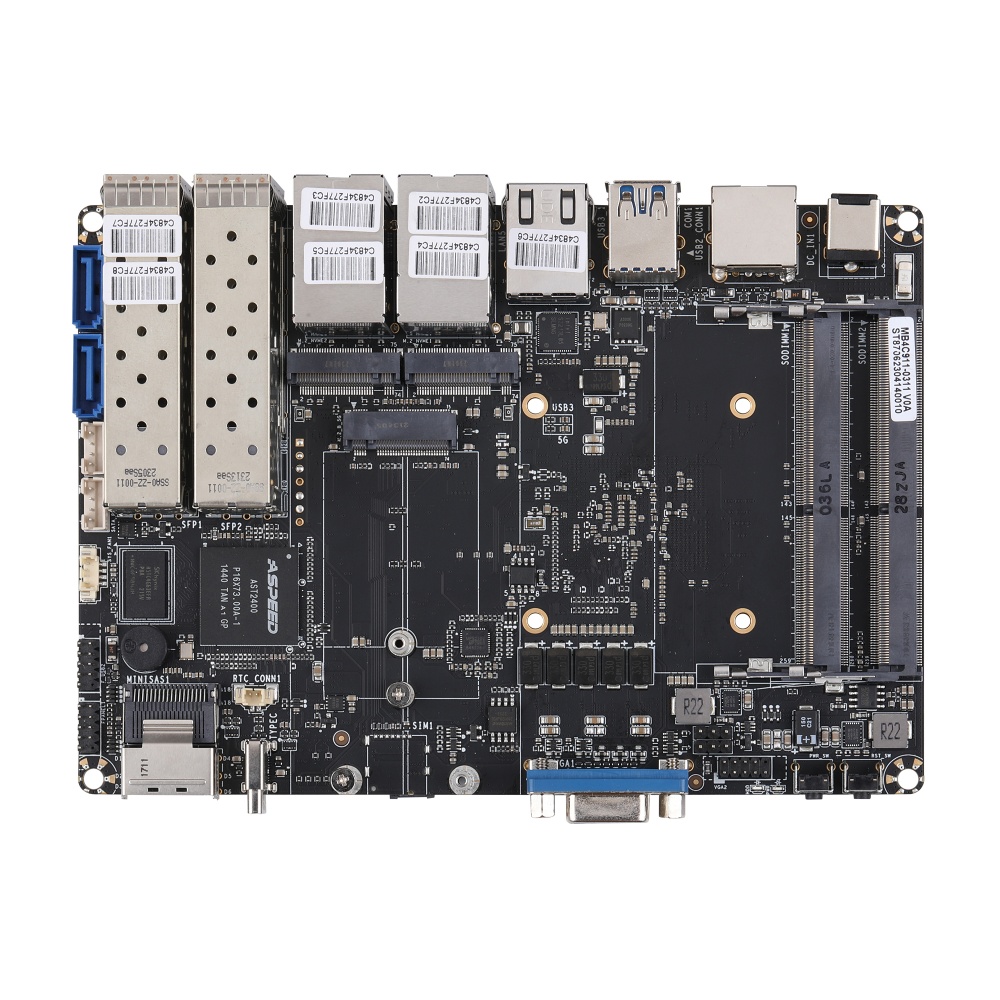
Placa-mãe Compatível
Main Features
Intel Denverton Processor
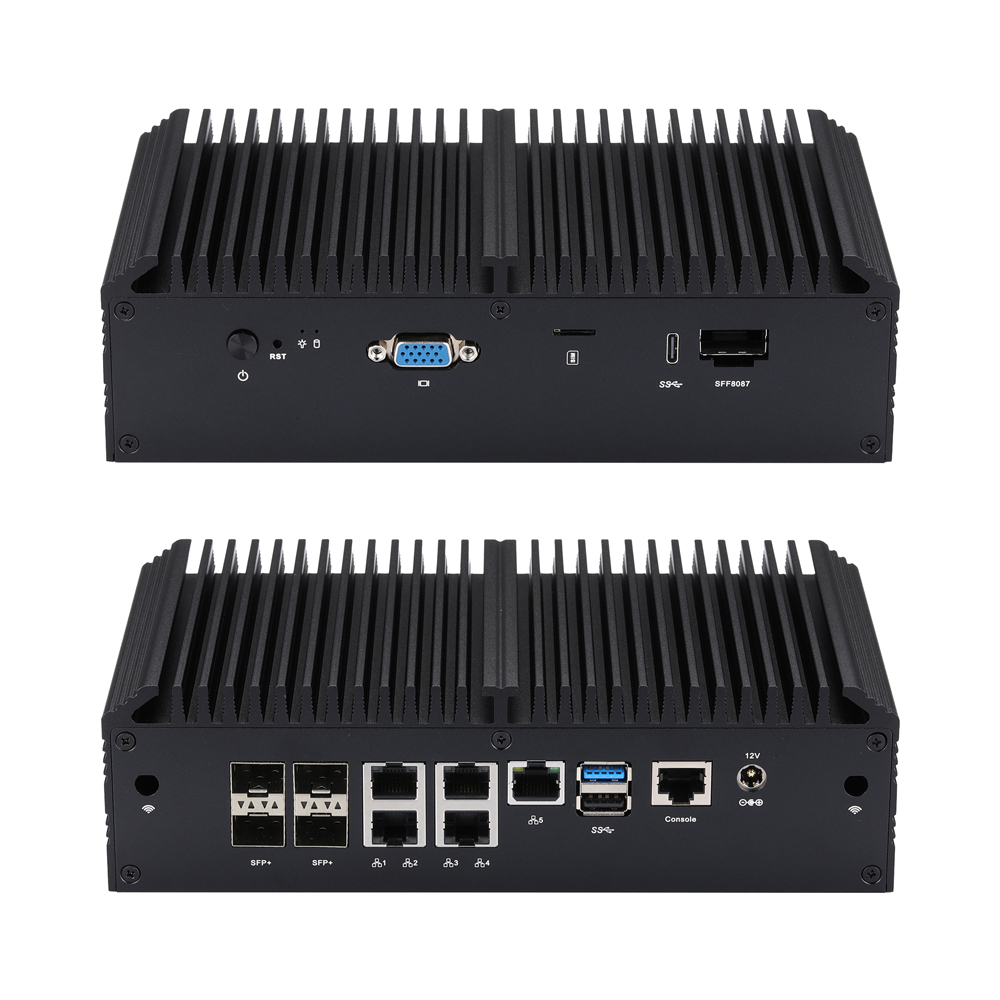
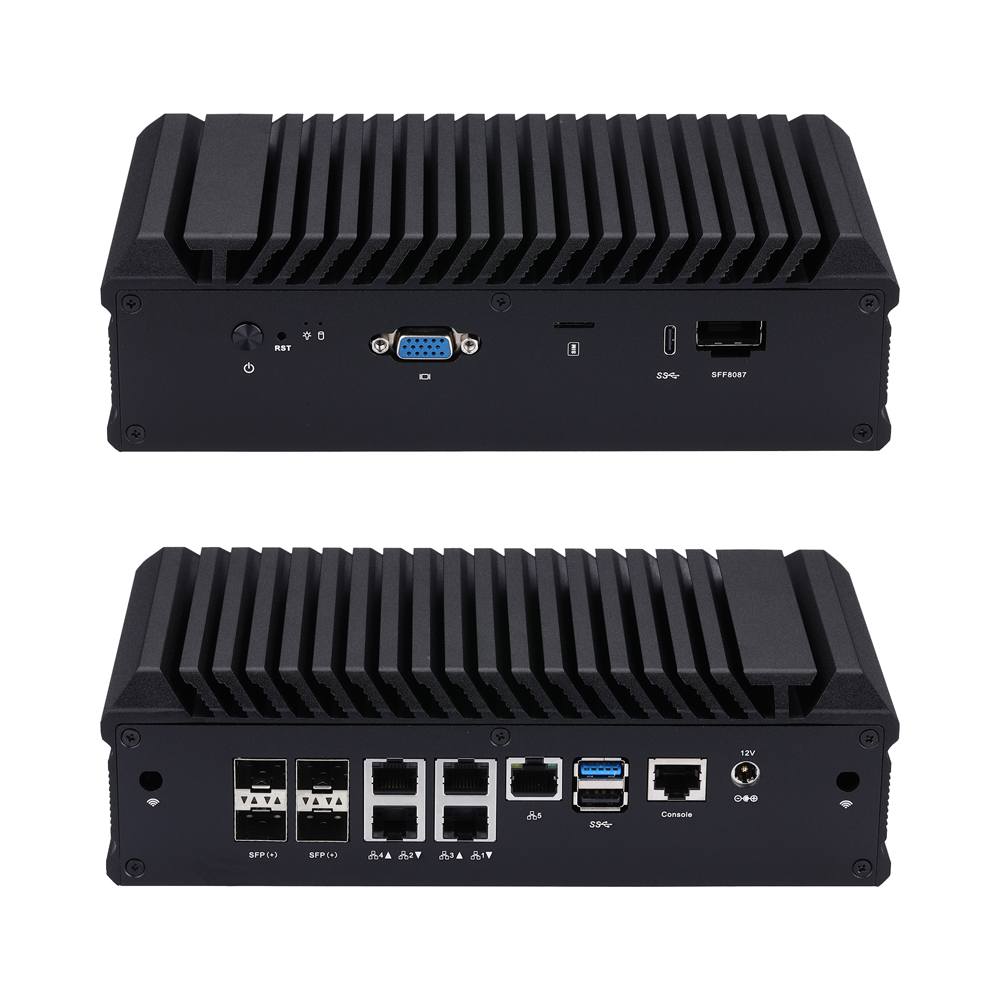
1 × VGA
1 × USB 3.0, 1 × USB 2.0, 1 × Type C (USB 3.0)
2 × M.2 (PCIe 3.0 × 2)
1 × Mini SAS, 2 × SATA 3.0
1 × RS-232 (RJ-45)
4 × 10G SFP(+)
5 × Intel I225-V/I226-V 2.5G LAN
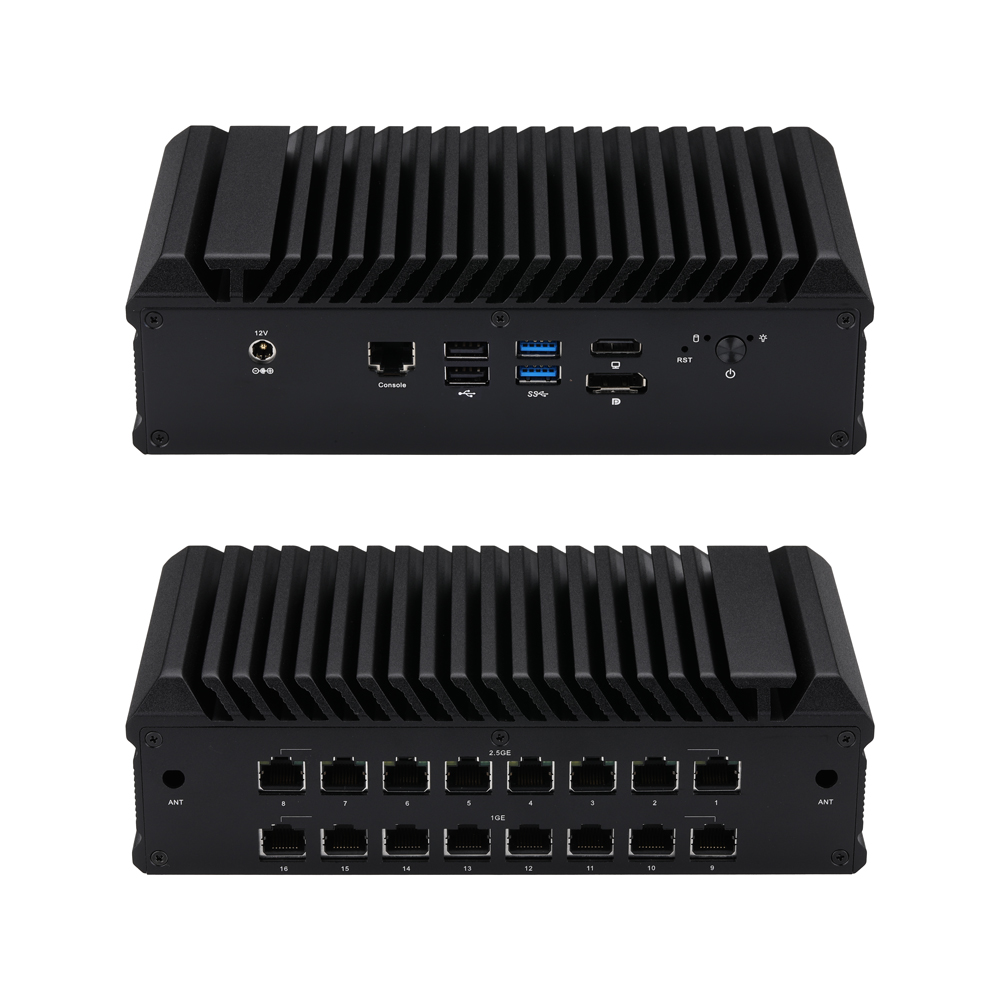
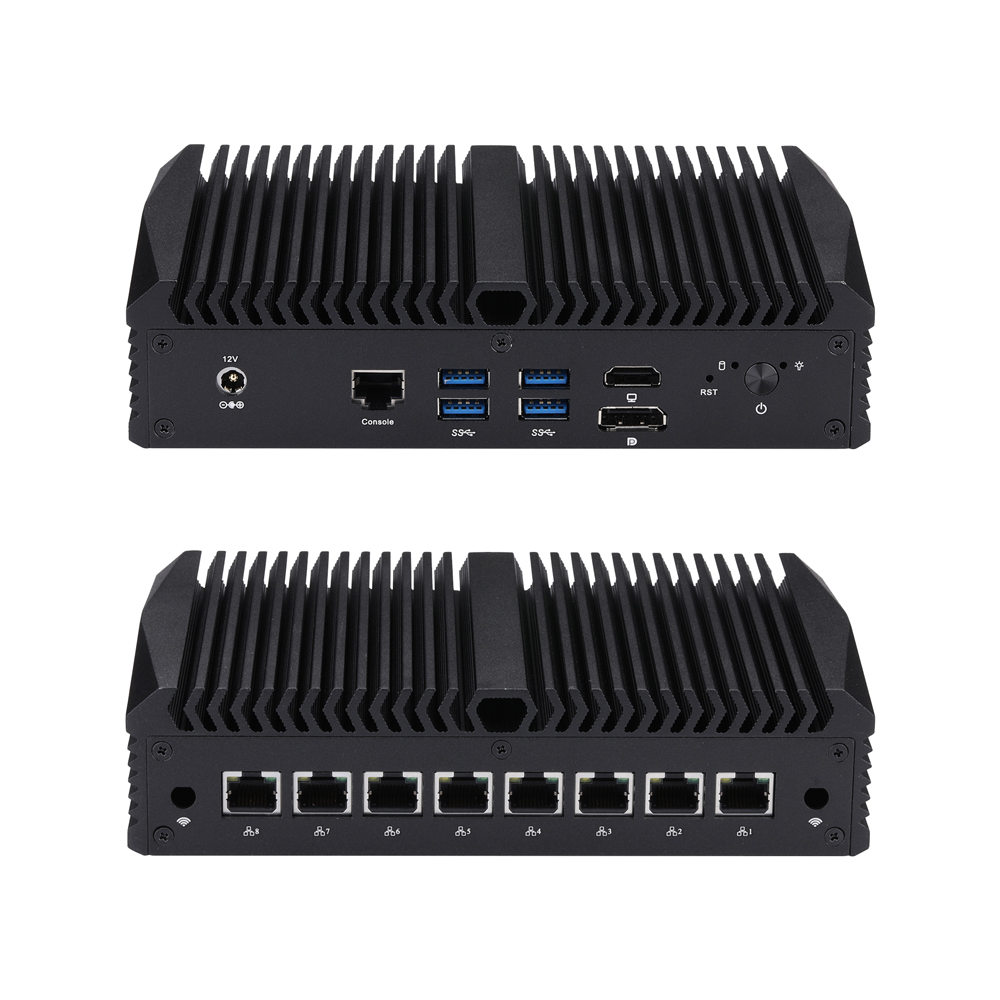
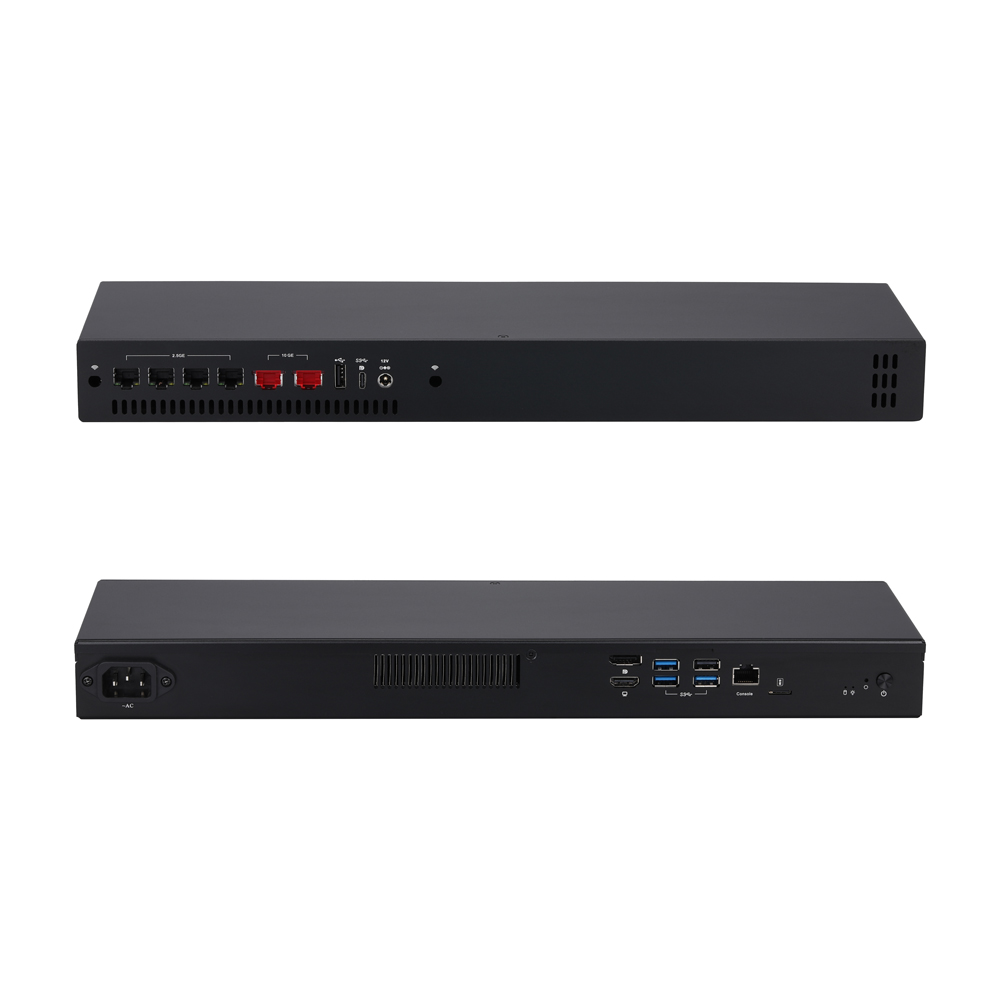
Produtos Relacionados
FAQ
How to Update BIOS in UEFI Mode for Q20300S9 Series
Learn the official UEFI Shell BIOS update steps for Qotom Q20300S9 Series industrial motherboards and soft routers. This guide covers two complete flashing solutions: standard BIOS-only update and advanced BIOS upgrade with 10G SFP+ port speed calibration, specially optimized for Intel Denverton C3808 and C3958 processors. Follow standard pre-operation preparation including HDD removal and FAT32 USB setup to avoid update errors. Note that SFP speed modification requires MAC address rewriting to ensure stable network performance.
Q20300S9 BIOS Setup Prior to MikroTik RouterOS Installation
This step-by-step guide covers required BIOS configuration on Qotom Q20300S9 before installing MikroTik RouterOS. You need to disable VT-d under IntelRCSetup > North Bridge Chipset Configuration > SSA Config to avoid Ethernet detection failures, boot hangs and packet loss for stable router operation.
RAM Compatibility Test Records – Q20300S9 Series
RAM Compatibility Test for Q20300S9 Series Mini PCs. This document lists supported DDR4 SO-DIMM specifications, maximum 64GB capacity, unbuffered ECC support, and verified Micron, Samsung, Kingston and Crucial memory modules. DDR4-2666 memory runs at 2400MHz due to memory controller limitation.