
Professioneller industrieller
Mini-PC-Hersteller
Seit 2011 entwickelt und fertigt Qotom lüfterlose industrielle Mini-PCs, eingebettete Motherboards und Multi-LAN Soft-Router. 2800+ Modelle, ab Werk, mit OEM/ODM-Anpassung, in über 50 Ländern im Einsatz.
Jahre Erfahrung
Bediente Länder
Ausgelieferte Geräte
Produktmodelle
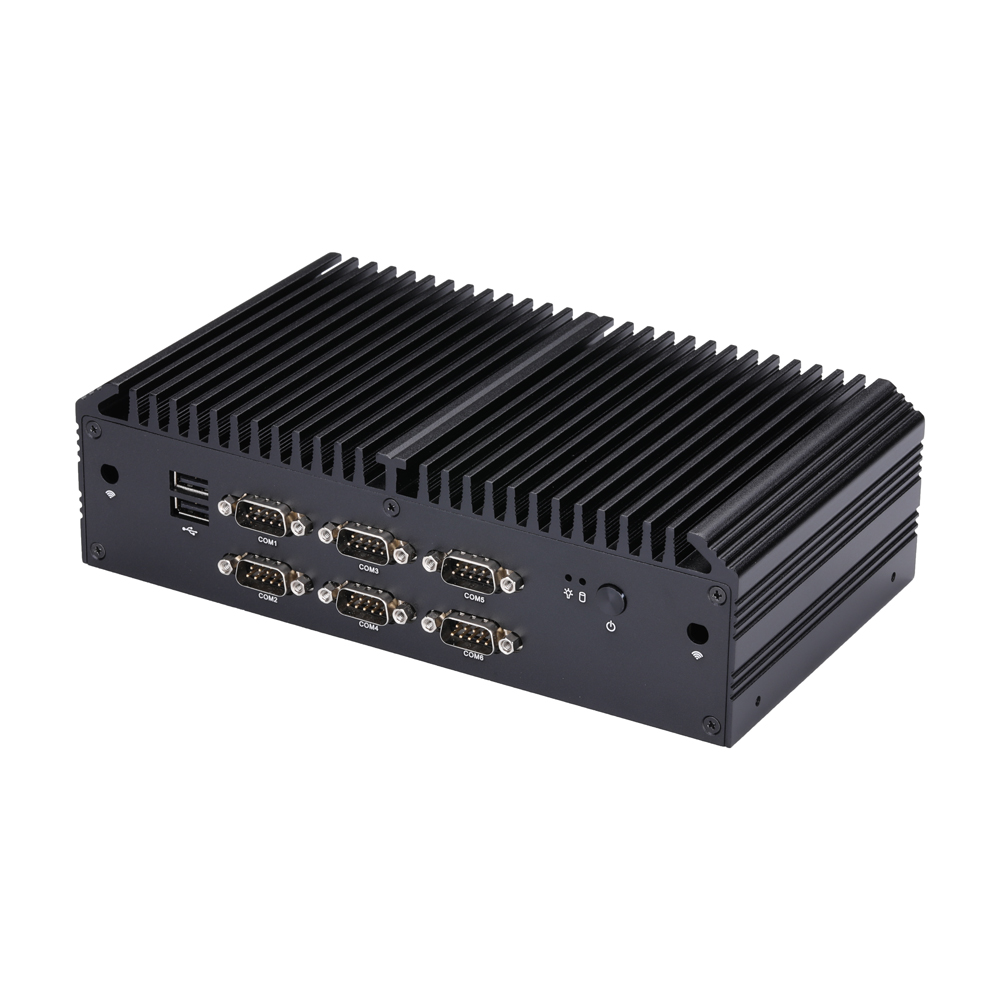
Produktkategorien
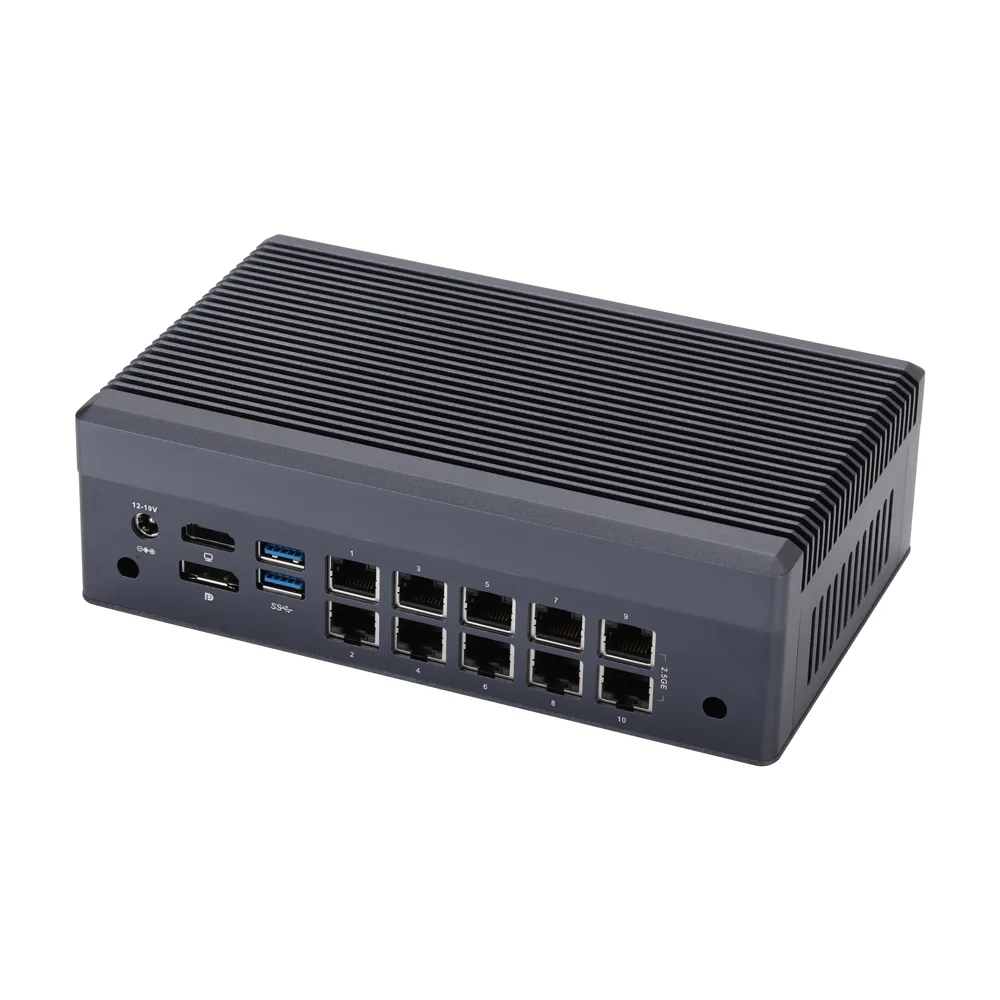
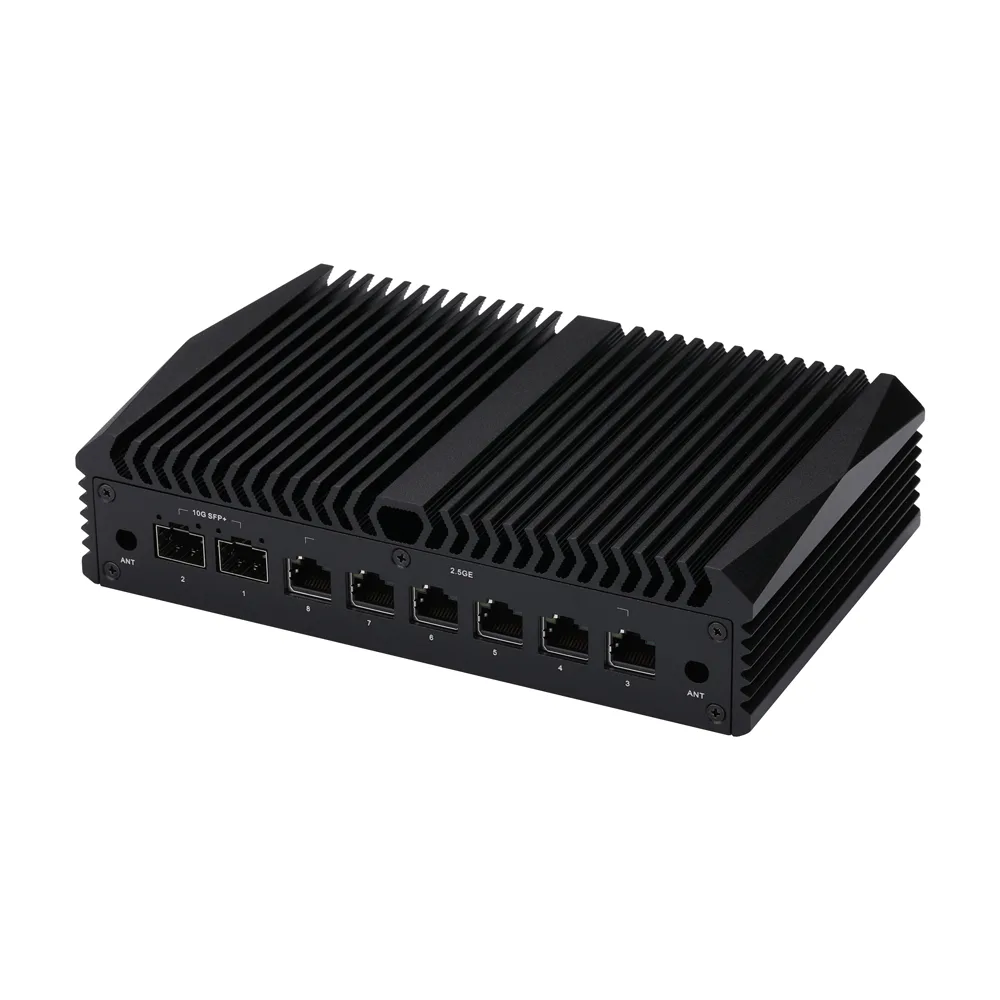
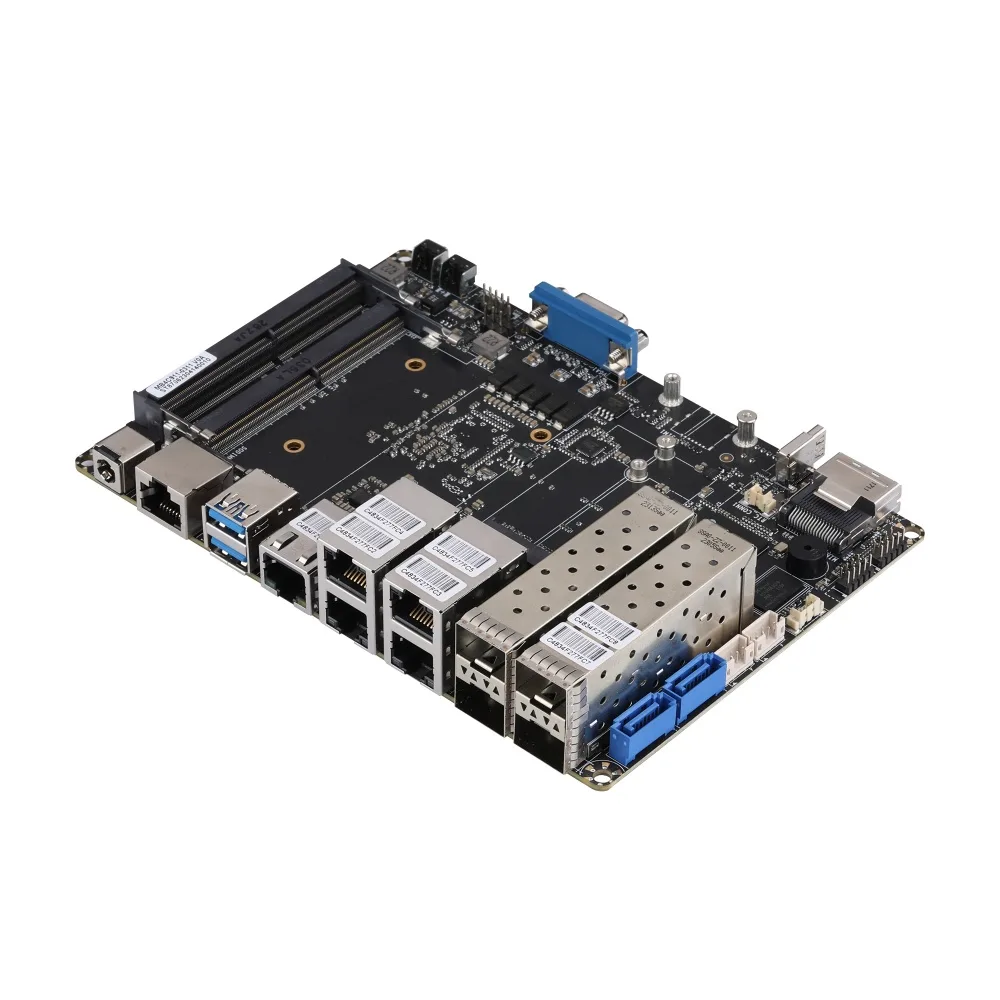
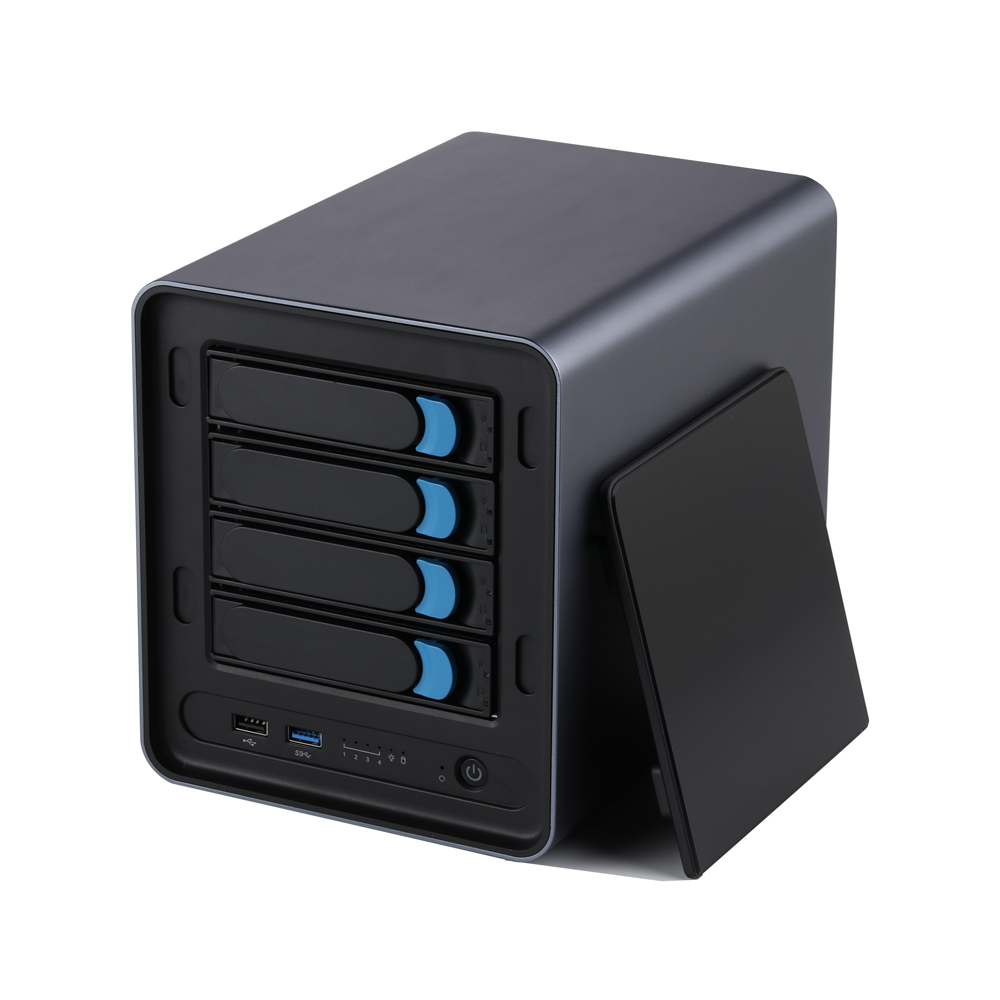
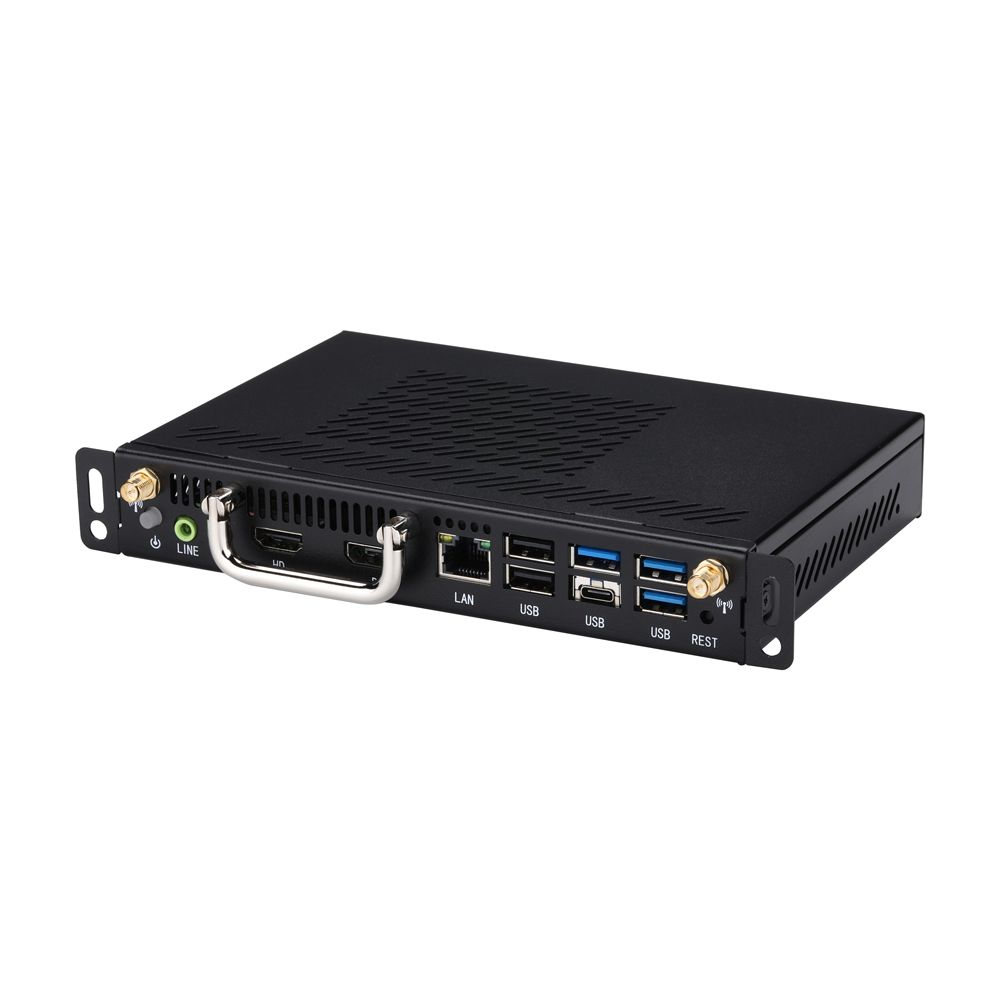
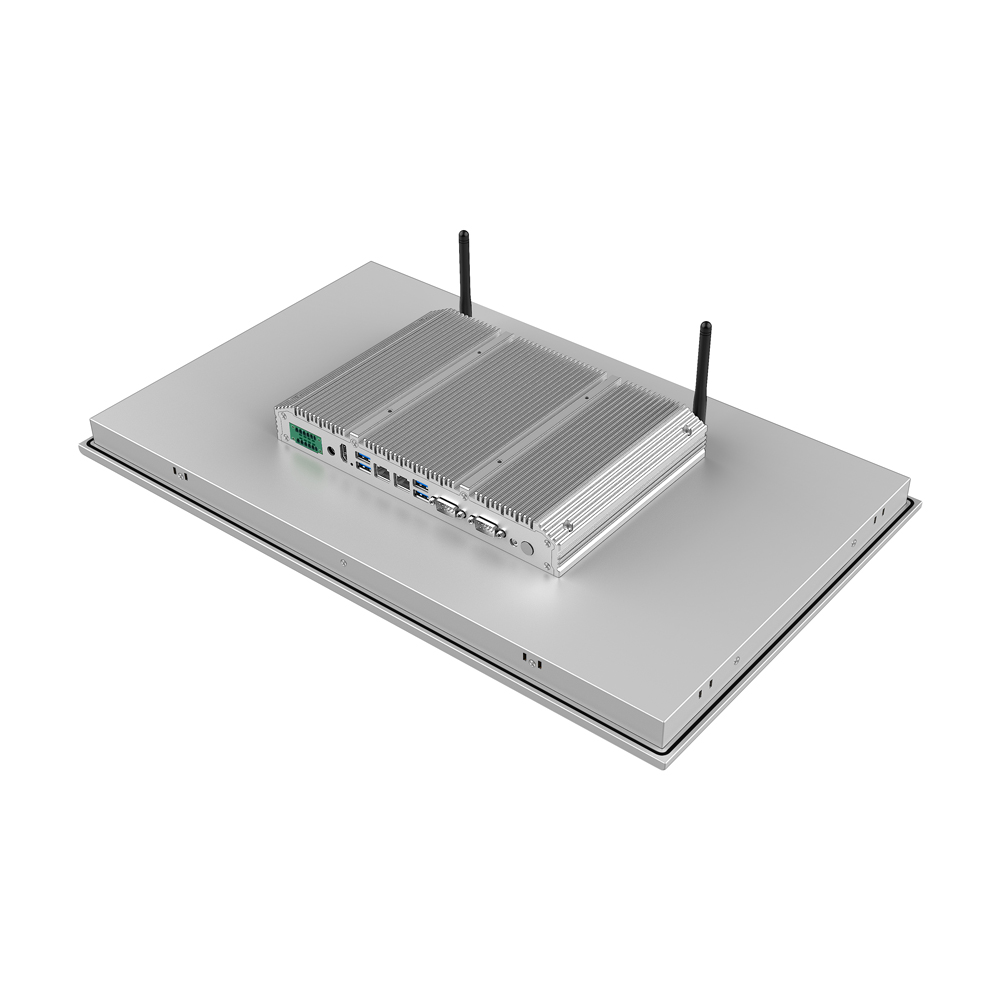
Vollständige Produktpalette: Mini-PCs, Industrie-Motherboards, IPCs und Router
Bewertet von Tech-YouTubern
Echte Bewertungen von globalen Tech-Rezensenten und Ingenieuren – hören Sie, was sie über Qotom sagen
Ausgewählte Produkte
Alle anzeigen
MB2J460-0700
Motherboard MB2J260-0700 Serie
MB4UT1C-1200
Mainboard MB4HT1C-1100 Serie
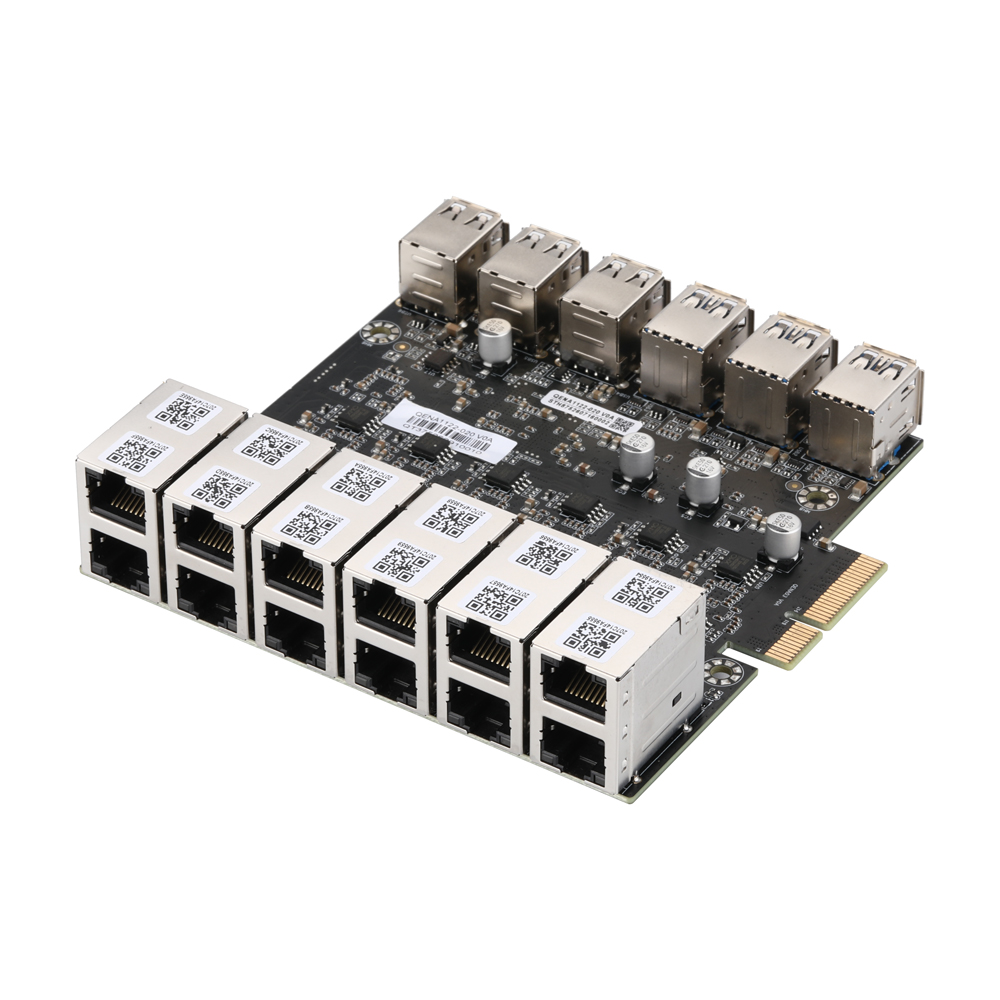
QENA1122-020
12-Port 2.5GbE PCIe Ethernet Network Adapter,QENA1122-020
MB3J463-0800
Motherboard MB3J263-0800 Serie
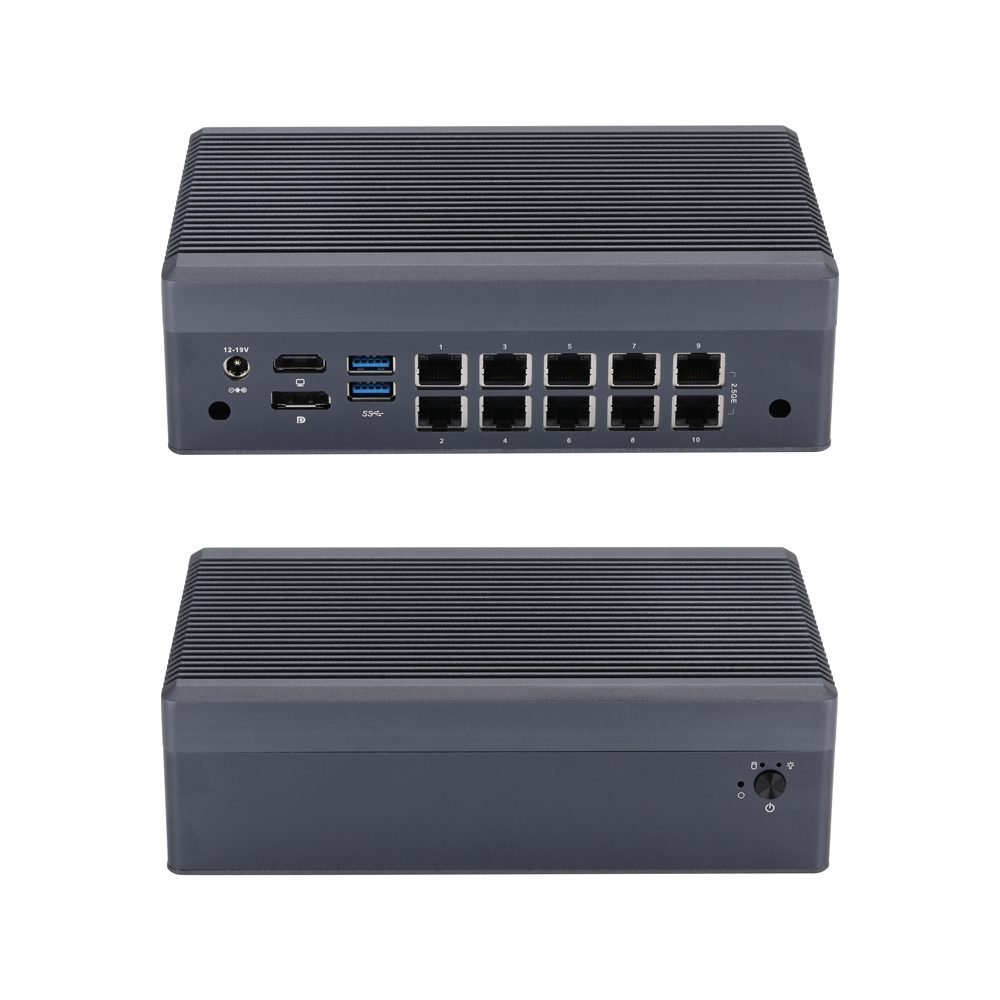
Q31200GT-S23
Mini-PC Q31100GT S23 Serie
MB3J467-0900
Motherboard MB3J267-0900 Serie
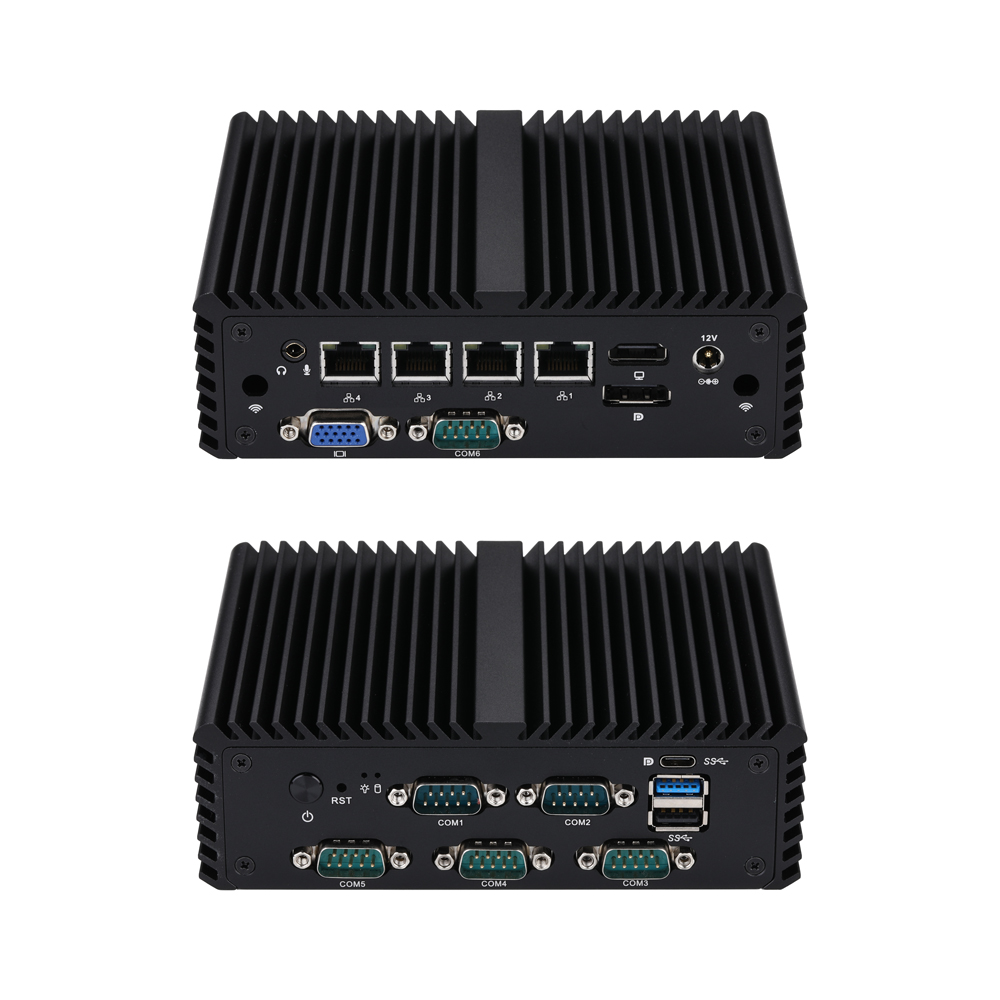
Q10700G4XV-S08
Mini-PC Q10700XV S08 Serie
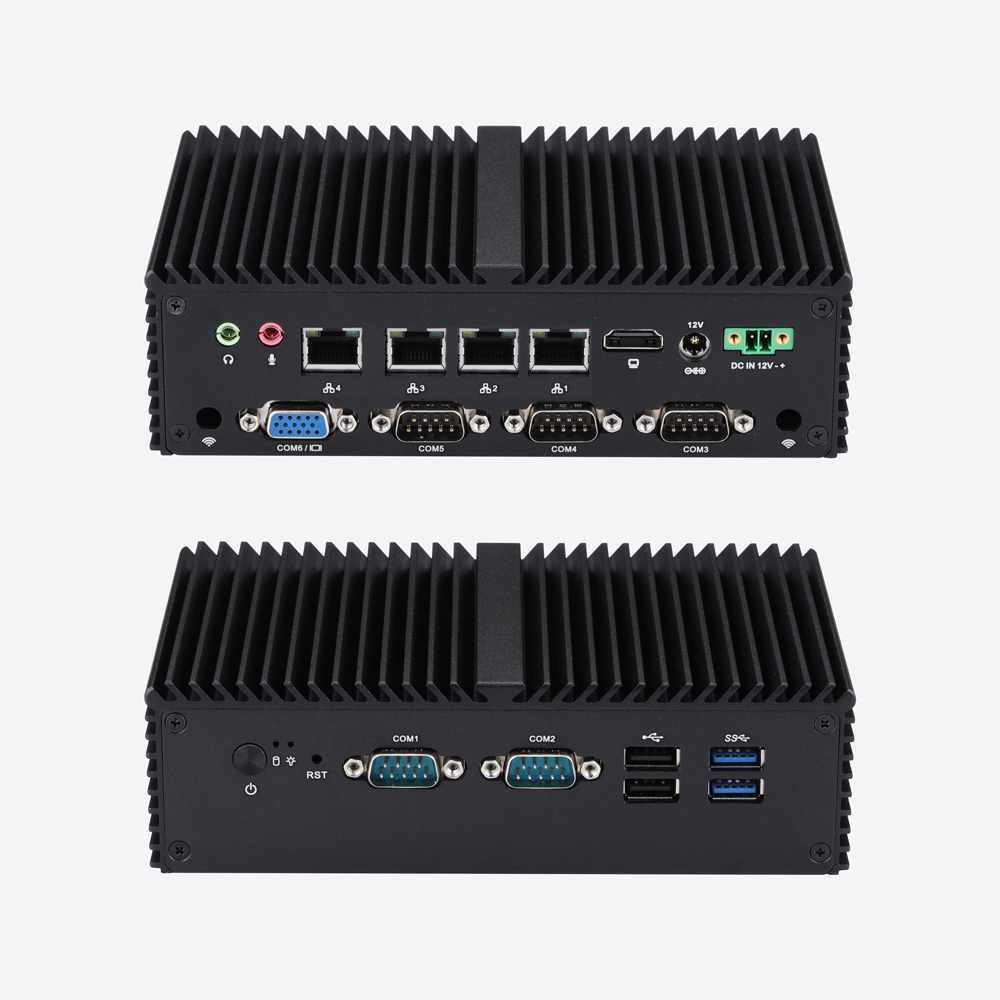
Q10800G4XV-S04
Mini-PC Q10800XV S04 Serie
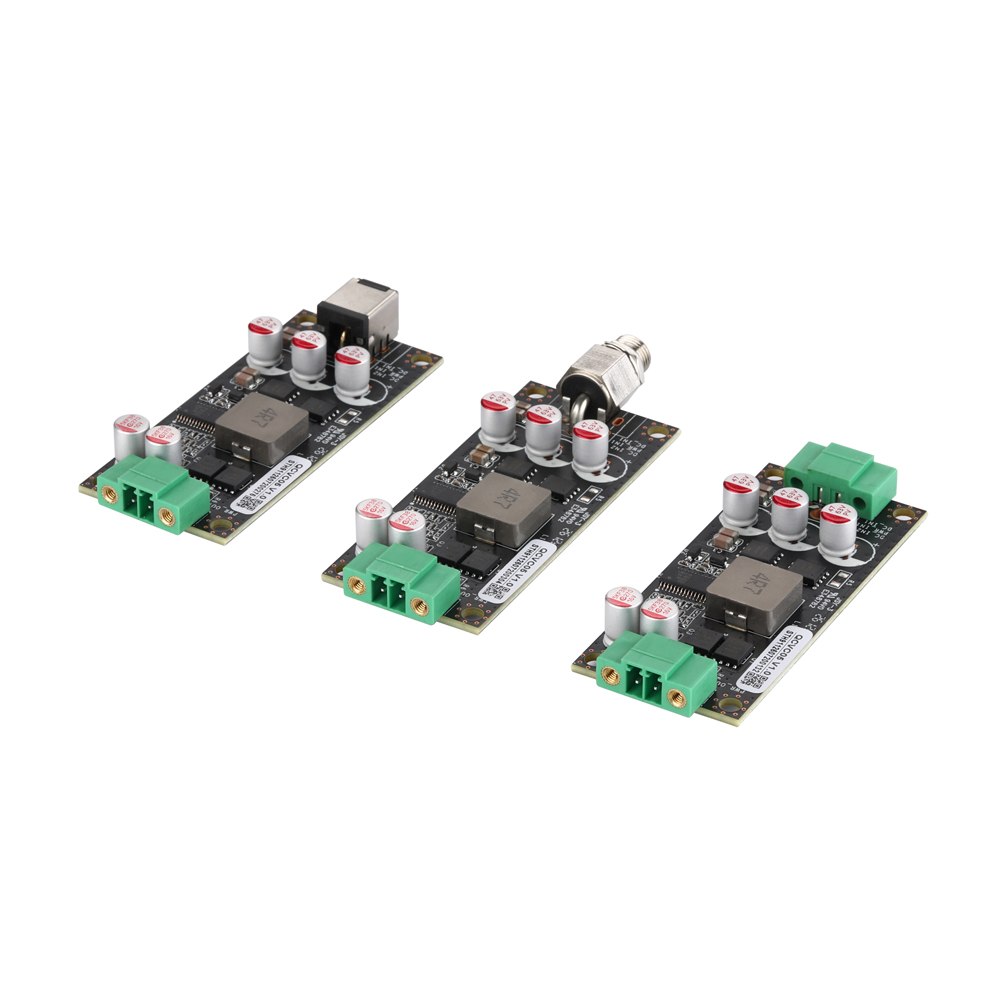
QCVC05
QCVC05 9-48V to 12V Wide Voltage DC Power Conversion Card
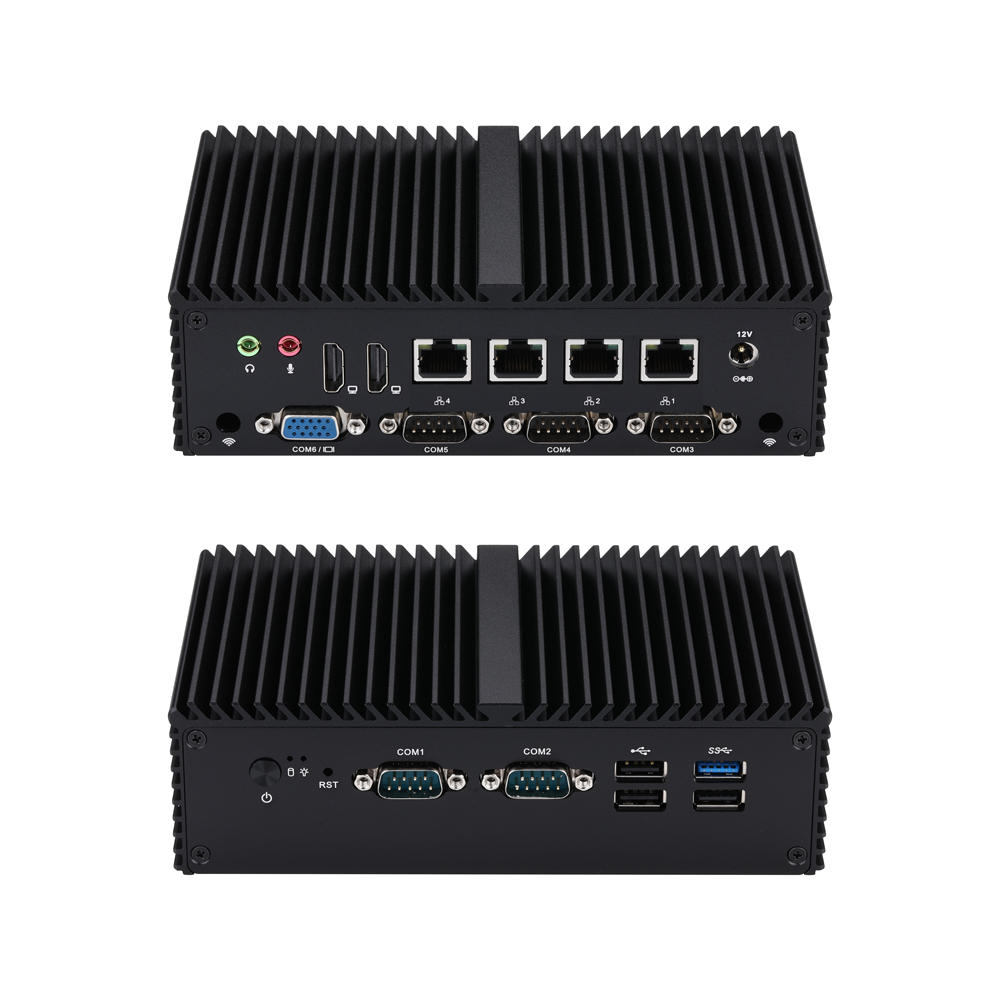
Q10900G4XV-S04
Mini-PC Q10900XV S04 Serie
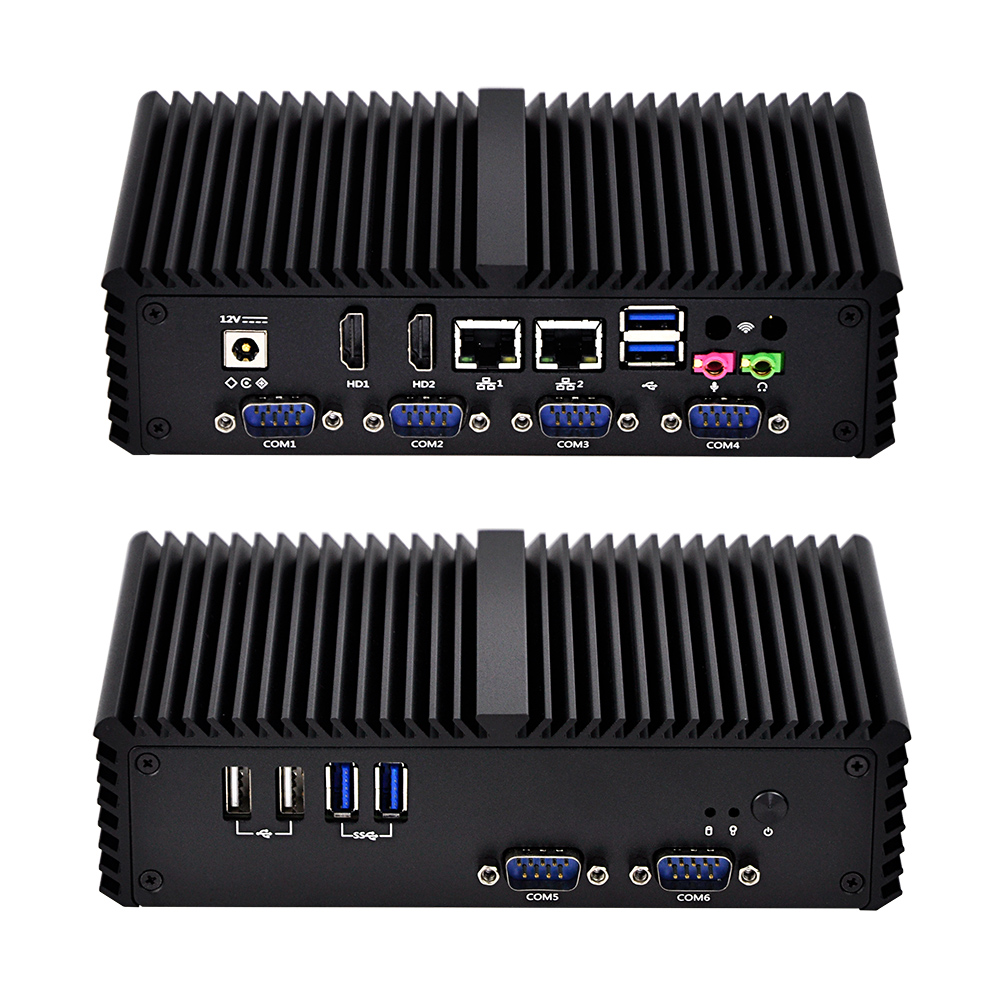
Q300X-S05
Mini-PC Q300X S05 Serie
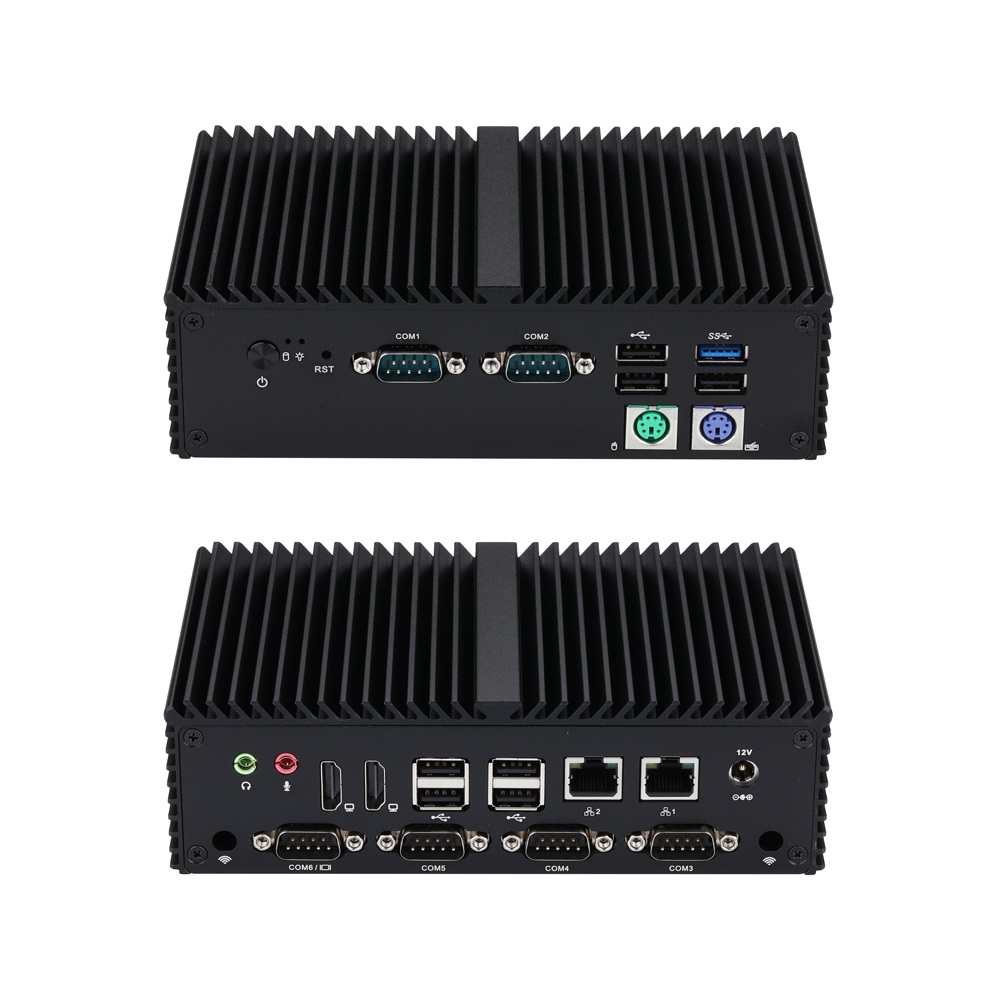
Q10900XP-S04
Mini-PC Q10900XP S04 Serie
Aktuelle Neuigkeiten
Weitere Neuigkeiten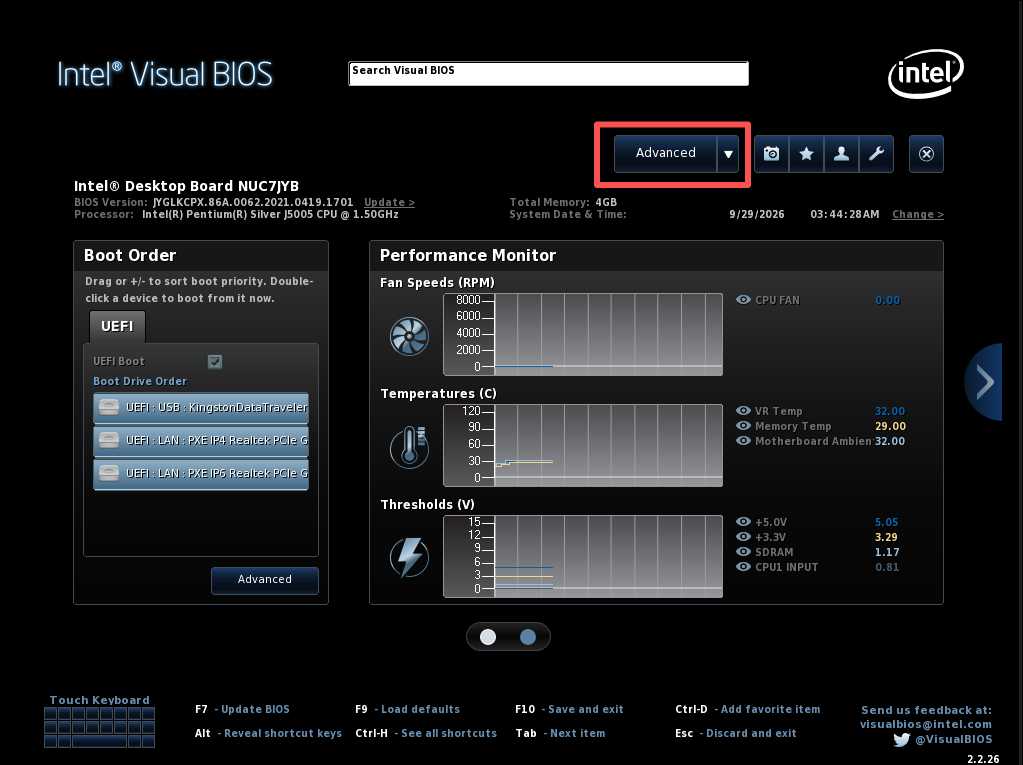
Q10531 | How to Configure Auto Power‑On After AC Power Recovery
Learn to set Qotom Q10531 auto‑power‑on after power loss via BIOS: press F2, go to Advanced > POWER > Secondary Power Settings‑After Power Failure, set to Power On, save with F10 for 24/7 unattended operation.
No Monitor Boot Issue Fix for Q30900GE Series
Qotom Q30900GE 8x2.5Gbps mini PC fails to boot without a monitor? Here is the official fix for BIOS V13/V20. Disable CPU C-State in BIOS to solve the no-display boot problem permanently.
Configure COM2 Port to RS485 Mode for Q30400X Series
This article covers full procedures to switch COM2 to RS485 mode for Q30400X series, including J1C2/J2C2 hardware jumper configuration, COM2 RS485 pin assignment, 120‑ohm termination resistor tips, and two troubleshooting solutions for serial‑port sequence disorder. Complete jumper and BIOS setup before RS485 testing.
Kernel Panic on Proxmox VE 9.2 After Upgrading to Linux Kernel 7.0.14-8-pve
Proxmox VE 9.2 encounters kernel panic and boot freeze after installing kernel 7.0.14-8-pve. This compatibility issue only exists on this specific kernel build, while version 7.0.14-6-pve and older releases work normally. We share verified troubleshooting attempts and a temporary GRUB boot parameter workaround with known limitations.
Benötigen Sie eine maßgeschneiderte Lösung?
Unser Engineering-Team kann professionelle industrielle Computerlösungen entwickeln, die auf Ihre spezifischen Anforderungen zugeschnitten sind.
Anfrage senden