
Профессиональный промышленный
Производитель мини-ПК
С 2011 года Qotom проектирует и производит безвентиляторные промышленные мини-ПК, встраиваемые материнские платы и многопортовые программные маршрутизаторы. 2800+ моделей, поставки с завода, OEM/ODM кастомизация, доверие в 100+ странах.
Лет опыта
Стран-клиентов
Отгружено единиц
Моделей продукции
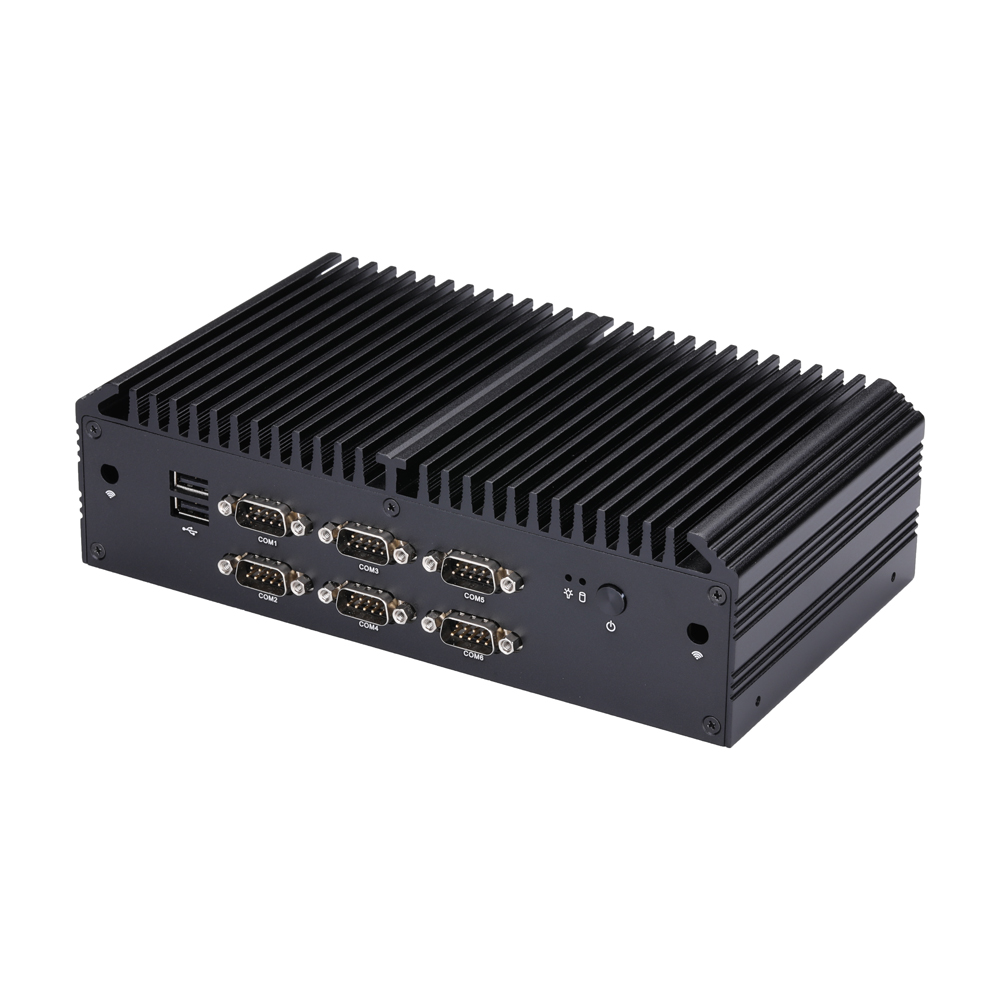
Категории продукции
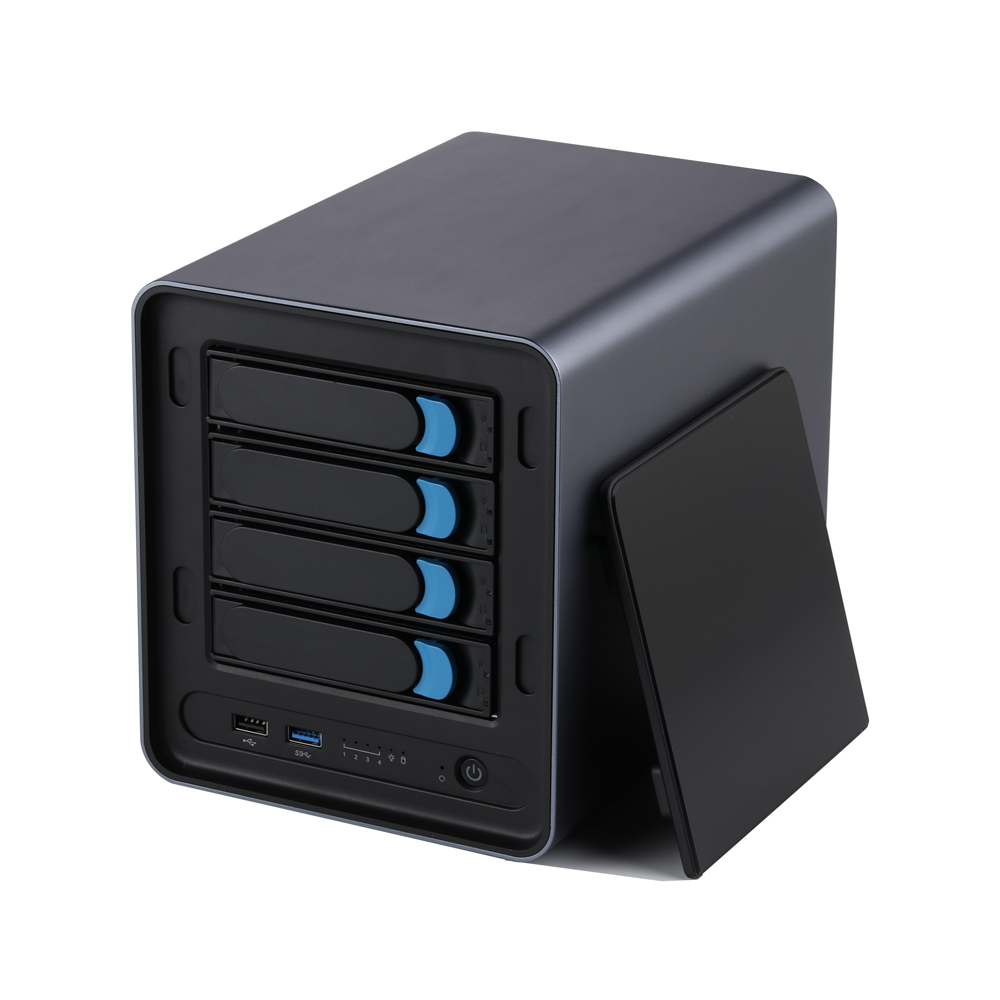
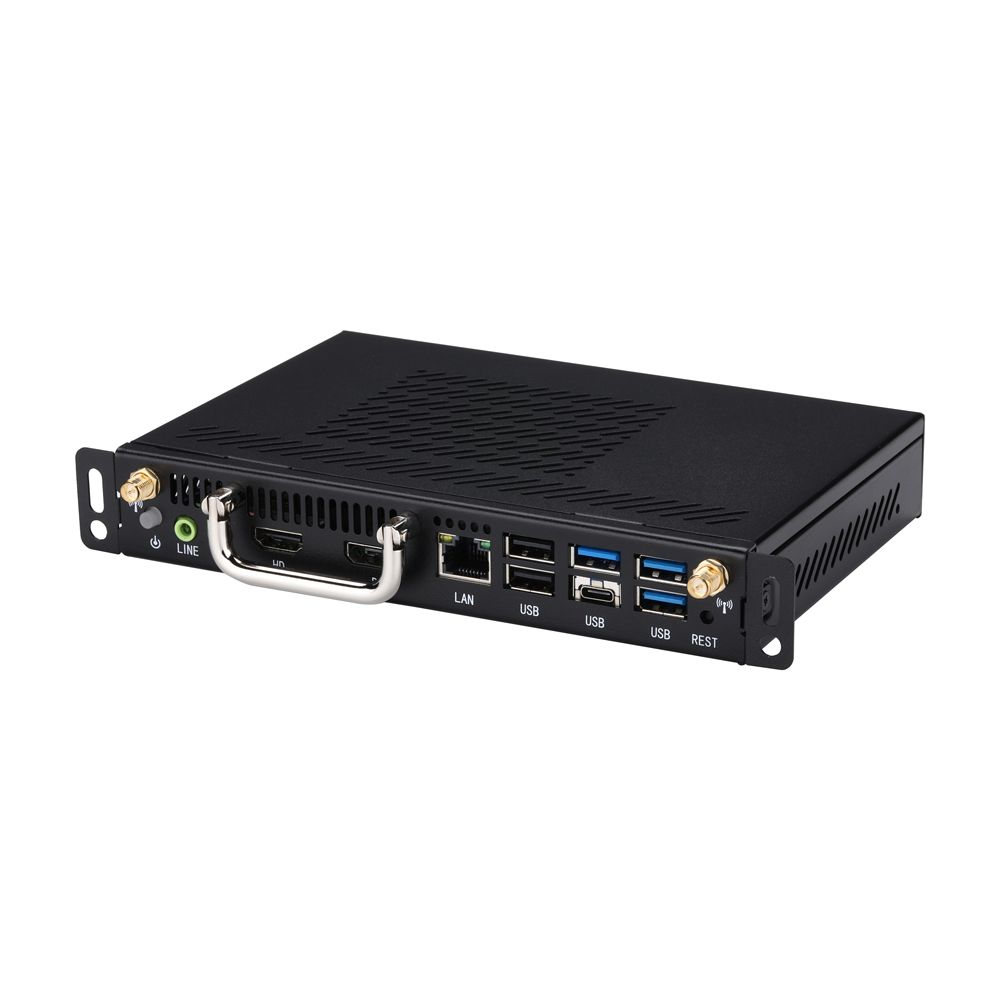
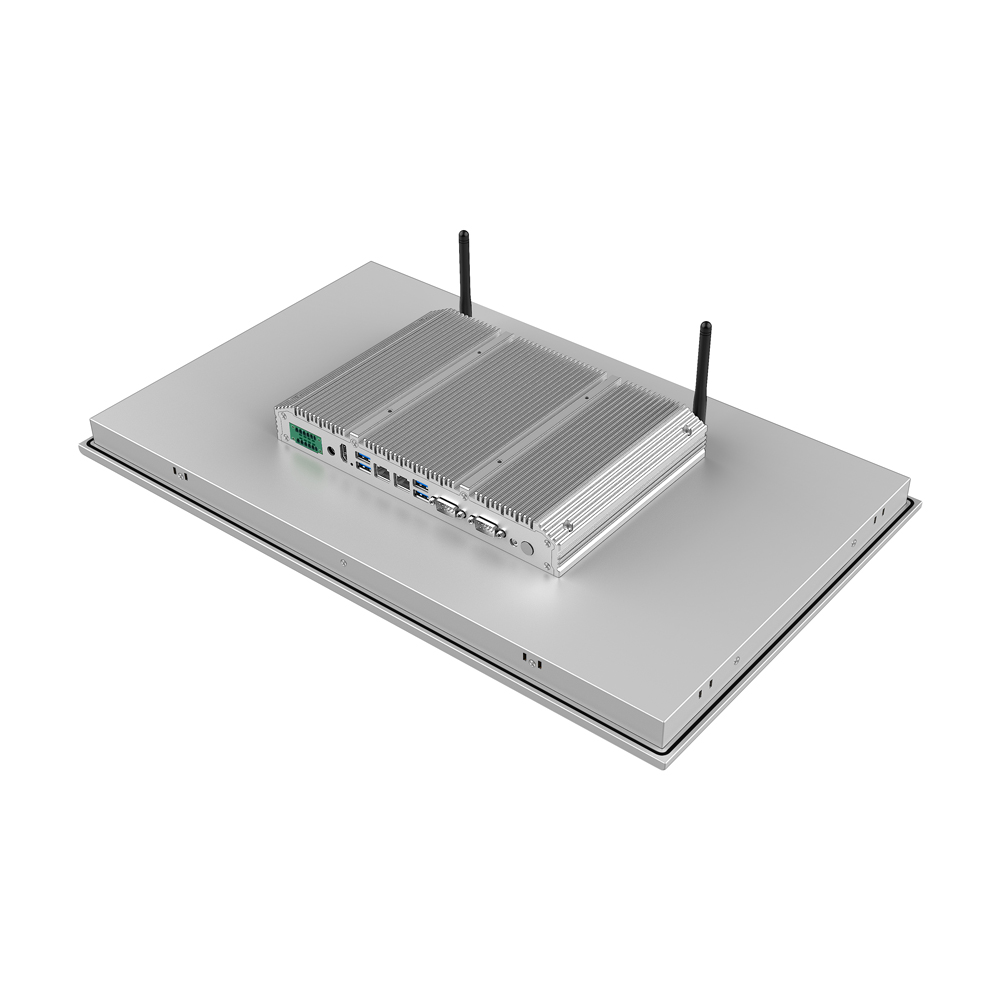
Полная линейка продуктов: мини-ПК, промышленные материнские платы, IPC и маршрутизаторы
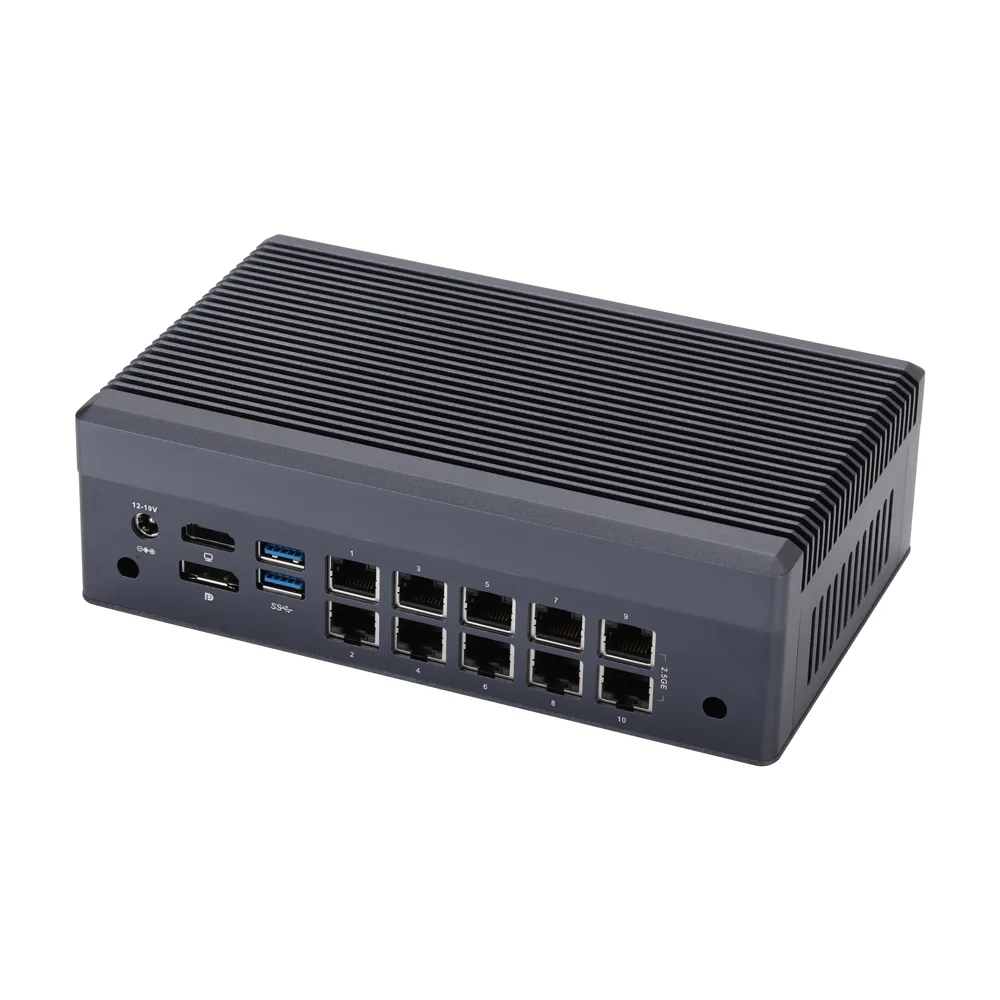
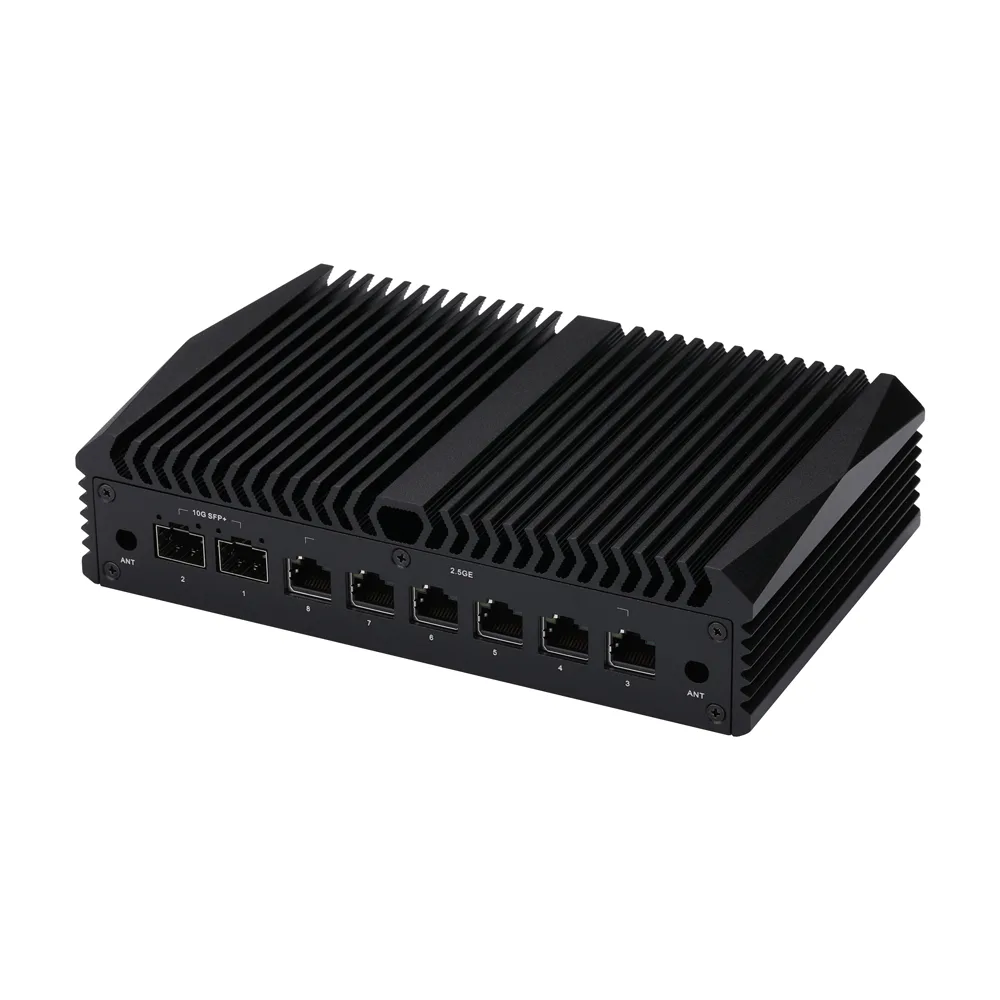
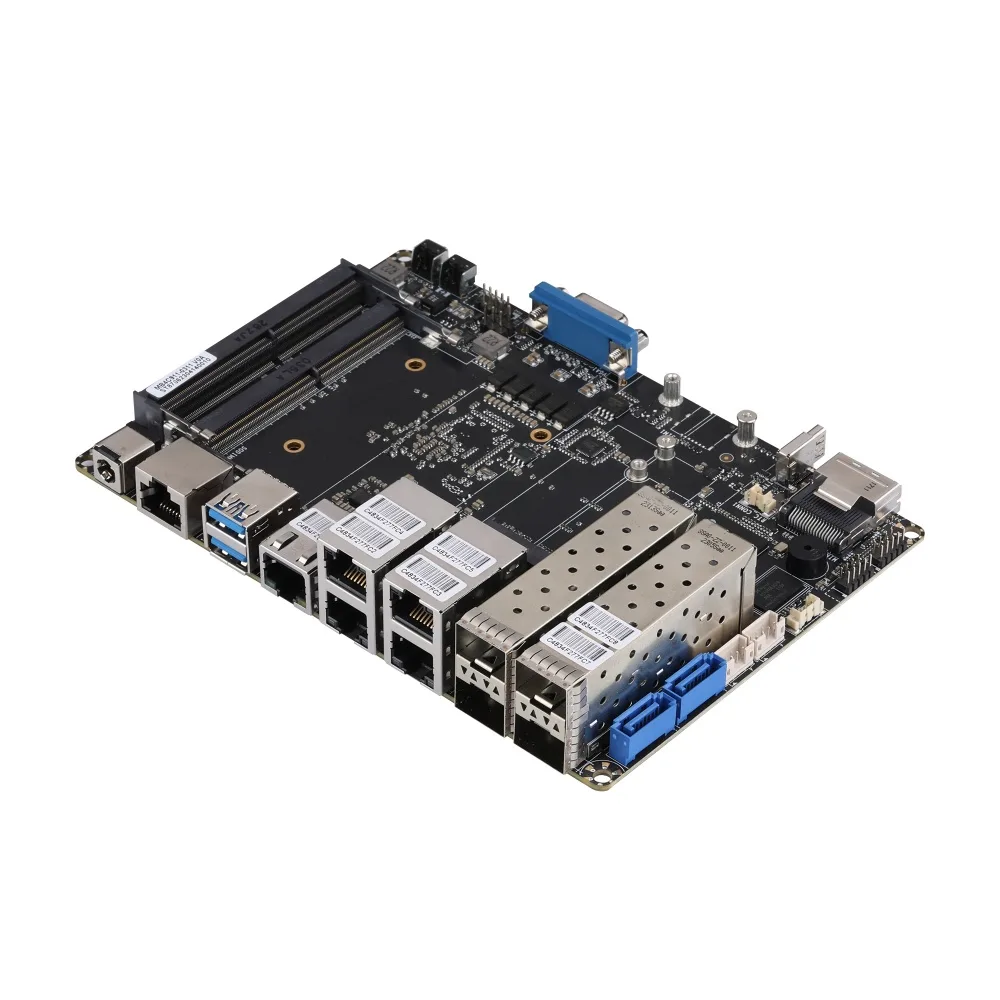
По обзорам технических YouTube-блогеров
Реальные отзывы мировых технических обозревателей и инженеров - узнайте, что говорят о Qotom
Рекомендуемые товары
Смотреть все
MB2J460-0700
Материнская плата MB2J260-0700 Series
MB4UT1C-1200
Материнская плата серии MB4HT1C-1100
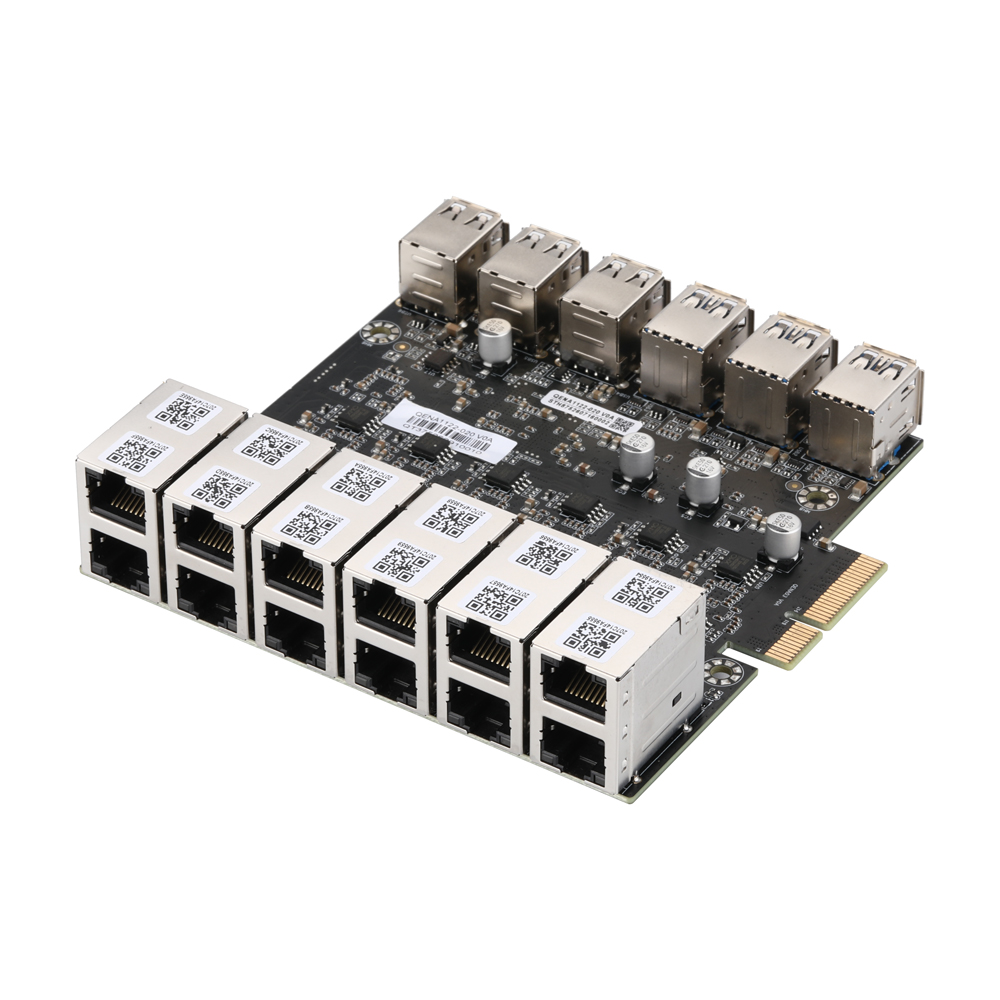
QENA1122-020
12-Port 2.5GbE PCIe Ethernet Network Adapter,QENA1122-020
MB3J463-0800
Материнская плата MB3J263-0800 Series
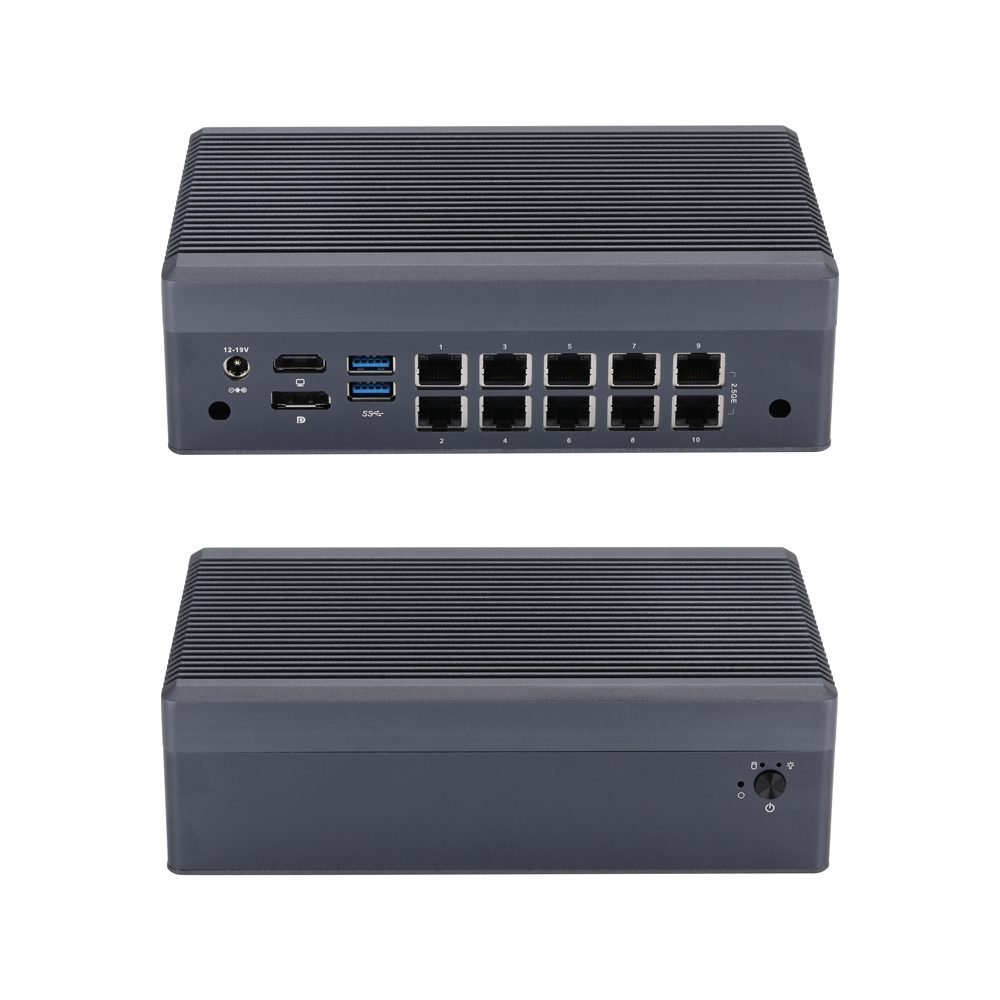
Q31200GT-S23
Мини-ПК Q31100GT S23 Series
MB3J467-0900
Материнская плата MB3J267-0900 Series
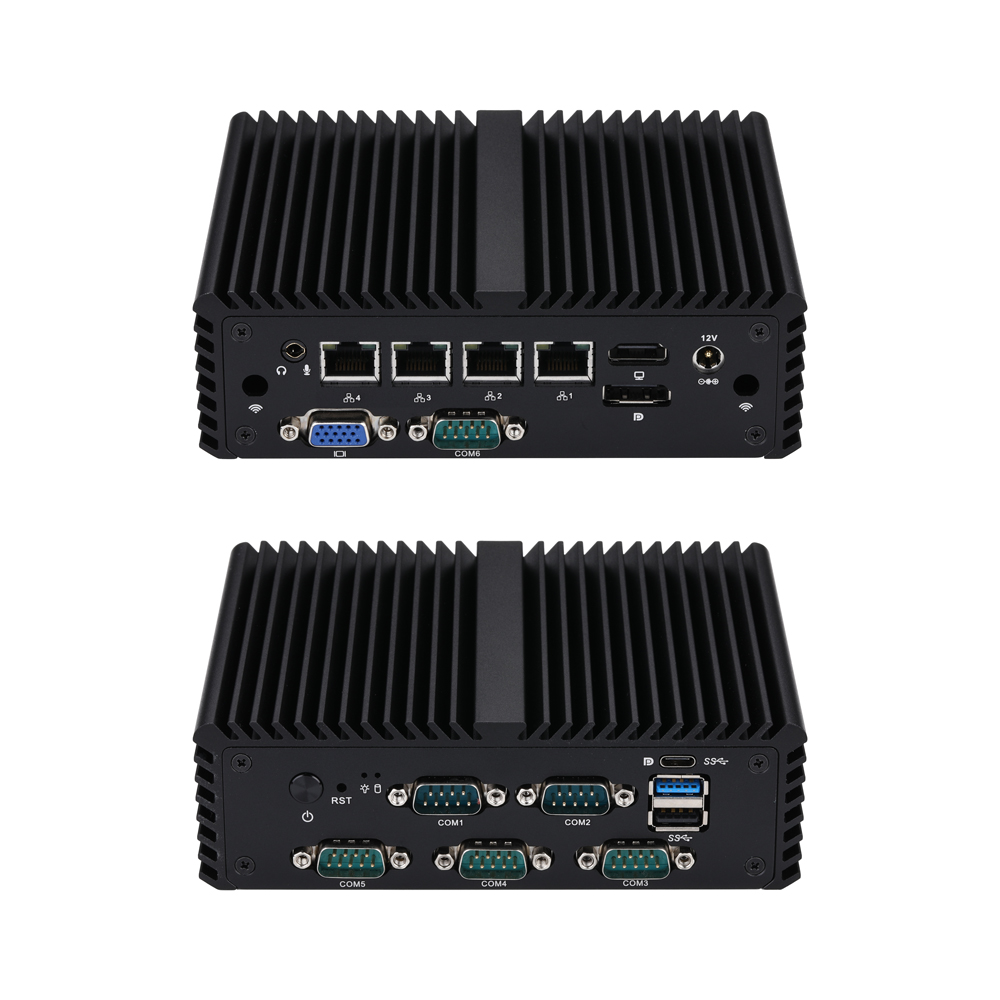
Q10700G4XV-S08
Мини-ПК Q10700XV S08 Series
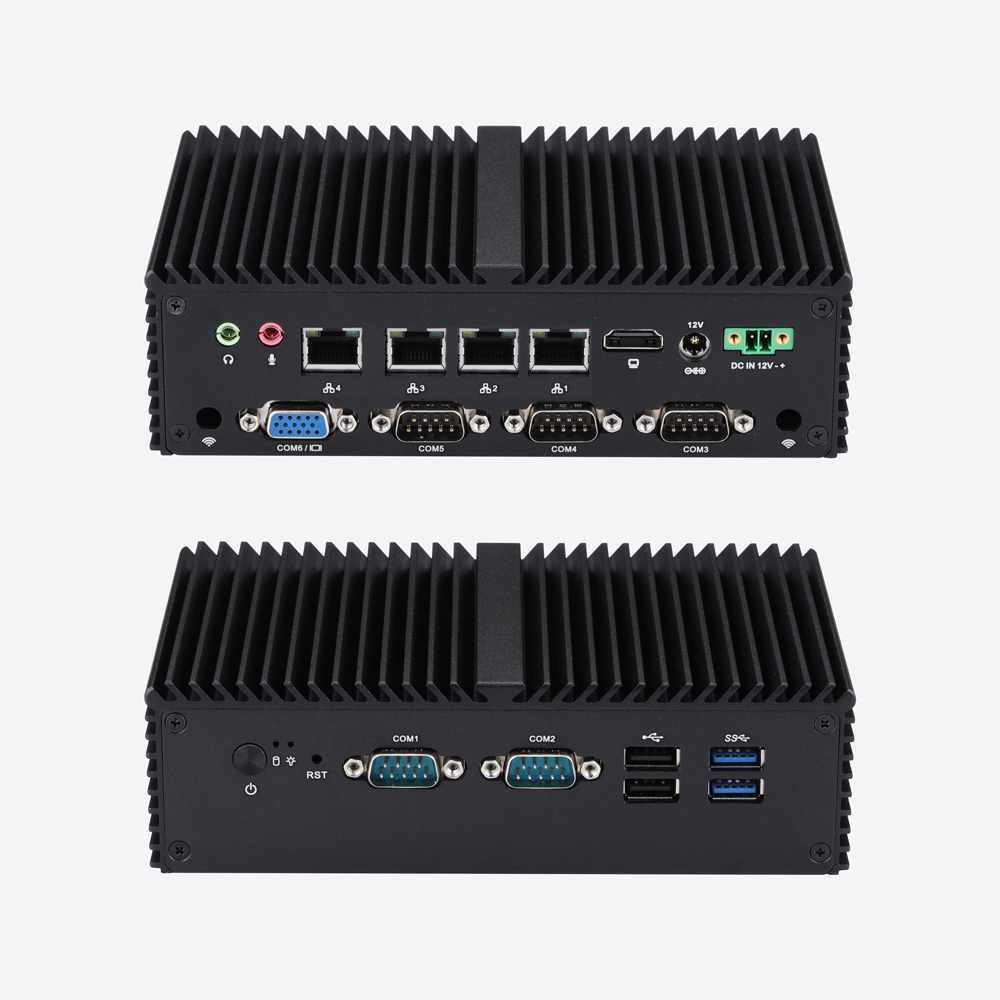
Q10800G4XV-S04
Мини-ПК Q10800XV S04 Series
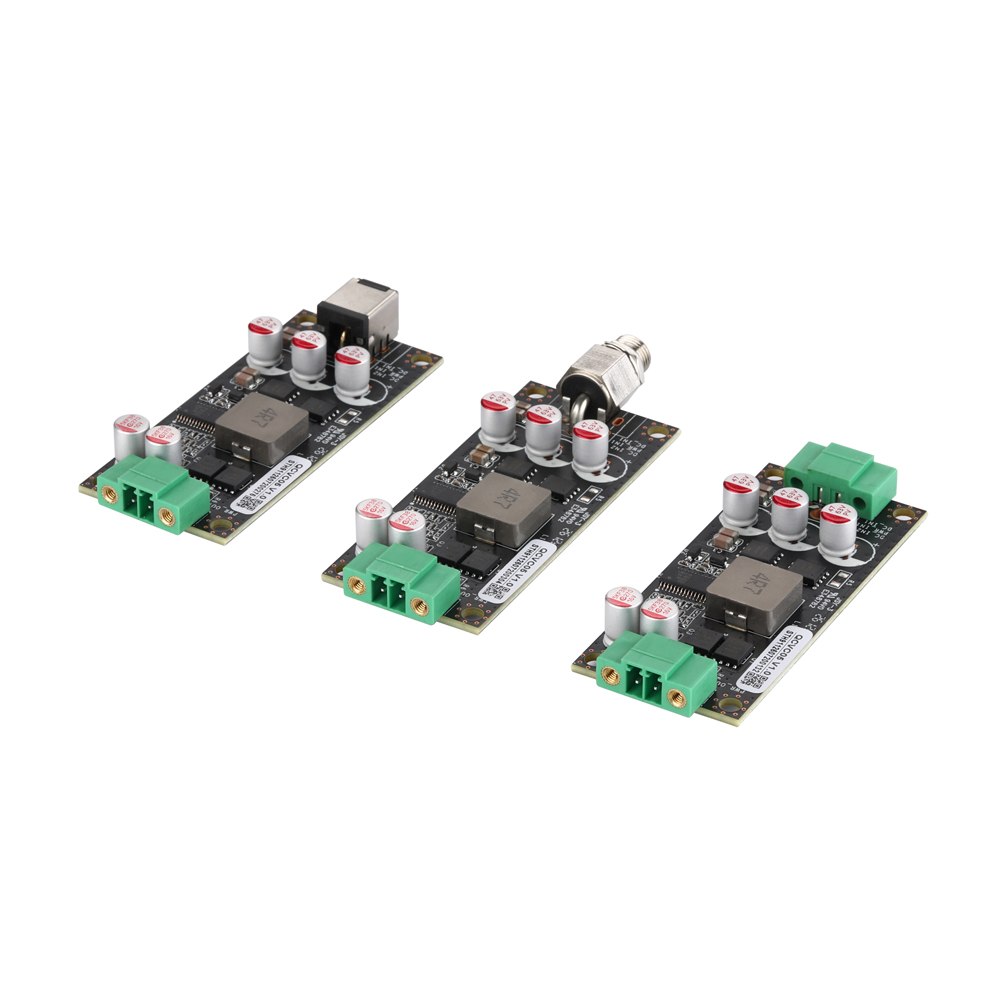
QCVC05
QCVC05 9-48V to 12V Wide Voltage DC Power Conversion Card
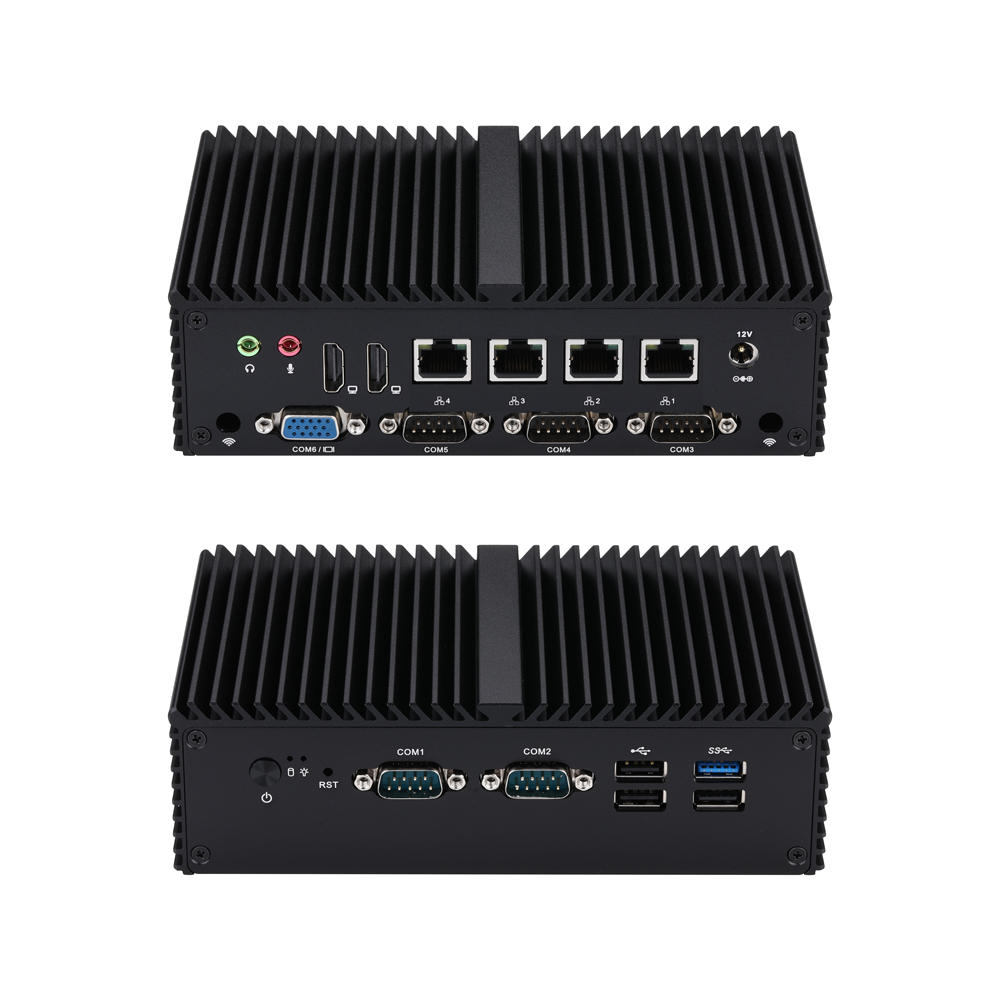
Q10900G4XV-S04
Мини-ПК Q10900XV S04 Series
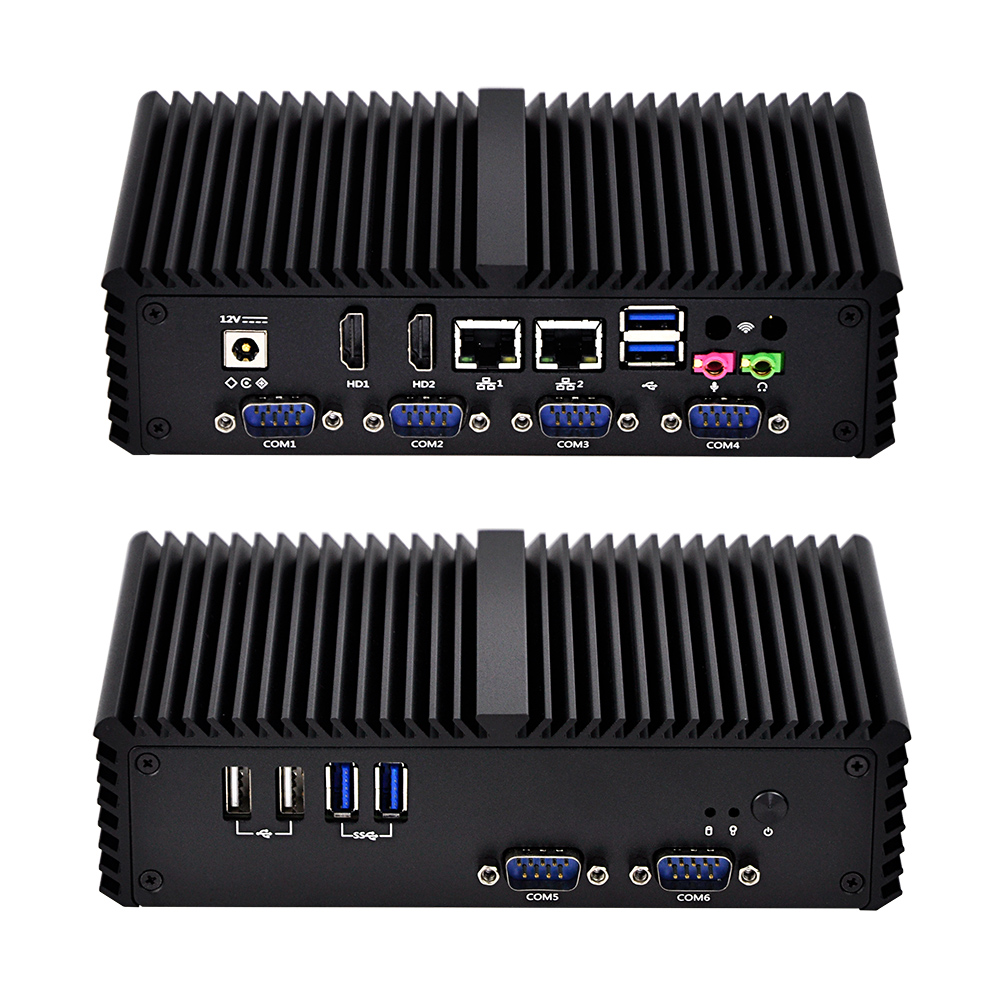
Q300X-S05
Мини-ПК Q300X S05 Series
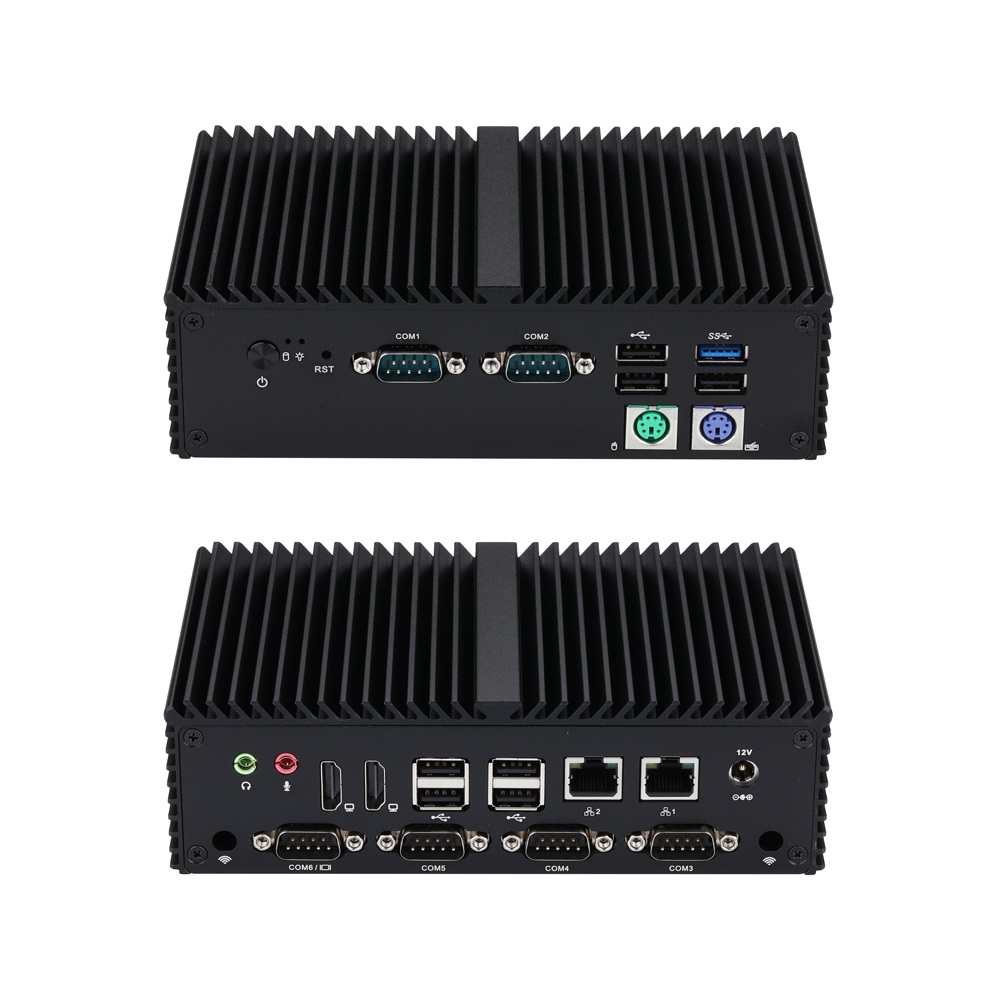
Q10900XP-S04
Мини-ПК Q10900XP S04 Series
Последние новости
Больше новостей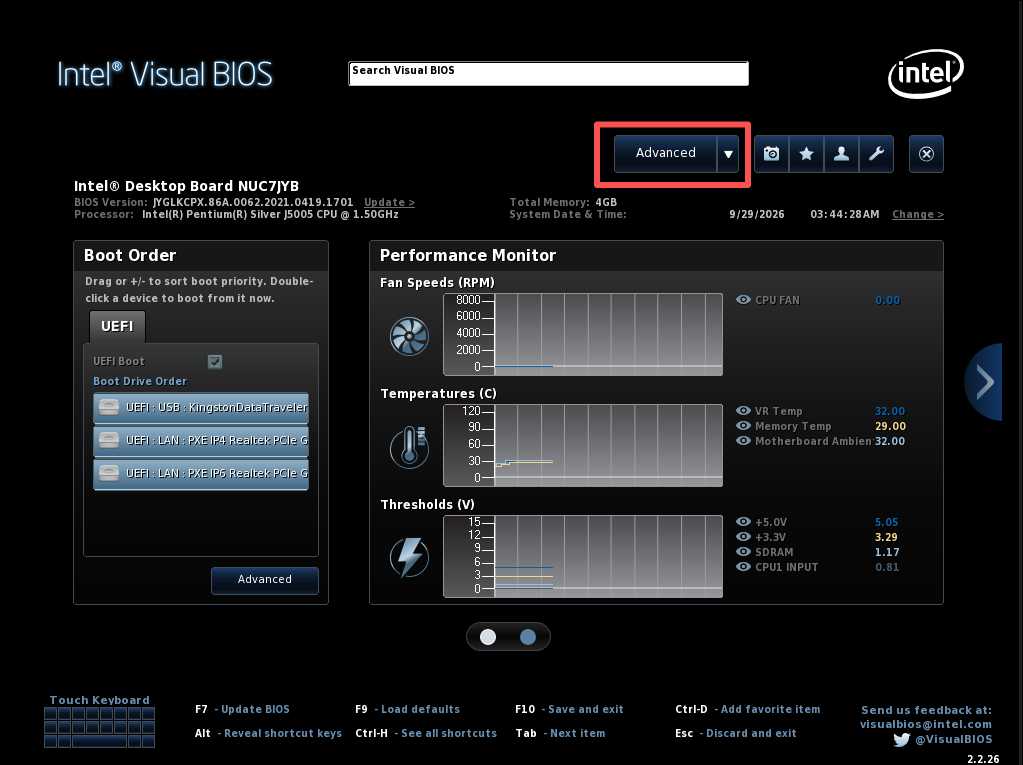
Q10531 | How to Configure Auto Power‑On After AC Power Recovery
Learn to set Qotom Q10531 auto‑power‑on after power loss via BIOS: press F2, go to Advanced > POWER > Secondary Power Settings‑After Power Failure, set to Power On, save with F10 for 24/7 unattended operation.
No Monitor Boot Issue Fix for Q30900GE Series
Qotom Q30900GE 8x2.5Gbps mini PC fails to boot without a monitor? Here is the official fix for BIOS V13/V20. Disable CPU C-State in BIOS to solve the no-display boot problem permanently.
Configure COM2 Port to RS485 Mode for Q30400X Series
This article covers full procedures to switch COM2 to RS485 mode for Q30400X series, including J1C2/J2C2 hardware jumper configuration, COM2 RS485 pin assignment, 120‑ohm termination resistor tips, and two troubleshooting solutions for serial‑port sequence disorder. Complete jumper and BIOS setup before RS485 testing.
Kernel Panic on Proxmox VE 9.2 After Upgrading to Linux Kernel 7.0.14-8-pve
Proxmox VE 9.2 encounters kernel panic and boot freeze after installing kernel 7.0.14-8-pve. This compatibility issue only exists on this specific kernel build, while version 7.0.14-6-pve and older releases work normally. We share verified troubleshooting attempts and a temporary GRUB boot parameter workaround with known limitations.
Нужно индивидуальное решение?
Наша команда инженеров может предоставить профессиональные промышленные вычислительные решения, адаптированные под ваши конкретные потребности.
Отправить запрос