
Driver Installation Guide for Realtek 8125BG Network Card on pfSense 2.7.2 CE
Follow this step-by-step guide to install and load the Realtek 8125BG network card driver on pfSense 2.7.2 CE. This tutorial covers system package updates, realtek-re-kmod driver installation, loader.conf configuration modification, and post-reboot driver verification, helping users replace the default system driver to fix compatibility issues and ensure stable operation of Realtek 8125BG Ethernet adapters on pfSense systems.
Applicable Environment
Network Card: Realtek 8125BG
System: pfSense 2.7.2 CE
This document standardizes the complete process of installing the official Realtek external NIC driver on pfSense 2.7.2 CE to replace the system built-in driver, ensuring normal recognition and stable operation of Realtek 8125BG network adapters.
1. Connect pfSense Console via PuTTY
Use PuTTY to remotely log in to the pfSense command line console for subsequent driver installation operations.
2. Update System Software Packages
Execute the package update command to synchronize the latest repository resources:
pkg updateExecution result:
[2.7.2-RELEASE][admin@pfSense.home.arpa]/root: pkg update
Updating pfSense-core repository catalogue...
Fetching meta.conf:   0%
Fetching packagesite.pkg:   0%
pfSense-core repository is up to date.
Updating pfSense repository catalogue...
Fetching meta.conf:   0%
Fetching packagesite.pkg:   0%
pfSense repository is up to date.
All repositories are up to date.
3. Search and Install Realtek NIC Driver
3.1 Search Realtek driver package
pkg search realtek-re-kmodSearch result:
realtek-re-kmod-198.00_3 Kernel driver for Realtek PCIe Ethernet Controllers3.2 Install the Realtek driver
pkg install realtek-re-kmodComplete installation log:
[2.7.2-RELEASE][admin@pfSense.home.arpa]/root: pkg install realtek-re-kmod
Updating pfSense-core repository catalogue...
Fetching meta.conf:   0%
Fetching packagesite.pkg:   0%
pfSense-core repository is up to date.
Updating pfSense repository catalogue...
Fetching meta.conf:   0%
Fetching packagesite.pkg:   0%
pfSense repository is up to date.
All repositories are up to date.
The following 1 package(s) will be affected (of 0 checked):

New packages to be INSTALLED:
        realtek-re-kmod: 198.00_3 [pfSense]

Number of packages to be installed: 1

The process will require 1 MiB more space.
102 KiB to be downloaded.

Proceed with this action? [y/N]: y
[1/1] Fetching realtek-re-kmod-198.00_3.pkg: 100%  102 KiB 104.6kB/s    00:01
Checking integrity... done (0 conflicting)
[1/1] Installing realtek-re-kmod-198.00_3...
[1/1] Extracting realtek-re-kmod-198.00_3: 100%
=====
Message from realtek-re-kmod-198.00_3:

--
Add the following lines to your /boot/loader.conf
to override the built-in FreeBSD re(4) driver.

if_re_load="YES"
if_re_name="/boot/modules/if_re.ko"

By default, the size of allocated mbufs is enough
to receive the largest Ethernet frame supported
by the card.  If your memory is highly fragmented,
trying to allocate contiguous pages (more than
4096 bytes) may result in driver hangs.
For this reason the value is tunable at boot time,
e.g. if you don't need Jumbo frames you can lower
the memory requirements and avoid this issue with:

hw.re.max_rx_mbuf_sz="2048"
4. Modify loader.conf Configuration File
Edit the /boot/loader.conf file and add the following two lines at the end to enable the newly installed Realtek driver and override the system default driver:
if_re_load="YES"
if_re_name="/boot/modules/if_re.ko"
5. Verify Driver Loading Status After Reboot
Reboot the pfSense system, then execute the following command to check whether the Realtek driver is loaded normally:
kldstatNormal loading result (confirm if_re.ko exists):
[2.7.2-RELEASE][admin@pfSense.home.arpa]/root: kldstat
Id Refs Address                Size Name
 1   33 0xffffffff80200000  339ce08 kernel
 2    1 0xffffffff8359e000     76f8 cryptodev.ko
 3    1 0xffffffff835a6000   103db0 if_re.ko
 4    1 0xffffffff836aa000   5d7790 zfs.ko
 5    1 0xffffffff83c82000    1e2b0 opensolaris.ko
 6    1 0xffffffff847e5000     2220 cpuctl.ko
 7    1 0xffffffff847e8000     5ee0 ig4.ko
 8    1 0xffffffff847ee000     3240 ichsmb.ko
 9    1 0xffffffff847f2000     2178 smbus.ko
Verification Standard: The if_re.ko module is displayed in the kldstat list, which means the Realtek 8125BG driver is installed and loaded successfully.
Related Products
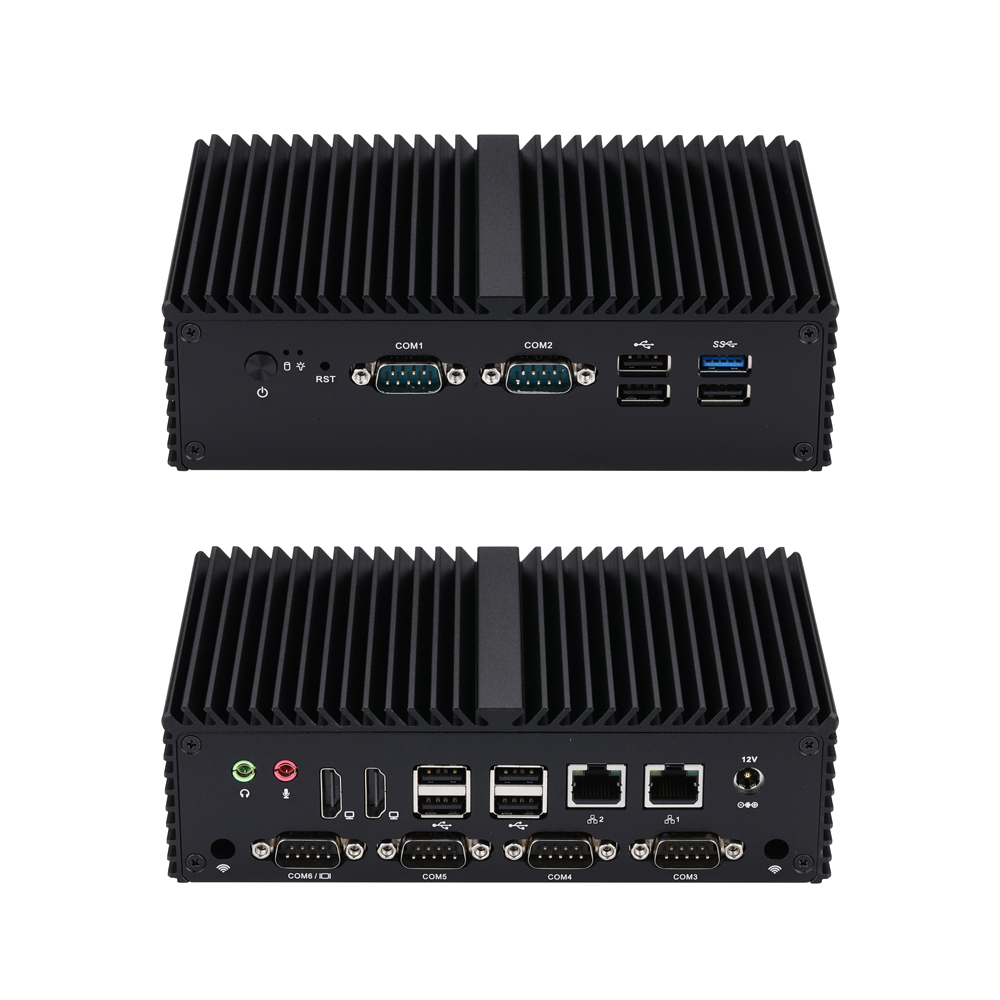
Мини-ПК Q10900X S04 Series
Q10900X-S04
CPU: [ "Alder lake N", "Twin Lake" ]
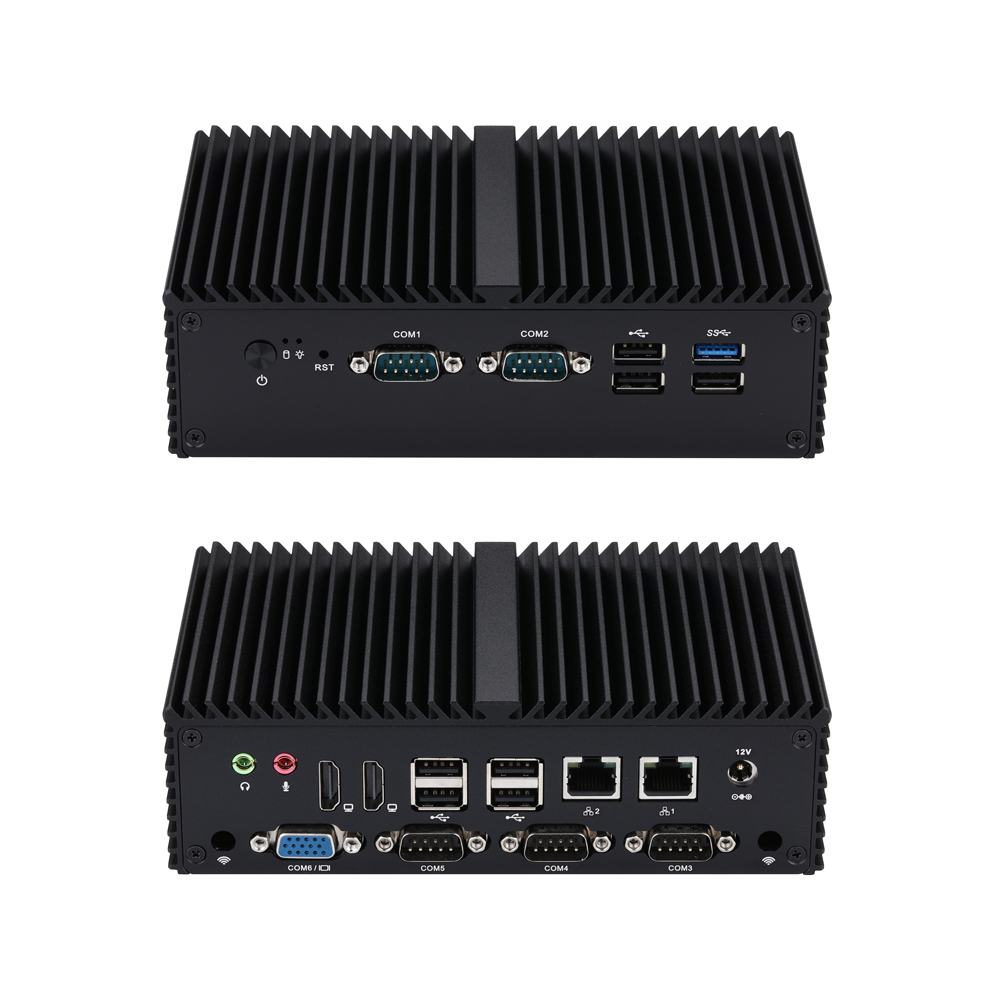
Мини-ПК Q10900XV S04 Series
Q10900XV-S04
CPU: [ "Alder lake N", "Twin Lake" ]
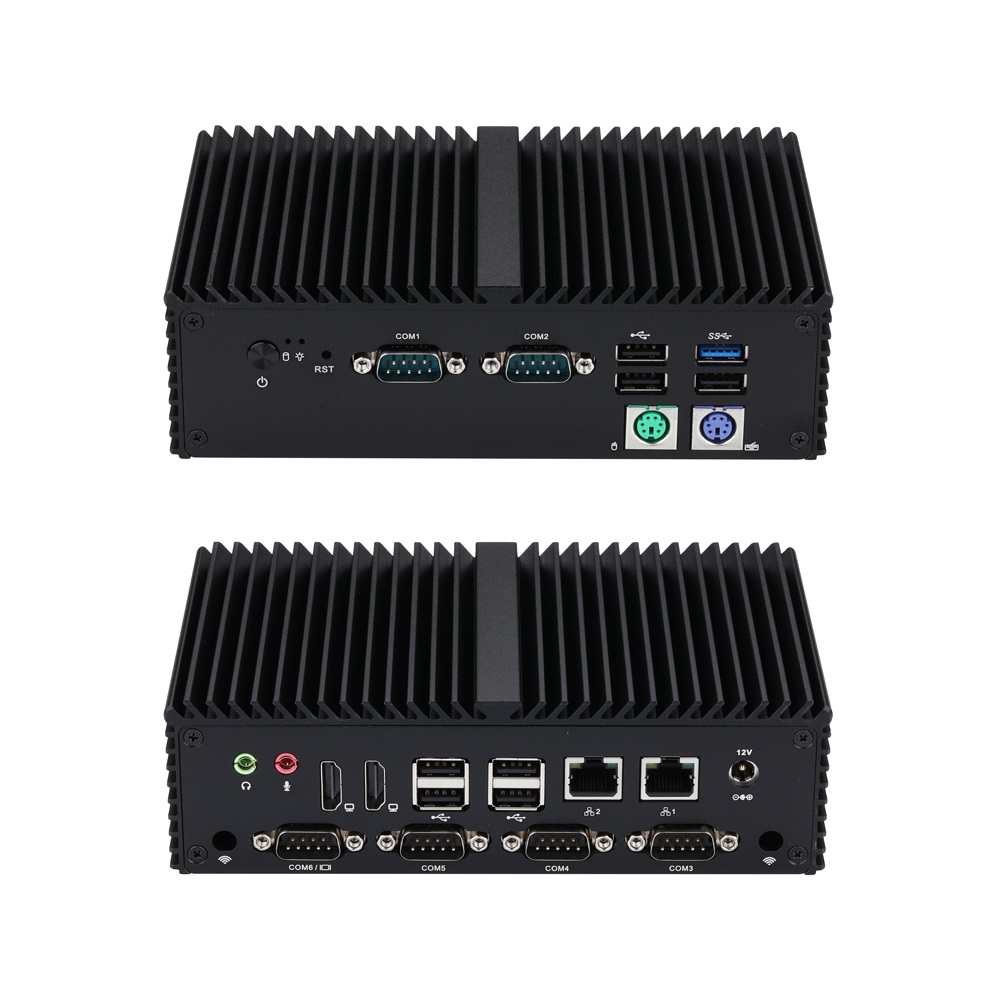
Мини-ПК Q10900XP S04 Series
Q10900XP-S04
CPU: [ "Alder lake N", "Twin Lake" ]
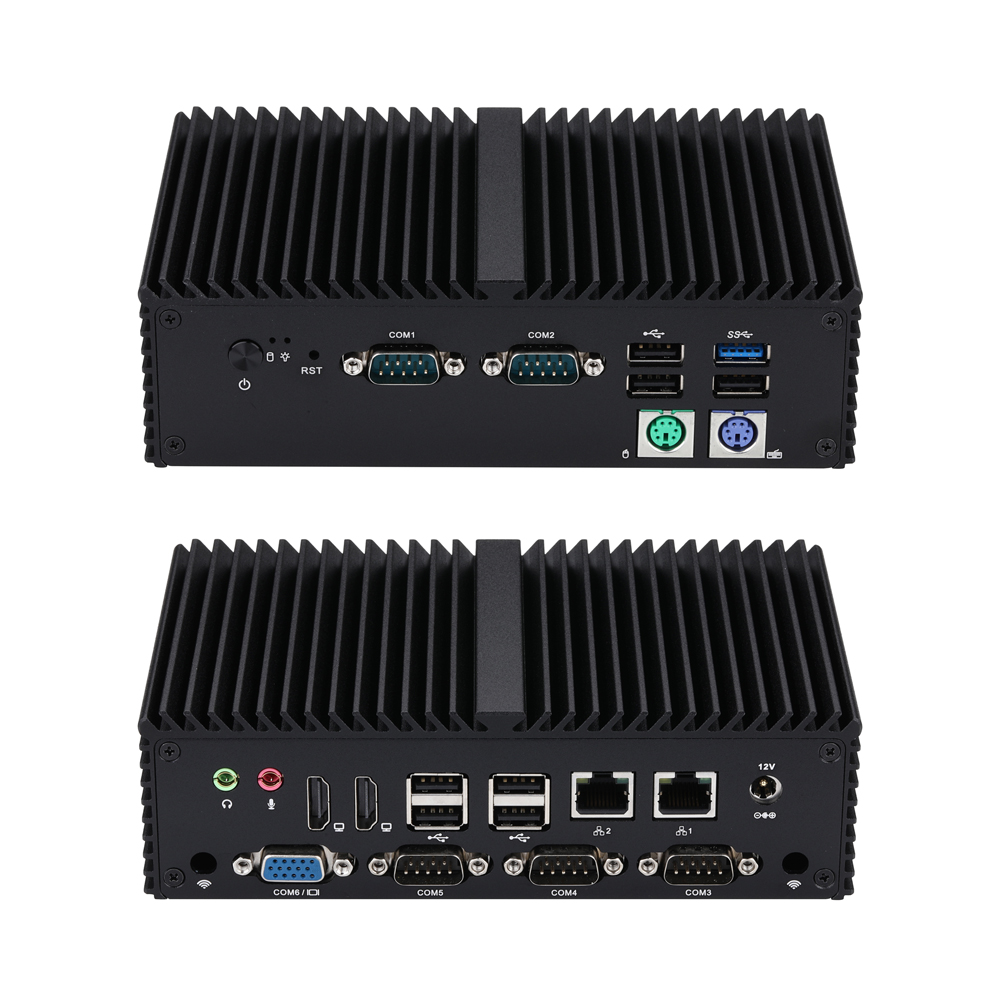
Мини-ПК Q10900XPV S04 Series
Q10900XPV-S04
CPU: [ "Alder lake N", "Twin Lake" ]
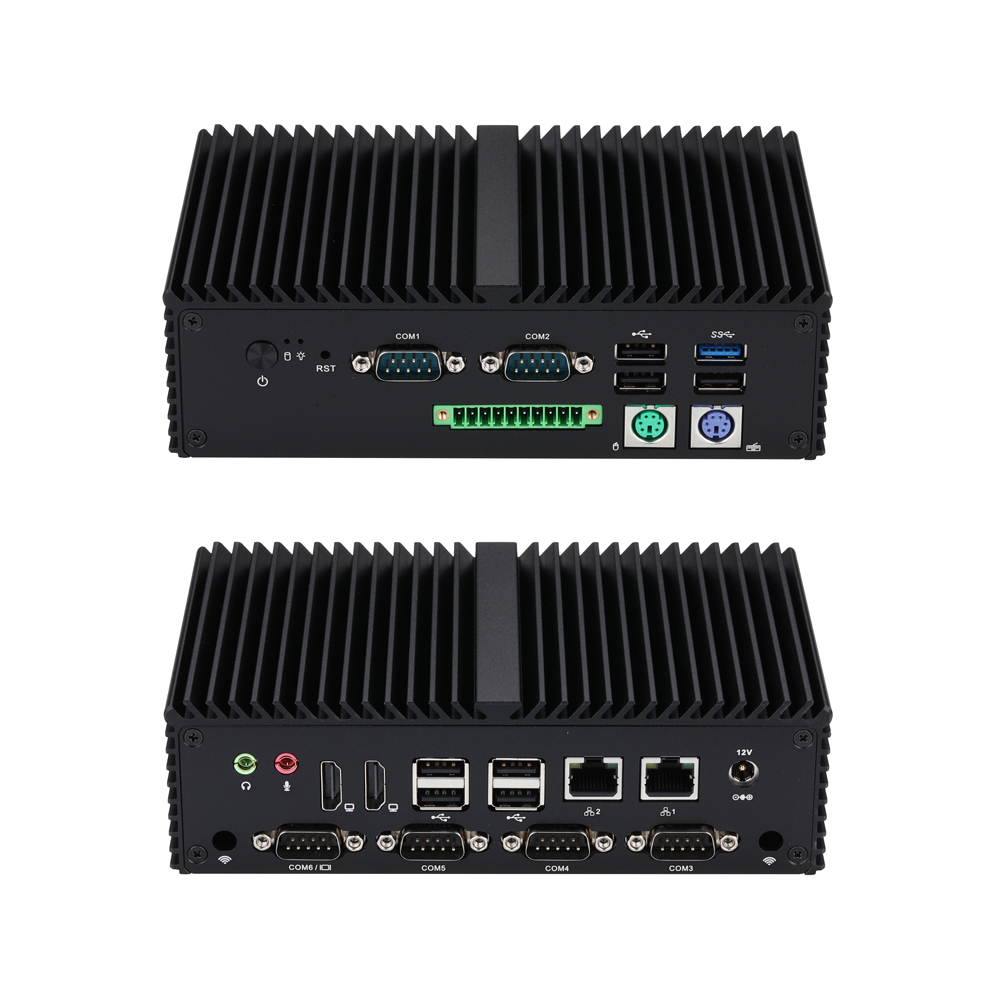
Мини-ПК Q10900XPG S04 Series
Q10900XPG-S04
CPU: [ "Alder lake N", "Twin Lake" ]
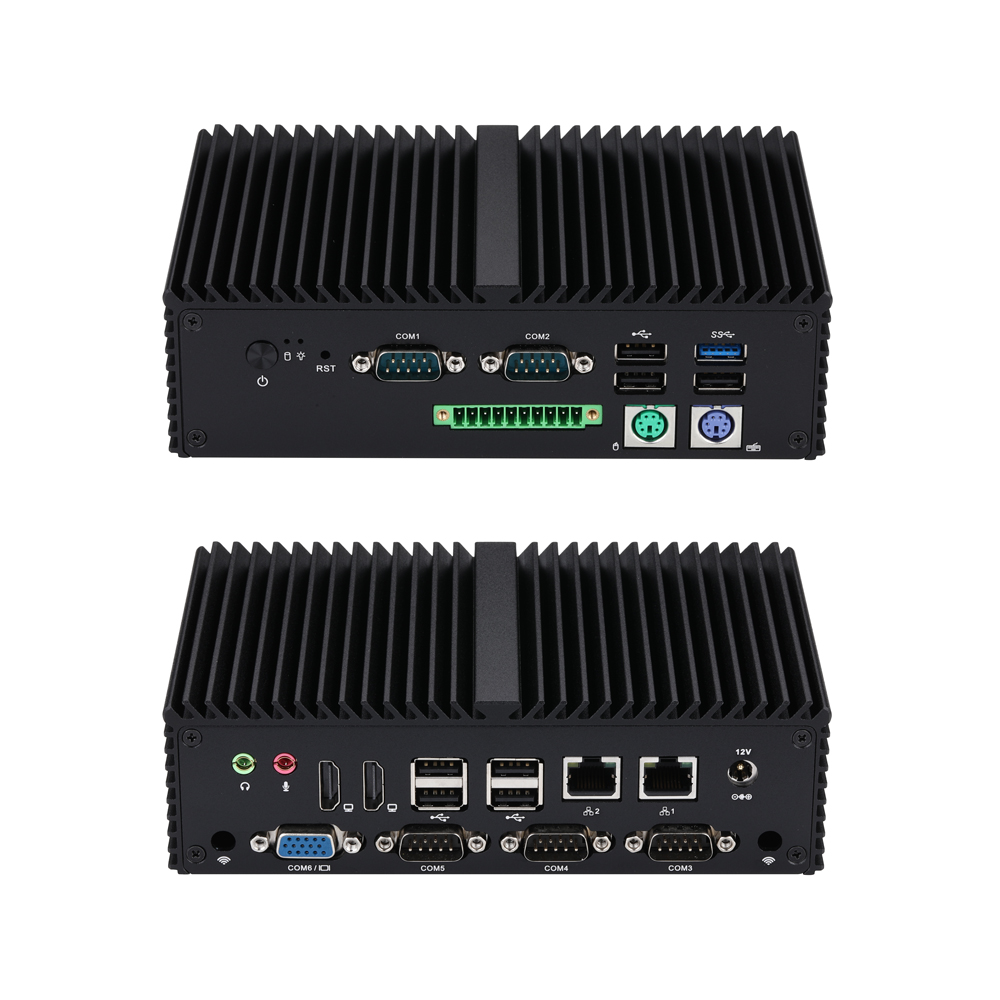
Мини-ПК Q10900XPGV S04 Series
Q10900XPGV-S04
CPU: [ "Alder lake N", "Twin Lake" ]
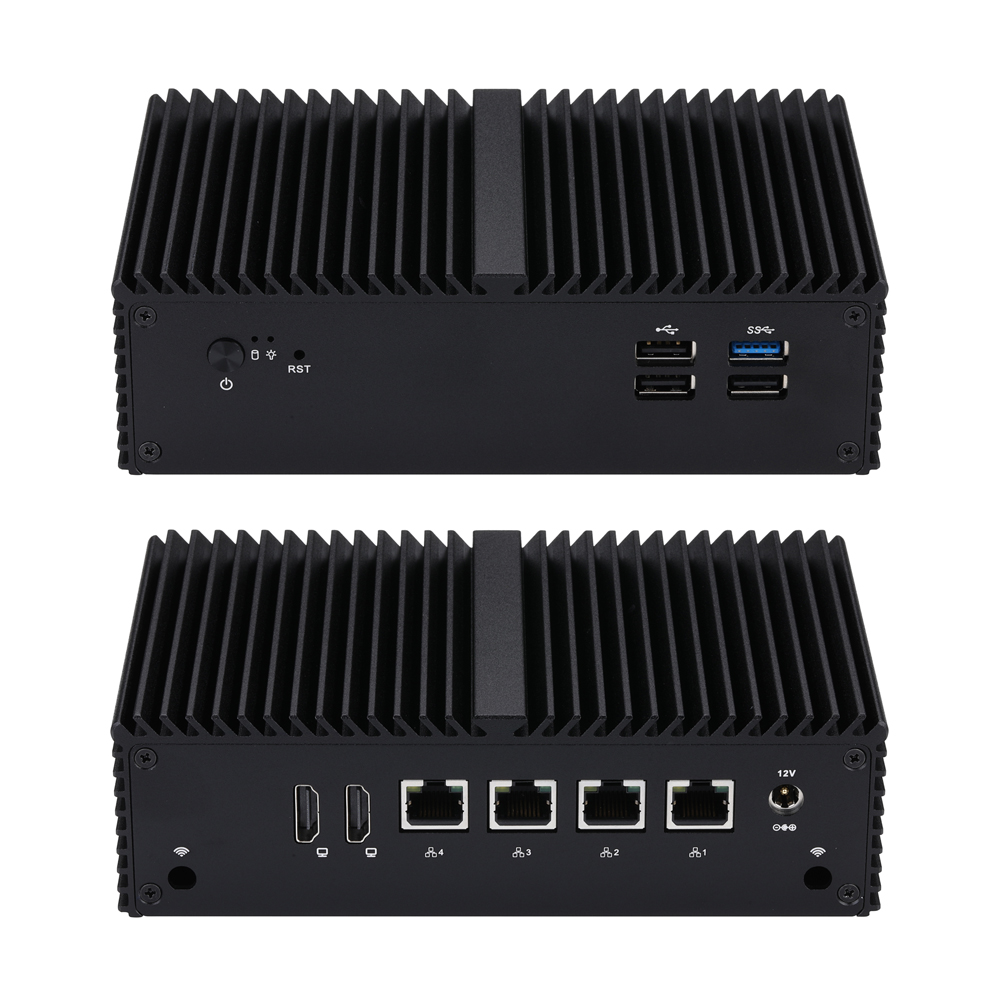
Мини-ПК Q10900G4 S04 серия
Q10900G4-S04
CPU: [ "Alder lake N", "Twin Lake" ]
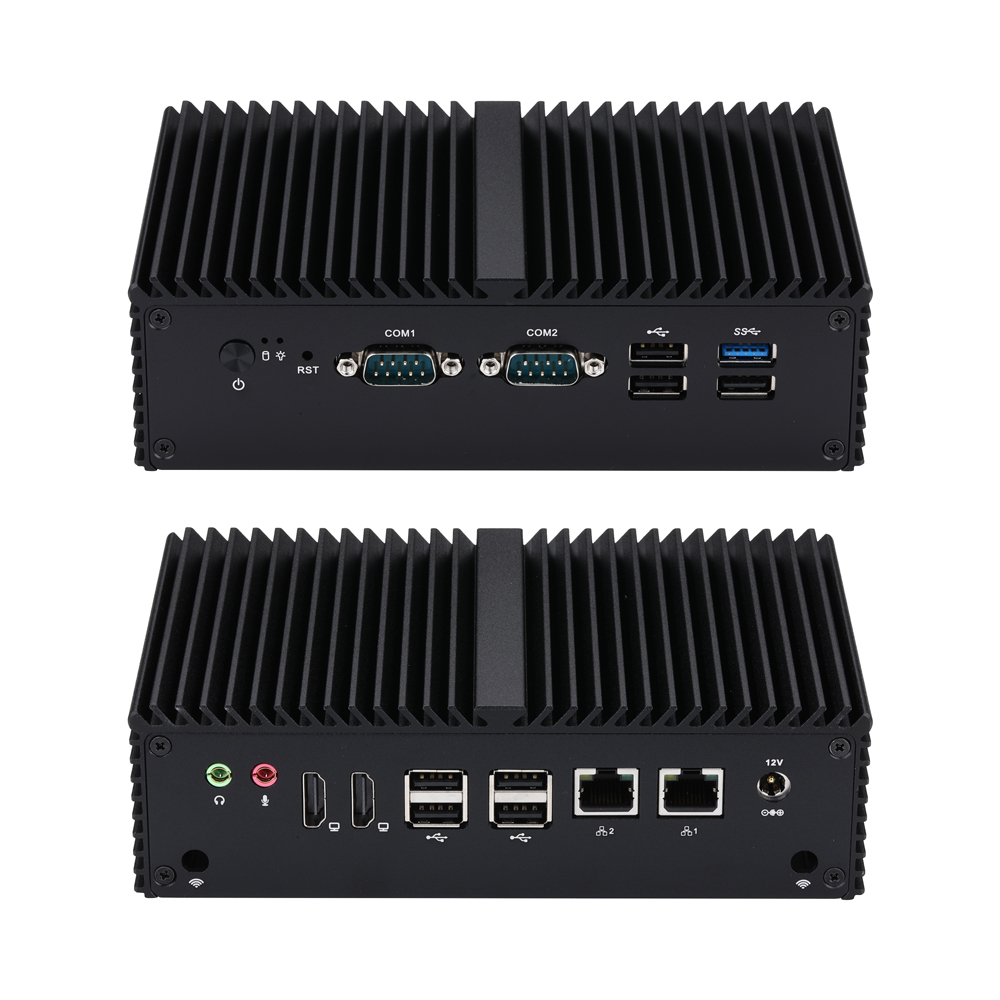
Мини-ПК Q10900C S04 Series
Q10900C-S04
CPU: [ "Alder lake N", "Twin Lake" ]