
Chuyên nghiệp Công nghiệp
Nhà sản xuất Mini PC
Từ năm 2011, Qotom đã thiết kế và sản xuất các dòng Mini PC công nghiệp không quạt, bo mạch chủ nhúng và bộ định tuyến mềm đa LAN. Hơn 2800 mẫu mã, giao hàng trực tiếp từ nhà máy, hỗ trợ tùy chỉnh OEM/ODM, được tin dùng tại hơn 50 quốc gia.
Năm kinh nghiệm
Quốc gia phục vụ
Số lượng đã xuất
Mẫu mã sản phẩm
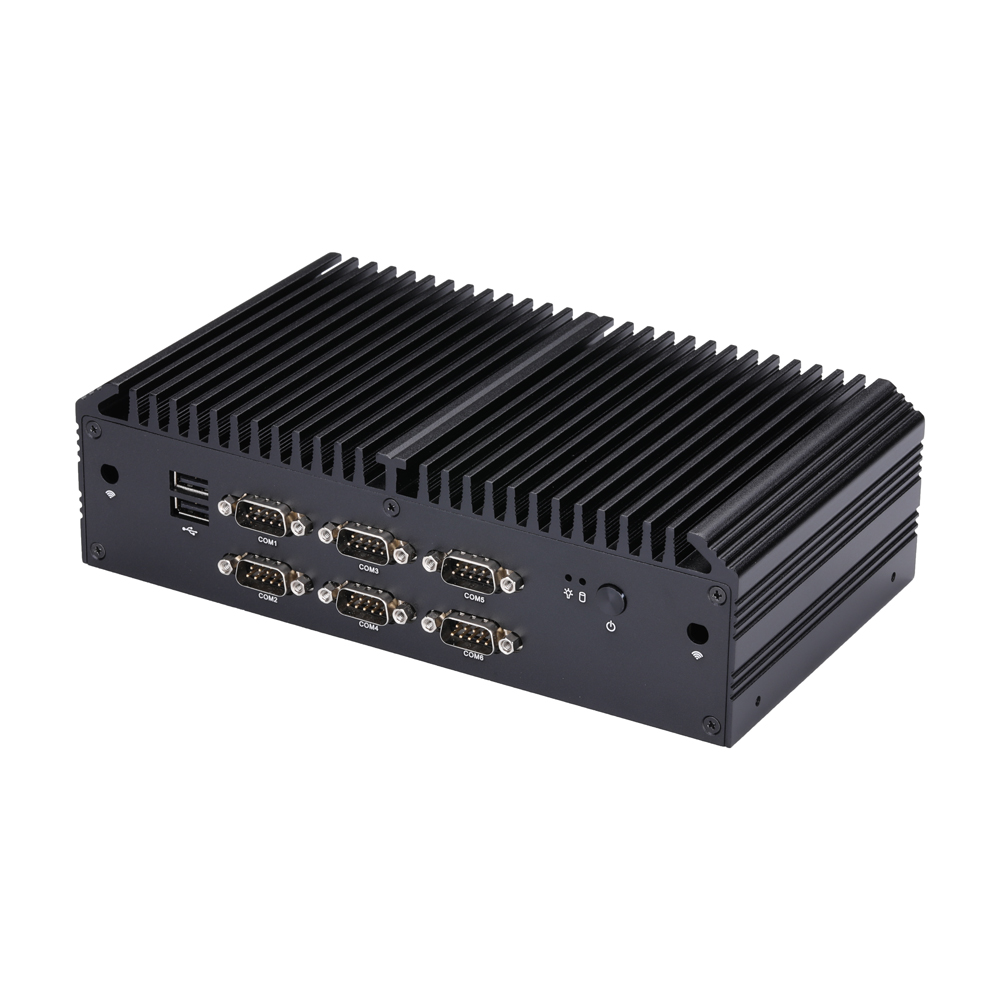
Danh mục sản phẩm
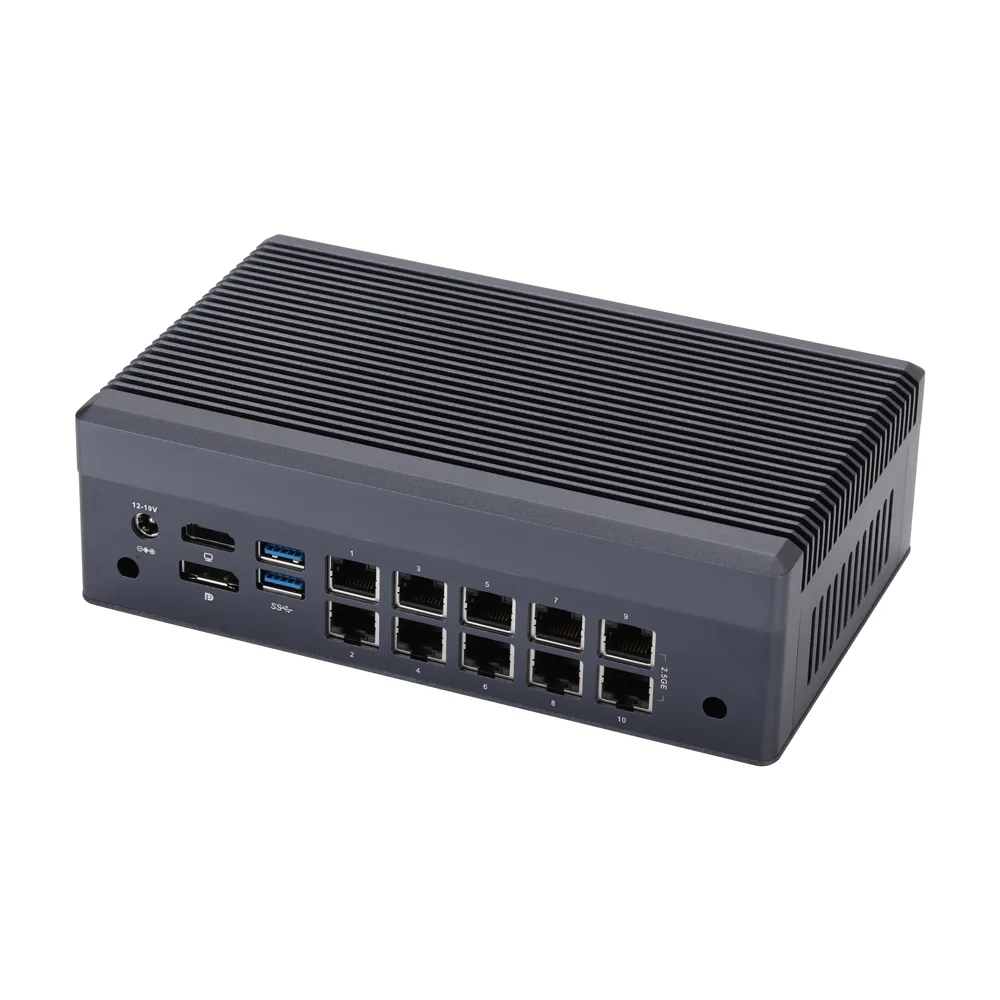
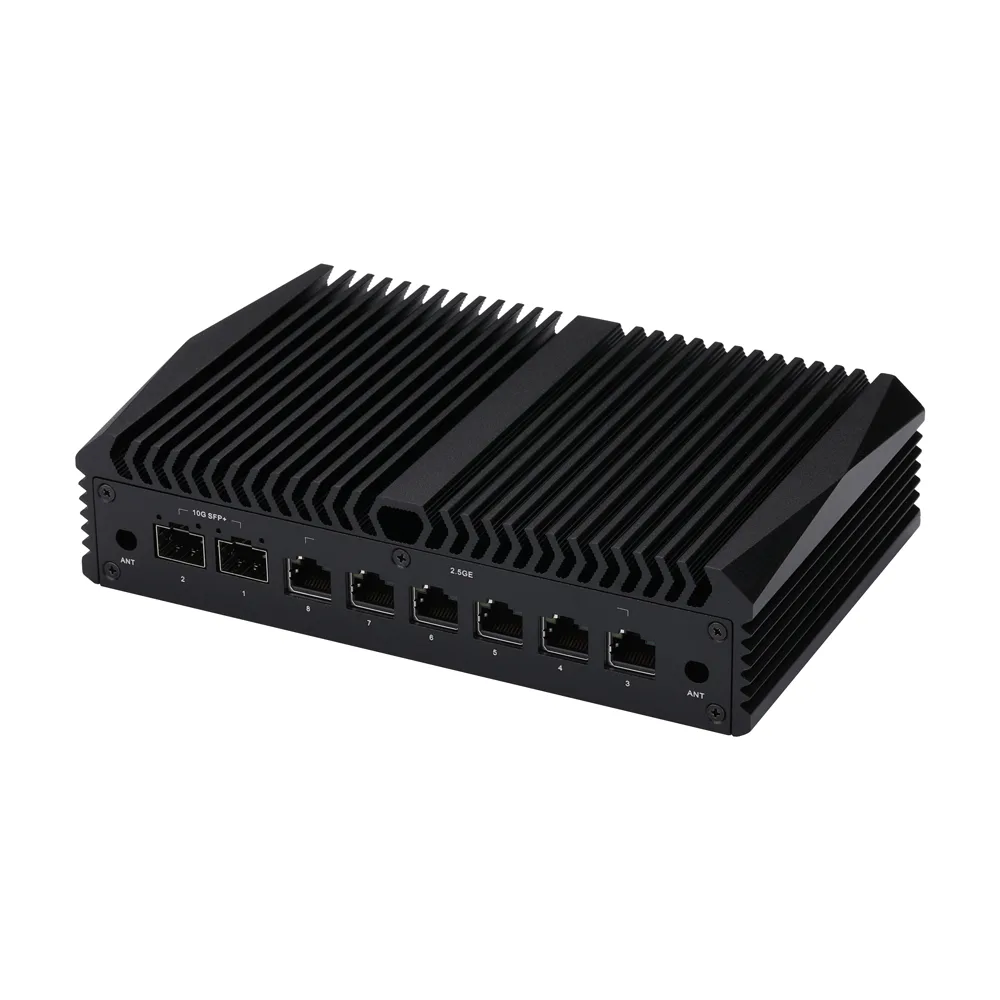
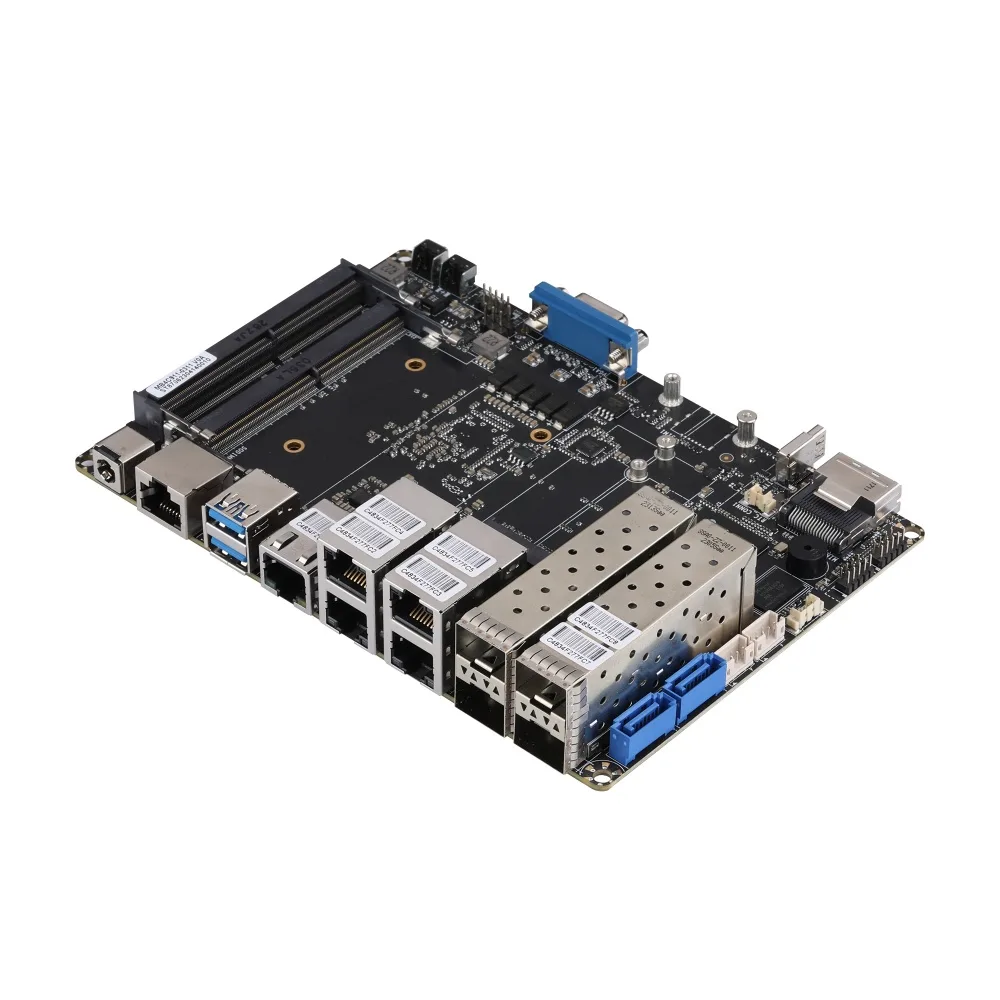
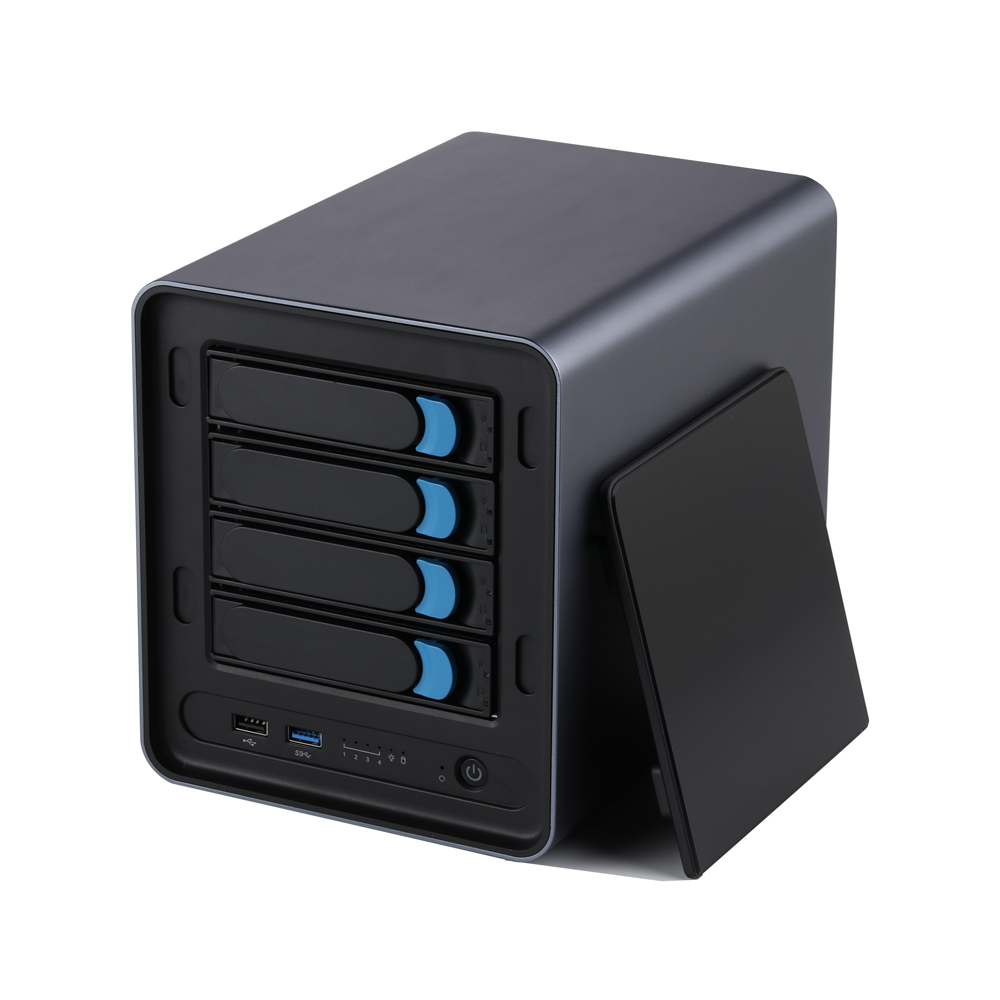
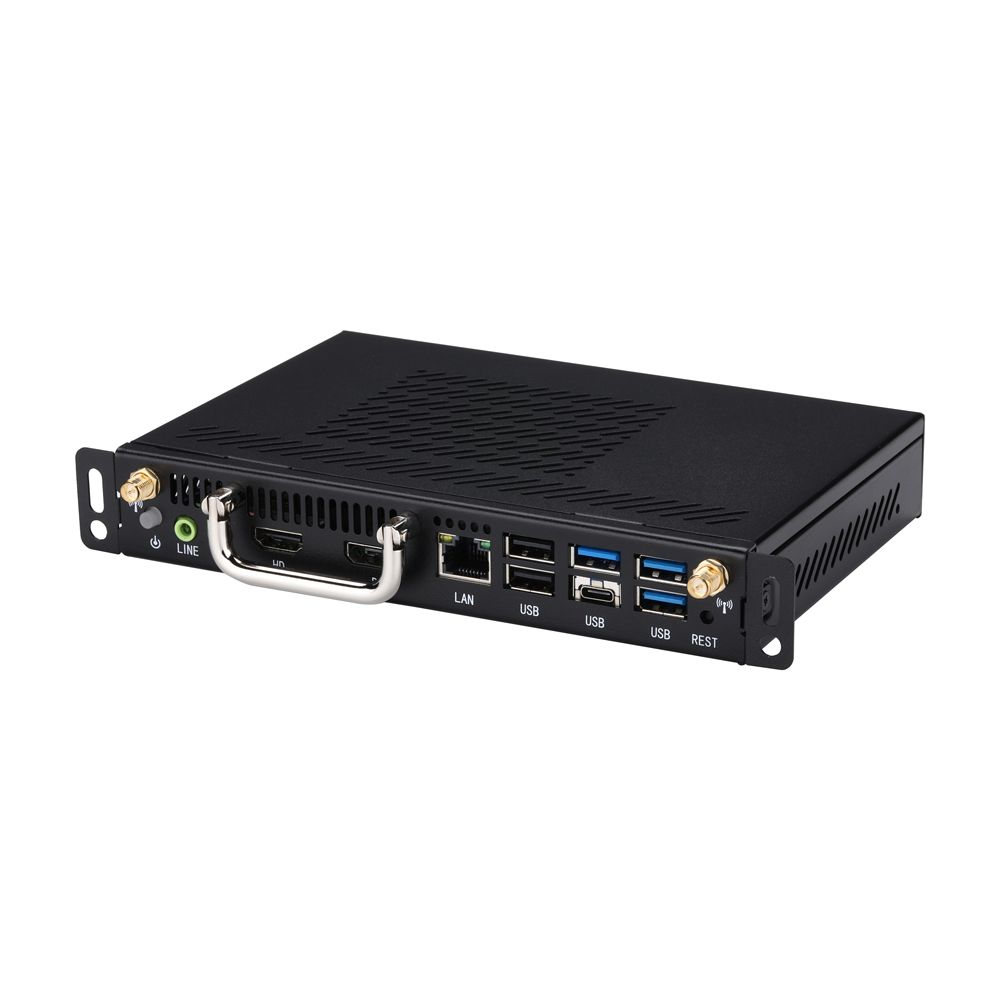
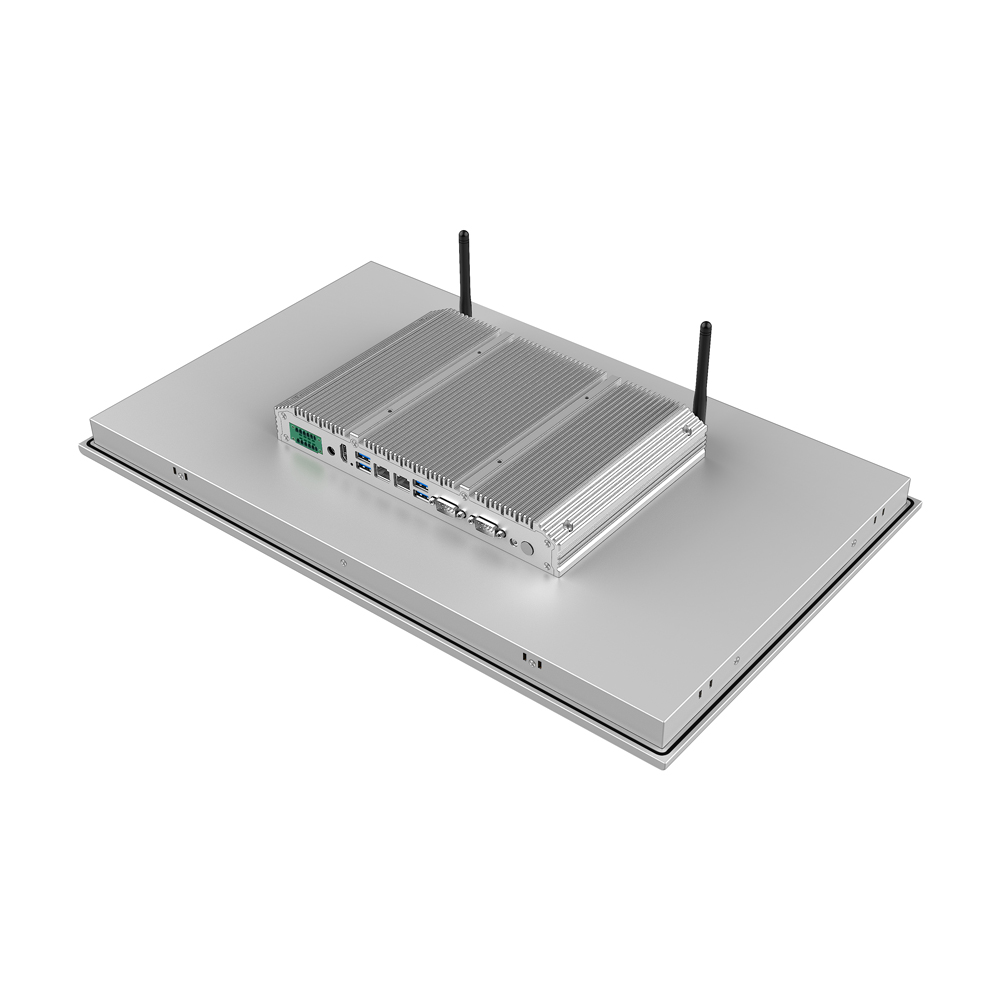
Dòng sản phẩm đầy đủ bao gồm Mini PC, bo mạch chủ công nghiệp, IPC và bộ định tuyến
Như được đánh giá bởi các YouTuber công nghệ
Đánh giá thực tế từ các nhà đánh giá công nghệ và kỹ sư trên toàn thế giới - lắng nghe họ nói gì về Qotom
Sản phẩm nổi bật
Xem tất cả
MB2J460-0700
Bo mạch chủ MB2J260-0700 Dòng
MB4UT1C-1200
Dòng bo mạch chủ MB4HT1C-1100
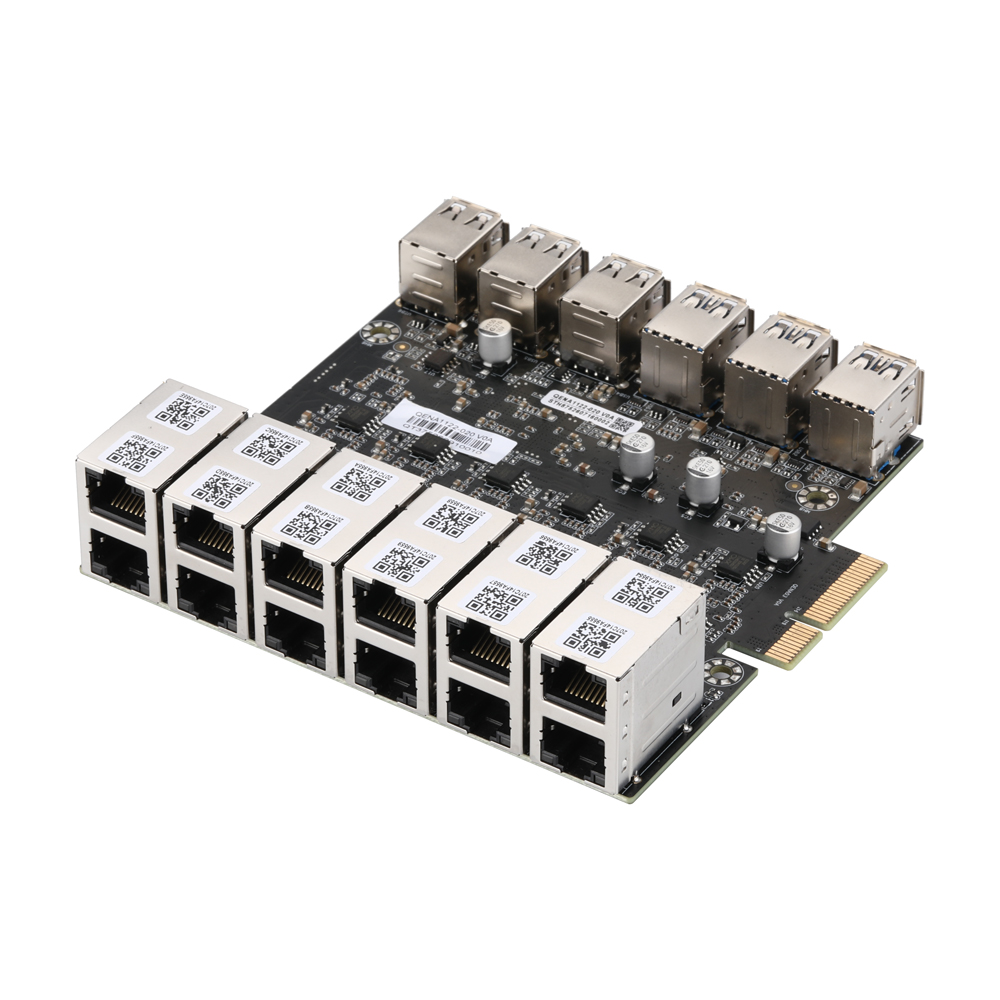
QENA1122-020
12-Port 2.5GbE PCIe Ethernet Network Adapter,QENA1122-020
MB3J463-0800
Bo mạch chủ MB3J263-0800 Dòng
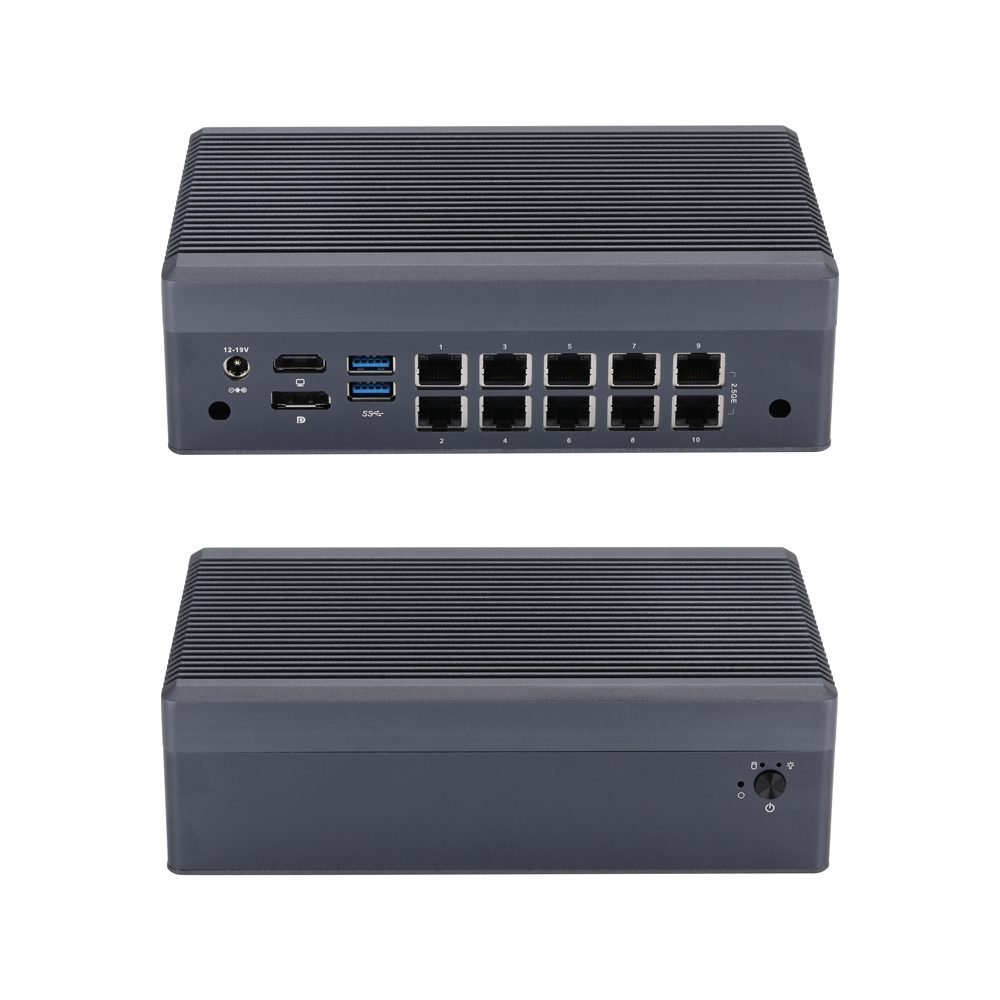
Q31200GT-S23
Mini PC Q31100GT S23 Series
MB3J467-0900
Bo mạch chủ MB3J267-0900 Dòng
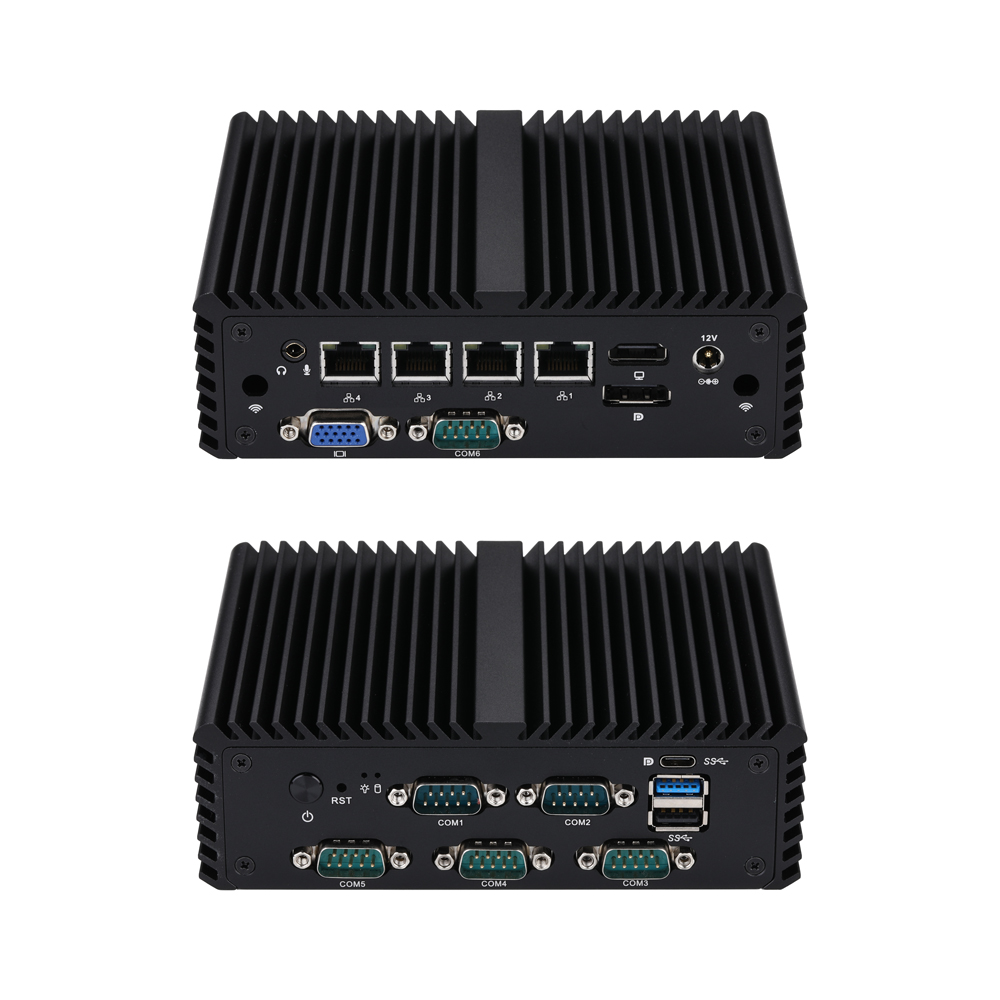
Q10700G4XV-S08
Mini PC Q10700XV S08 Series
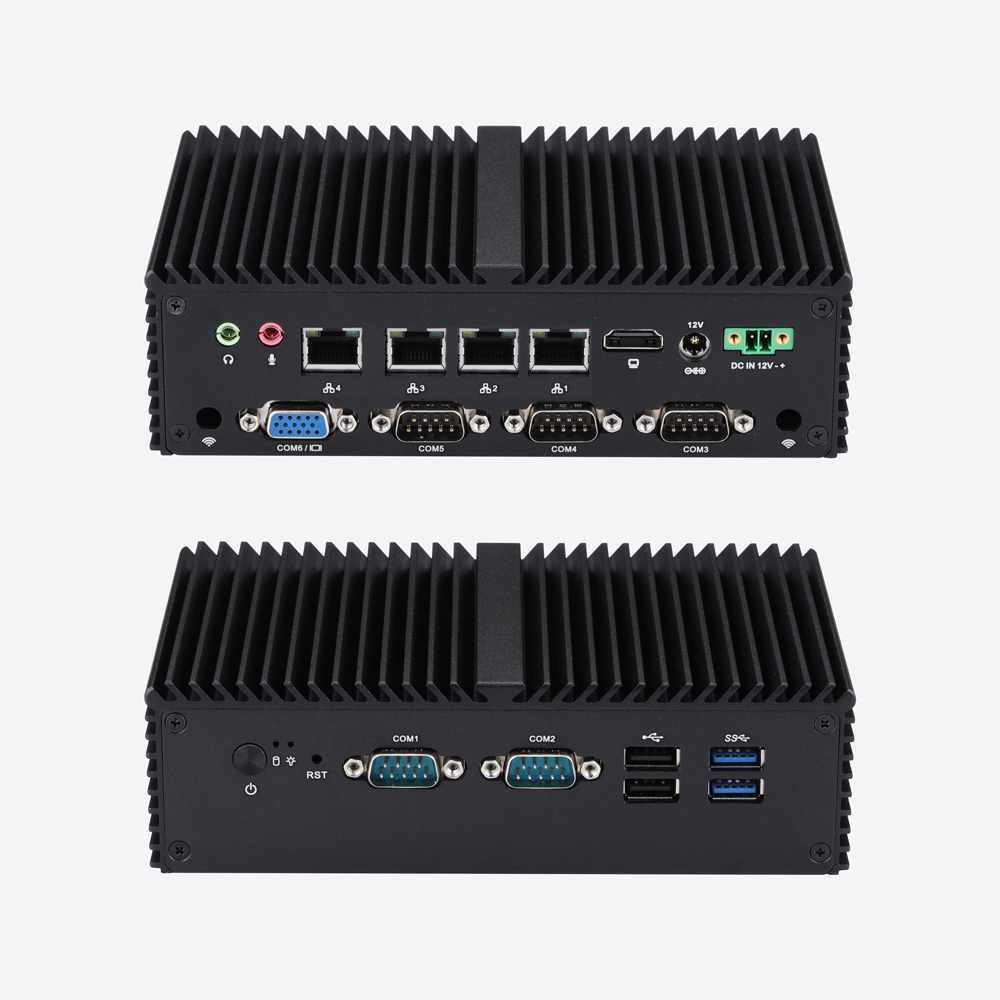
Q10800G4XV-S04
Mini PC Q10800XV S04 Series
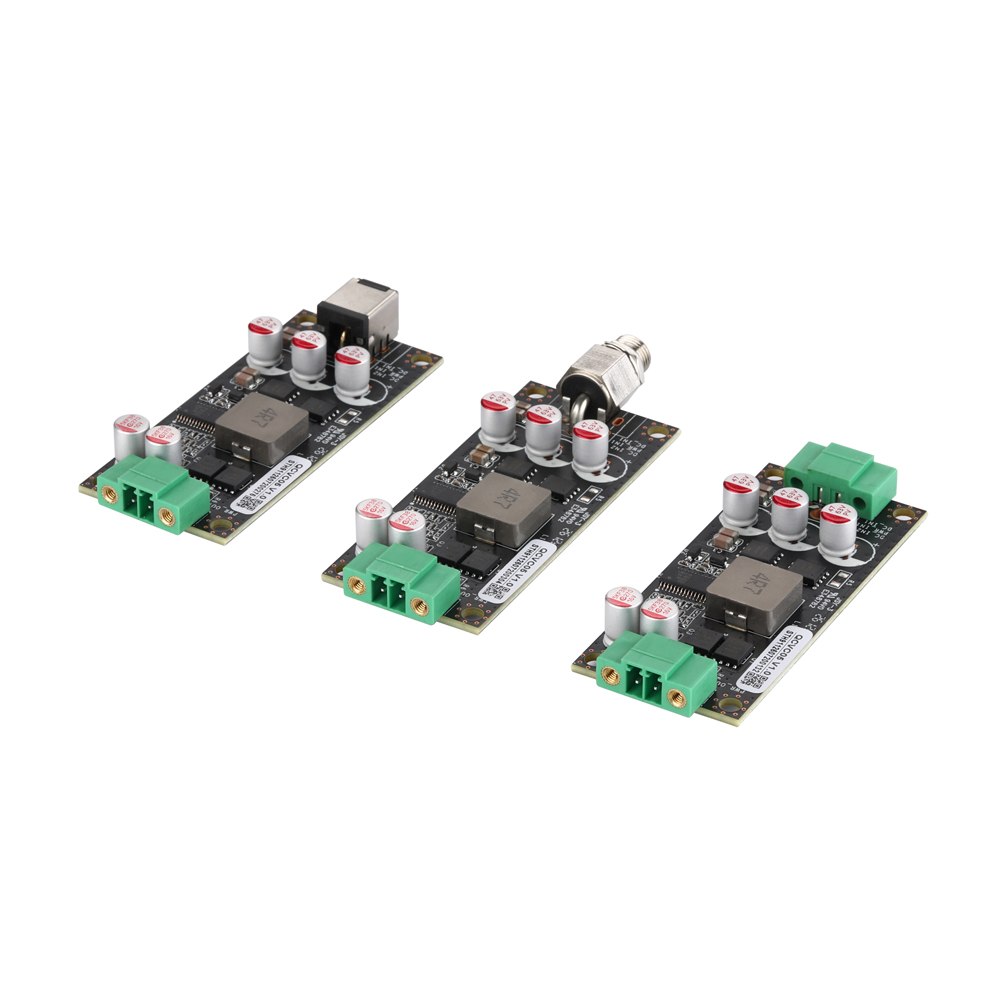
QCVC05
QCVC05 9-48V to 12V Wide Voltage DC Power Conversion Card
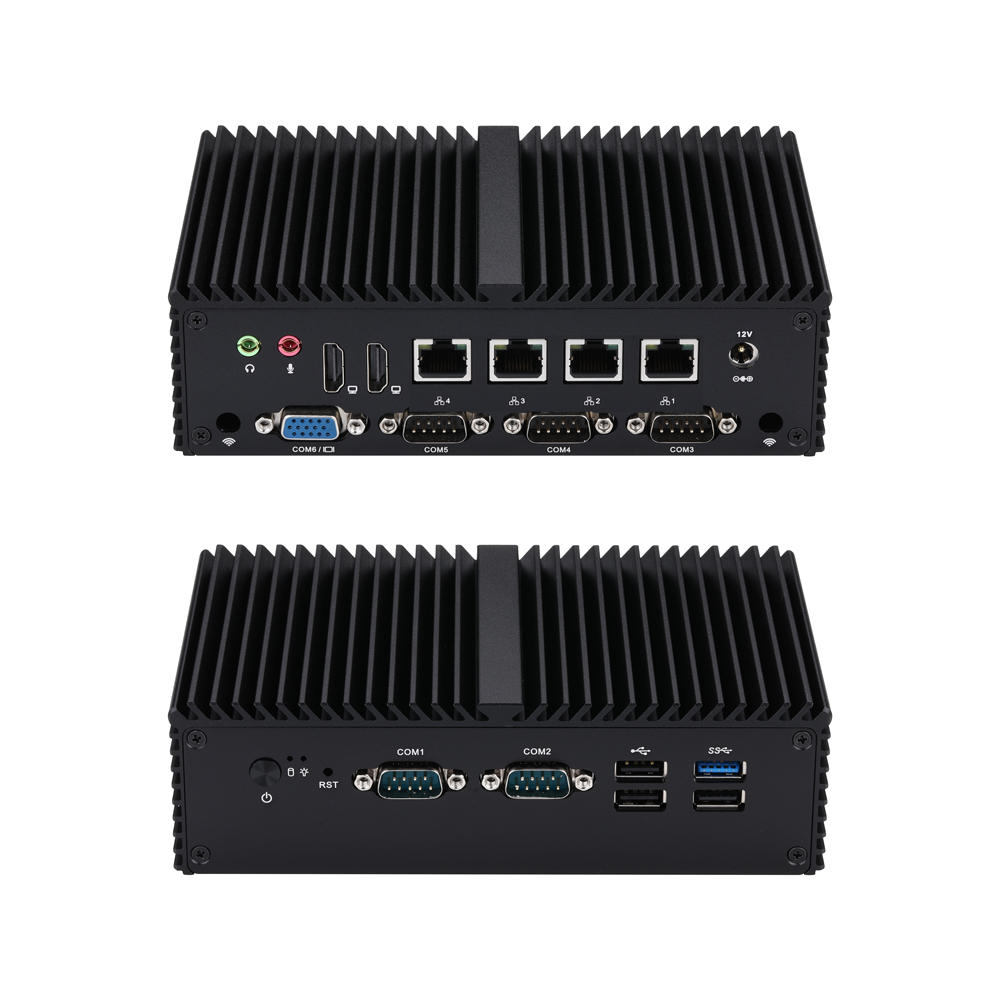
Q10900G4XV-S04
Mini PC Q10900XV S04 Series
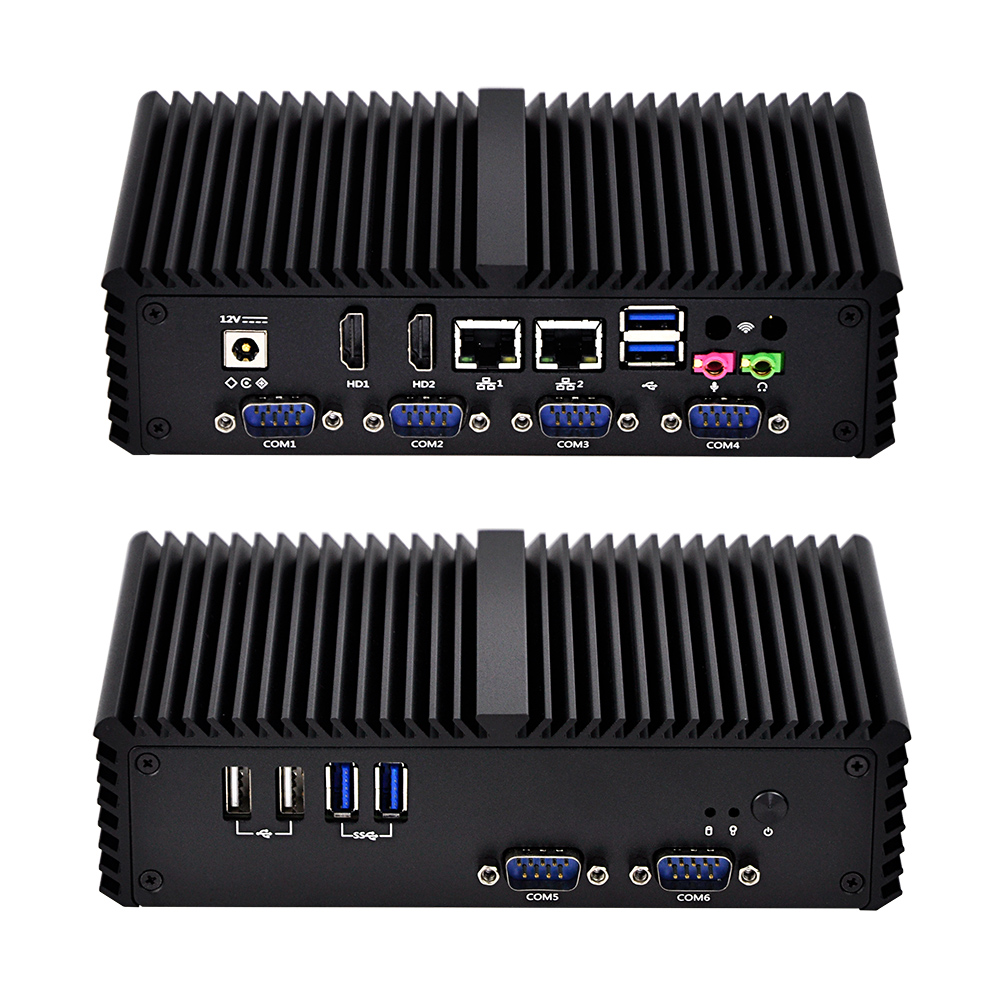
Q300X-S05
Mini PC Q300X S05 Series
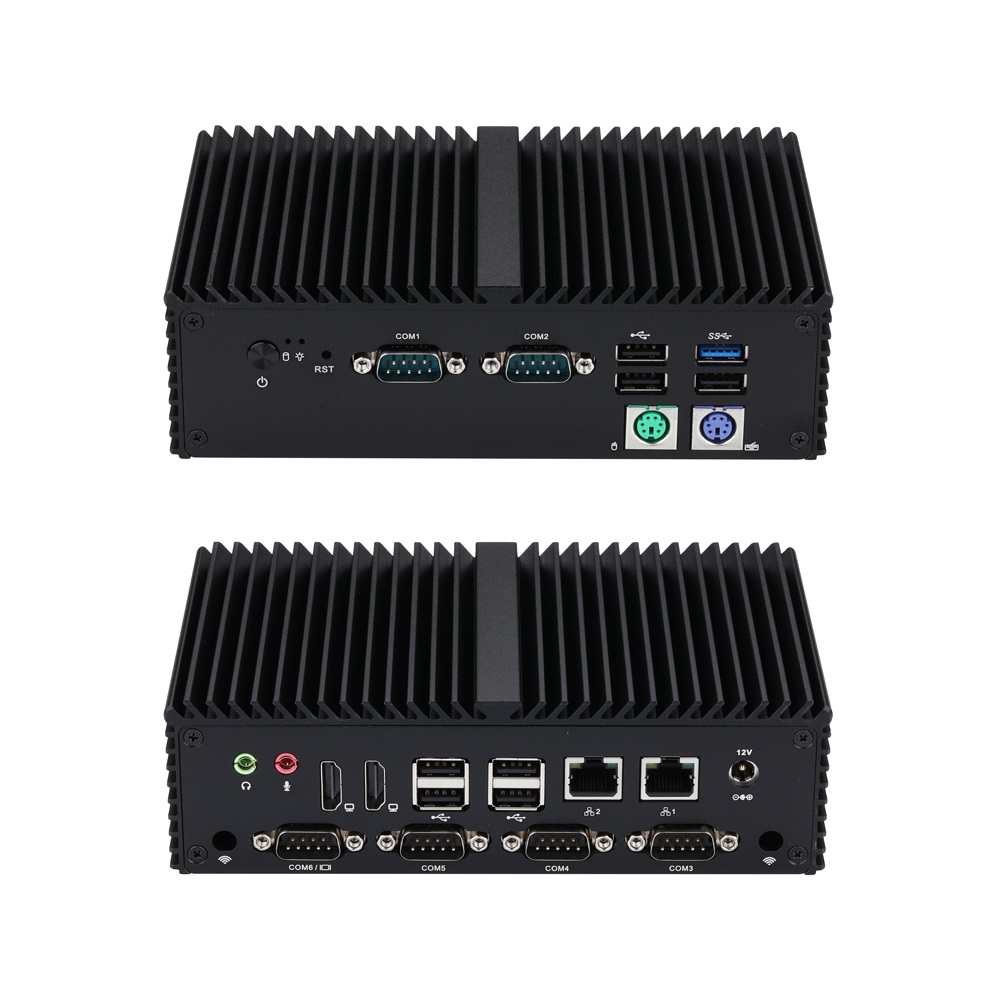
Q10900XP-S04
Mini PC Q10900XP S04 Series
Tin tức mới nhất
Thêm tin tức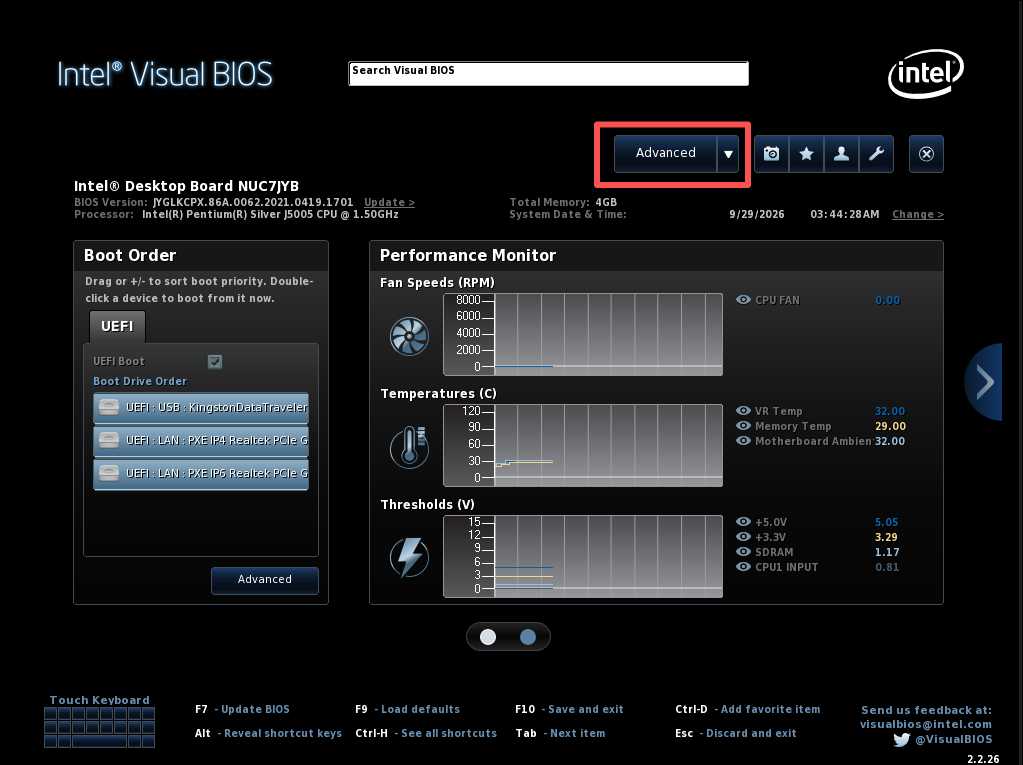
Q10531 | How to Configure Auto Power‑On After AC Power Recovery
Learn to set Qotom Q10531 auto‑power‑on after power loss via BIOS: press F2, go to Advanced > POWER > Secondary Power Settings‑After Power Failure, set to Power On, save with F10 for 24/7 unattended operation.
No Monitor Boot Issue Fix for Q30900GE Series
Qotom Q30900GE 8x2.5Gbps mini PC fails to boot without a monitor? Here is the official fix for BIOS V13/V20. Disable CPU C-State in BIOS to solve the no-display boot problem permanently.
Configure COM2 Port to RS485 Mode for Q30400X Series
This article covers full procedures to switch COM2 to RS485 mode for Q30400X series, including J1C2/J2C2 hardware jumper configuration, COM2 RS485 pin assignment, 120‑ohm termination resistor tips, and two troubleshooting solutions for serial‑port sequence disorder. Complete jumper and BIOS setup before RS485 testing.
Kernel Panic on Proxmox VE 9.2 After Upgrading to Linux Kernel 7.0.14-8-pve
Proxmox VE 9.2 encounters kernel panic and boot freeze after installing kernel 7.0.14-8-pve. This compatibility issue only exists on this specific kernel build, while version 7.0.14-6-pve and older releases work normally. We share verified troubleshooting attempts and a temporary GRUB boot parameter workaround with known limitations.
Cần giải pháp tùy chỉnh?
Đội ngũ kỹ thuật của chúng tôi có thể cung cấp các giải pháp máy tính công nghiệp chuyên nghiệp phù hợp với nhu cầu cụ thể của bạn.
Gửi yêu cầu