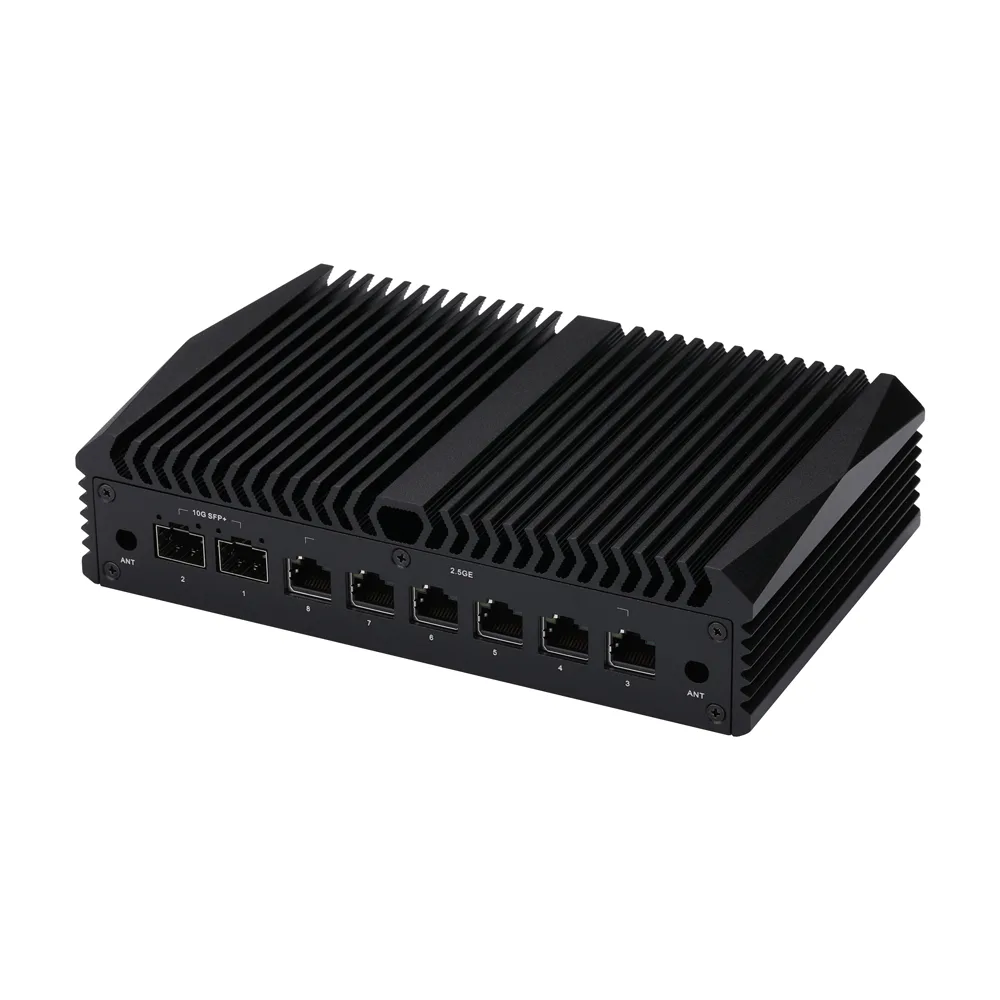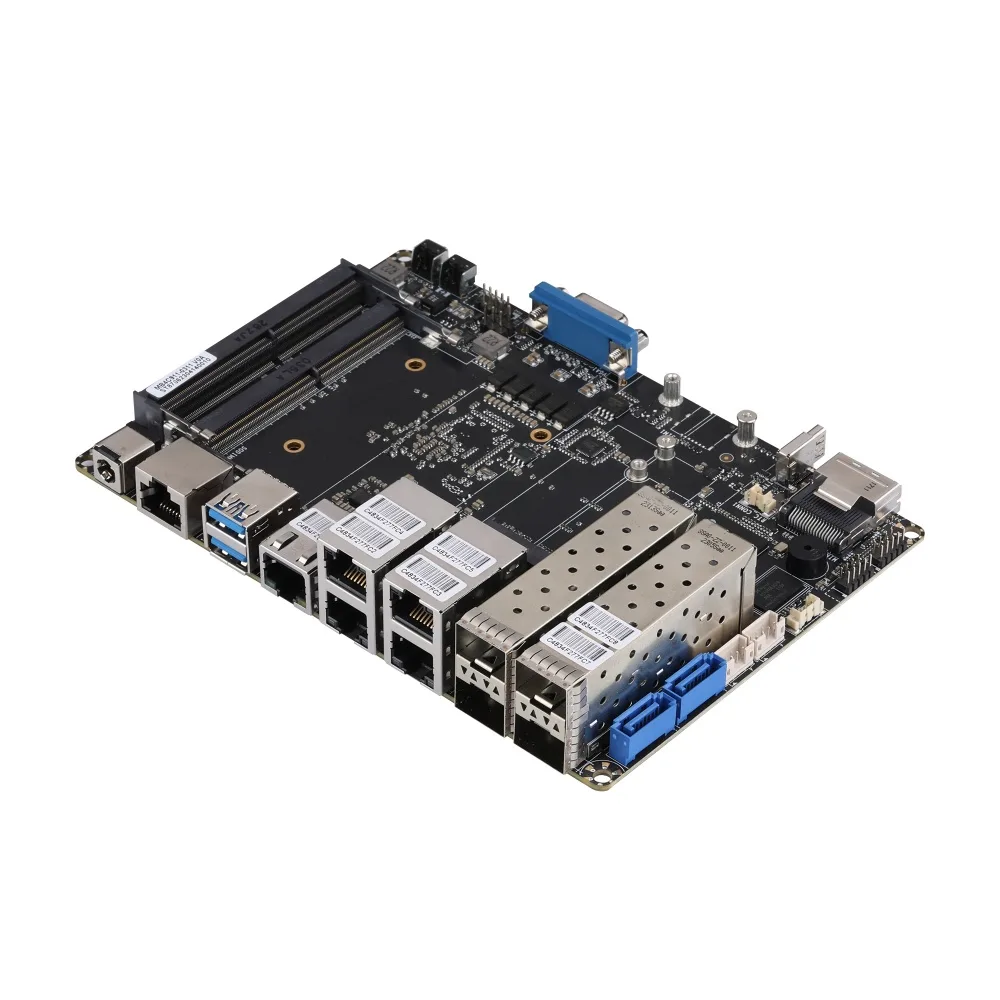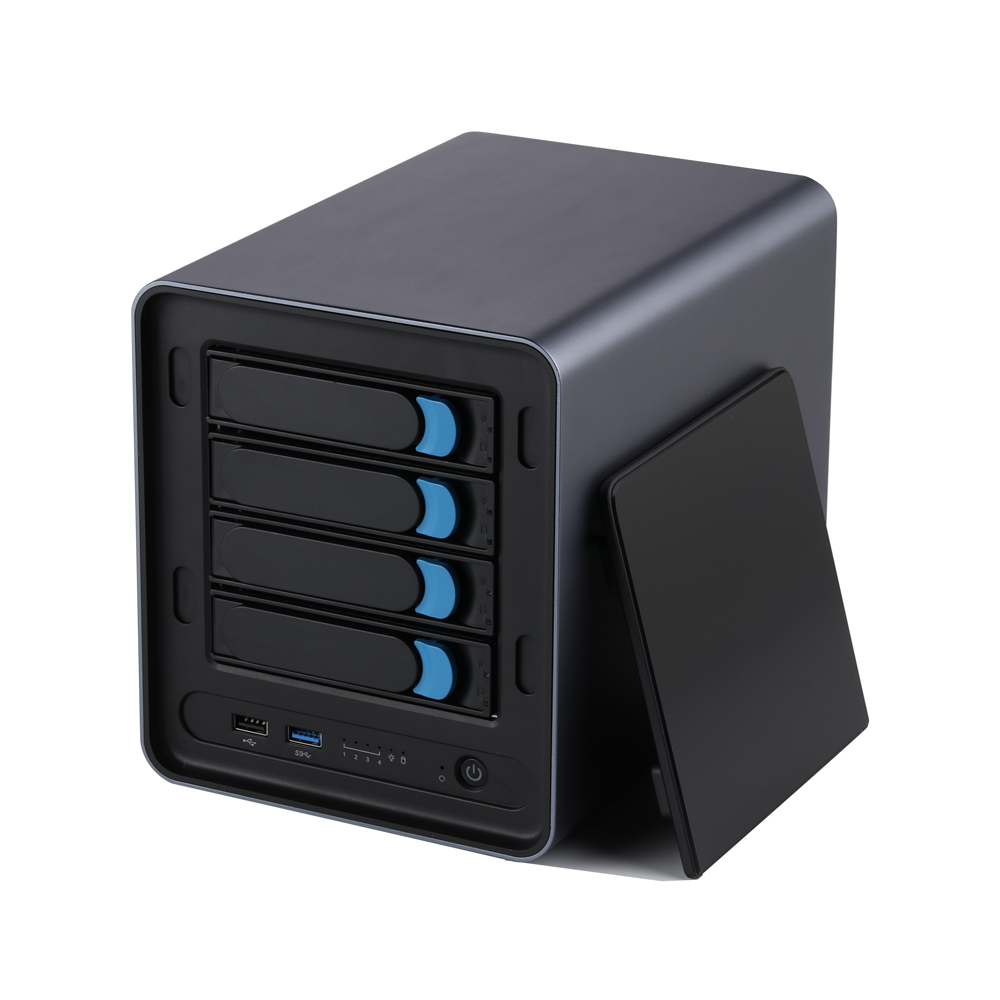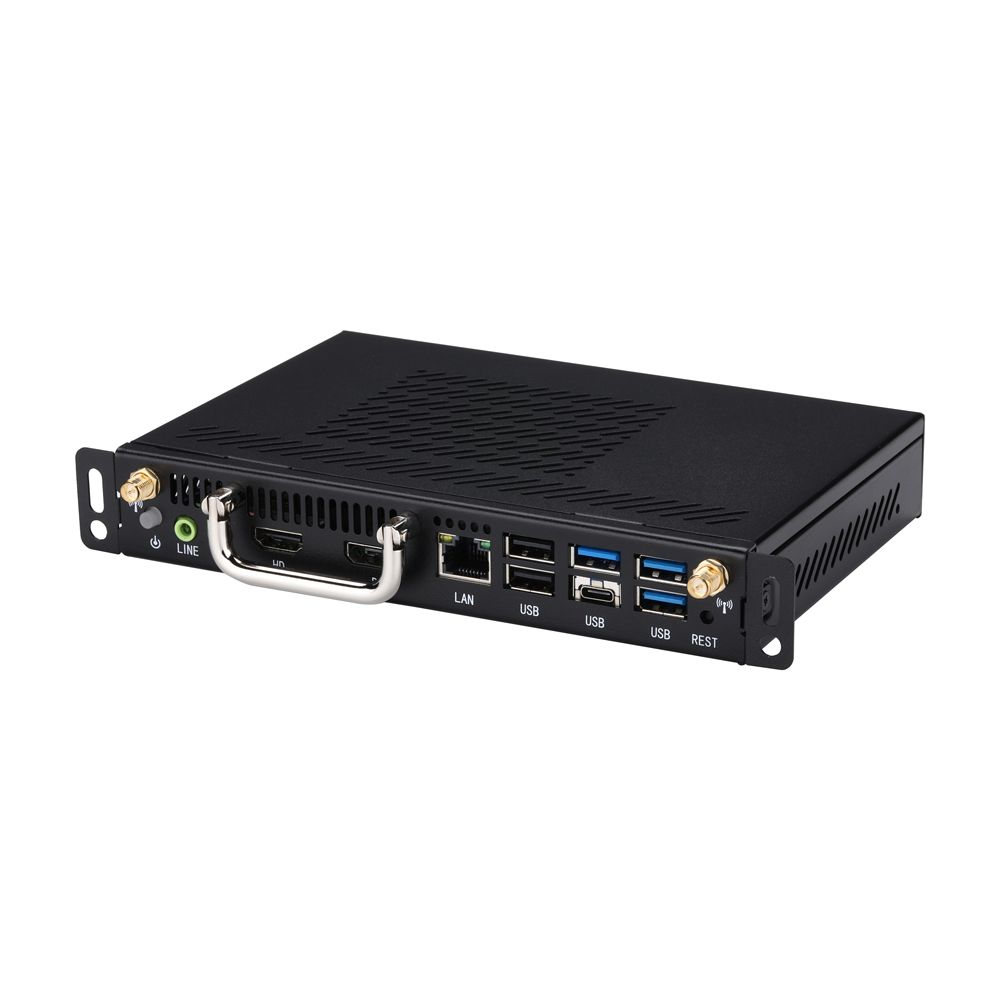
Mini PC Series
Explore Qotom industrial mini PCs for embedded computing, automation, edge applications and commercial projects.
Since 2011, Qotom has designed and manufactured fanless industrial Mini PCs, embedded motherboards and multi-LAN soft routers. 2800+ models, factory-direct, with OEM/ODM customization, trusted in 100+ countries.
Full product line covering mini PCs, industrial motherboards, IPCs, and routers
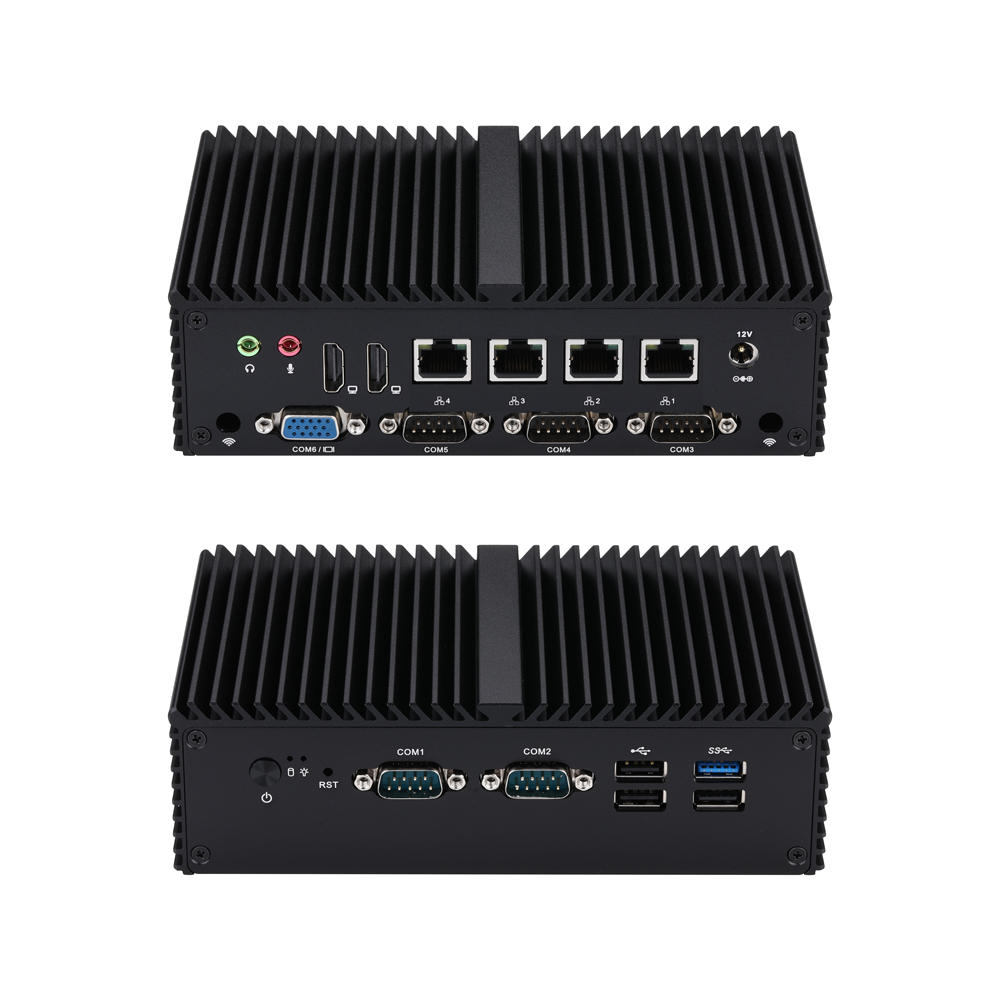
Q10900G4XV-S04
4×2.5G5 COM
Serial-device integration is the focus of Q10900G4XV-S04, combining modern industrial Mini PC powered by Alder Lake-N and Twin Lake processors including N100 and N305, featuring 4×Realtek 2.5G LAN, 5×RS232 and DDR5 up to 48GB. COM1/2 can be configured as RS485, with 3×M.2 and SATA expansion for IoT gateways, automation and edge equipment. It can serve PLC communication, machine monitoring and serial-device management.
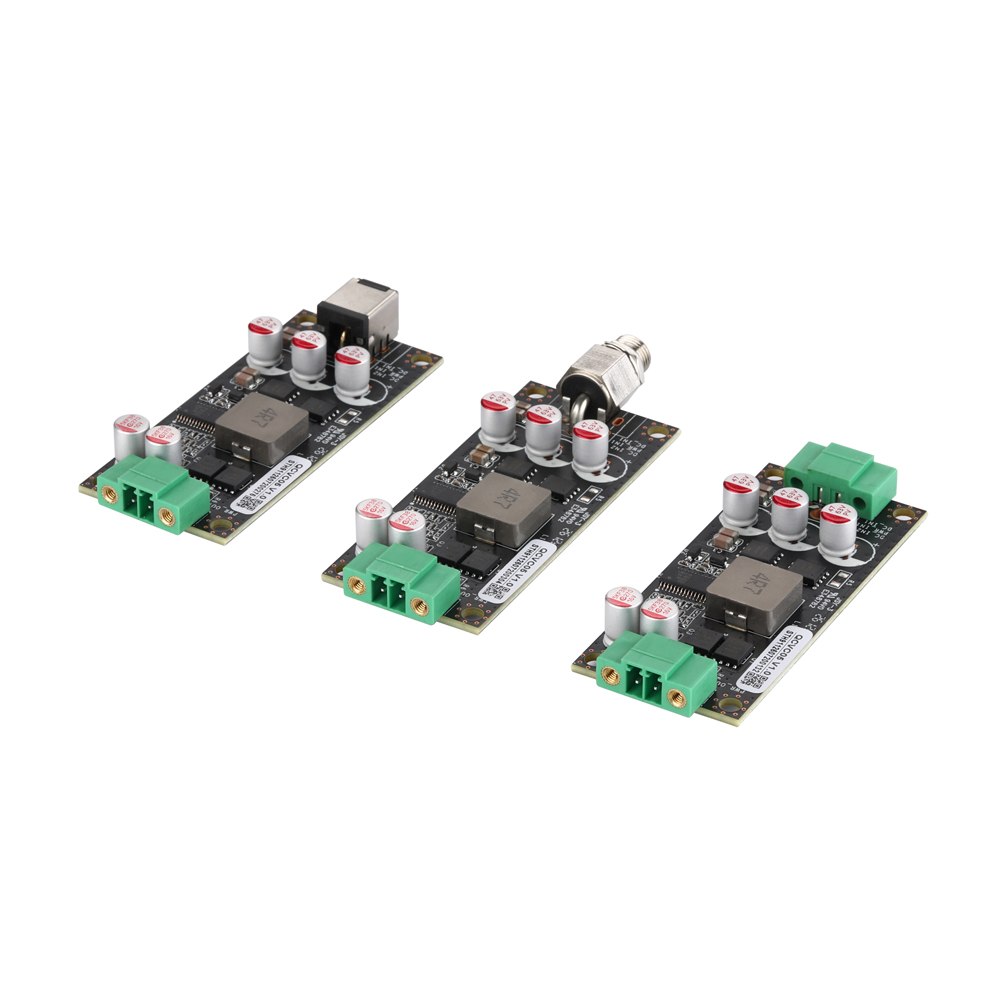
QCVC05
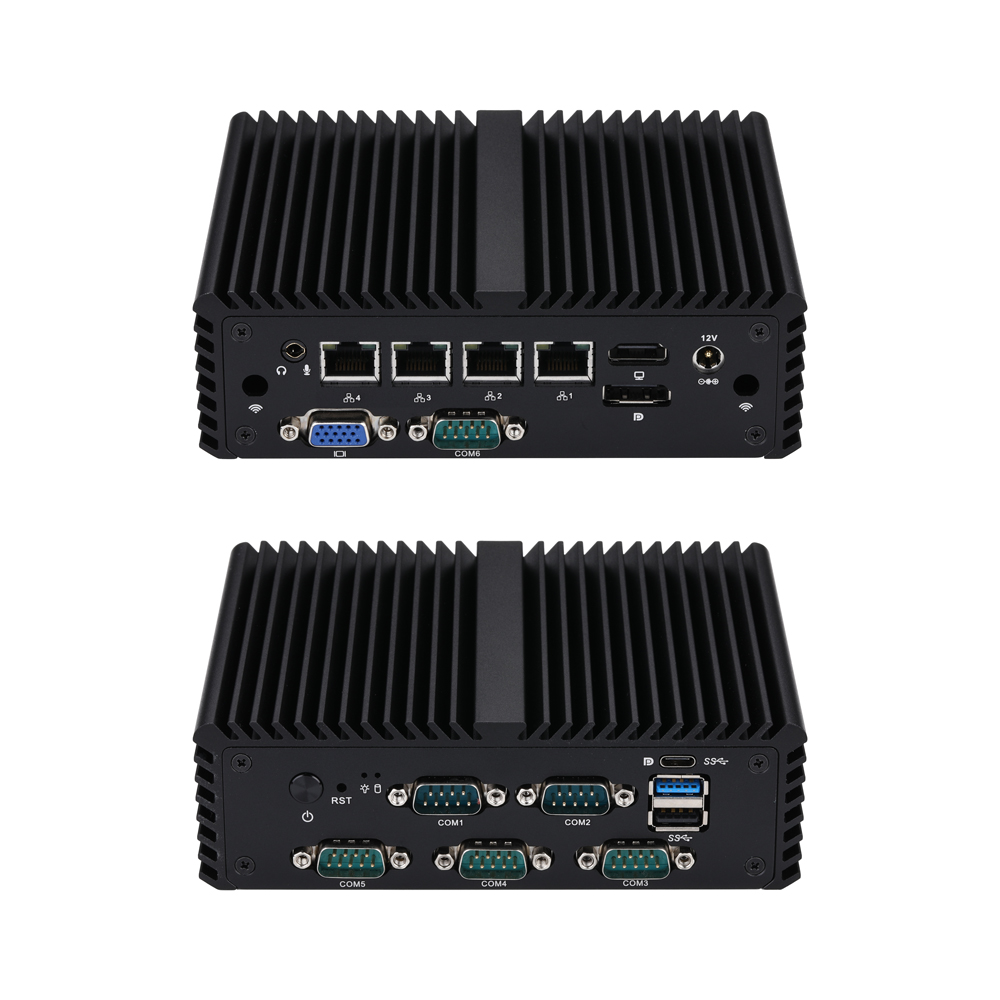
Q10700G4XV-S08
4×1G6 COM
For equipment requiring multiple serial connections, Q10700G4XV-S08 offers Intel Jasper Lake processors including N5105 with 4×Gigabit LAN, 6×RS232 and DDR4 up to 32GB. COM1/2 can be configured as RS485, while 3×M.2 and SATA provide expansion for storage and 4G/5G connectivity. This configuration suits production terminals, instrumentation and serial peripherals.
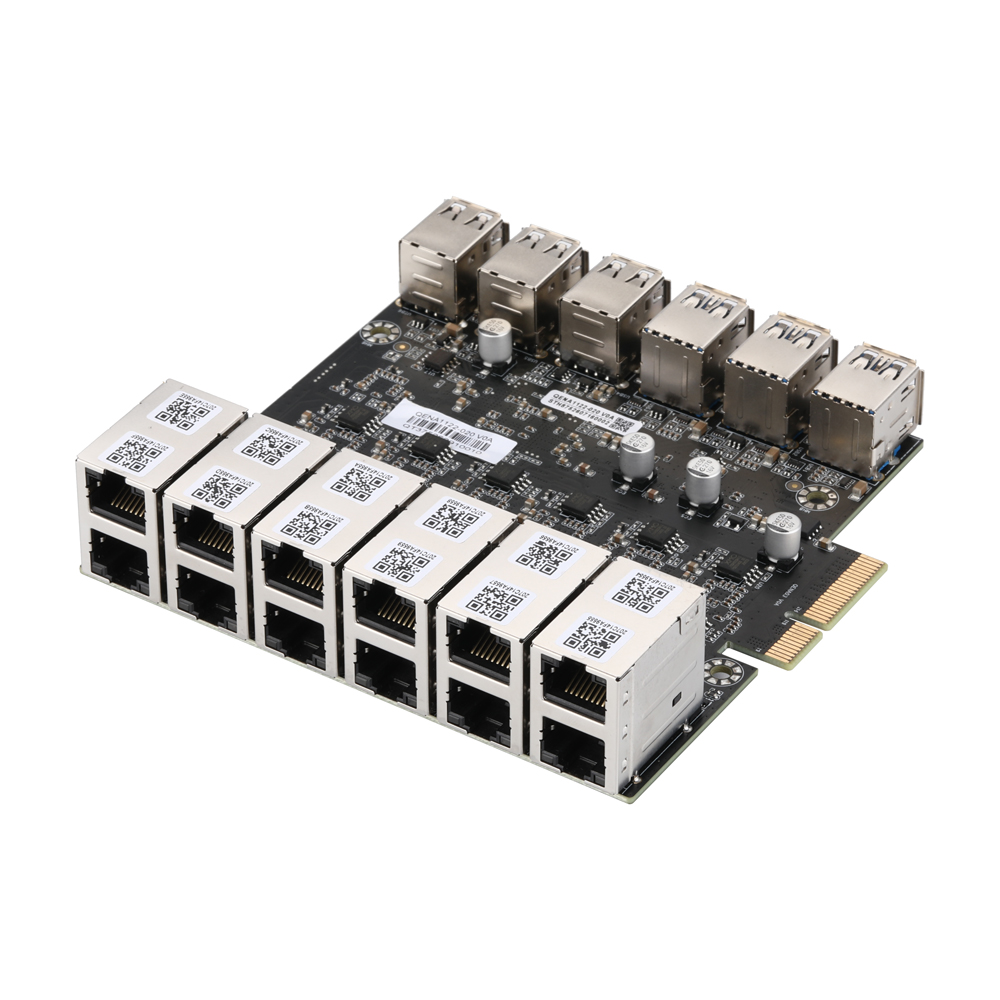
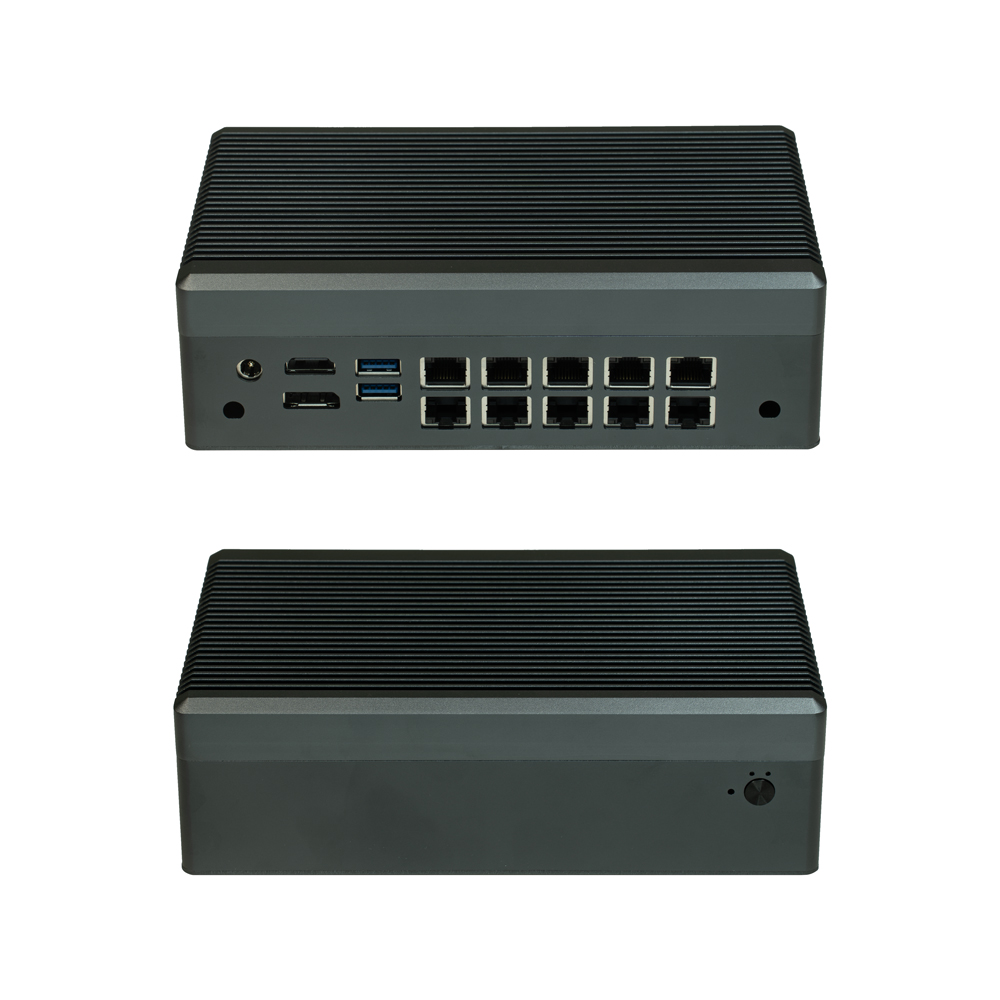
QENA1122-020
10 LAN
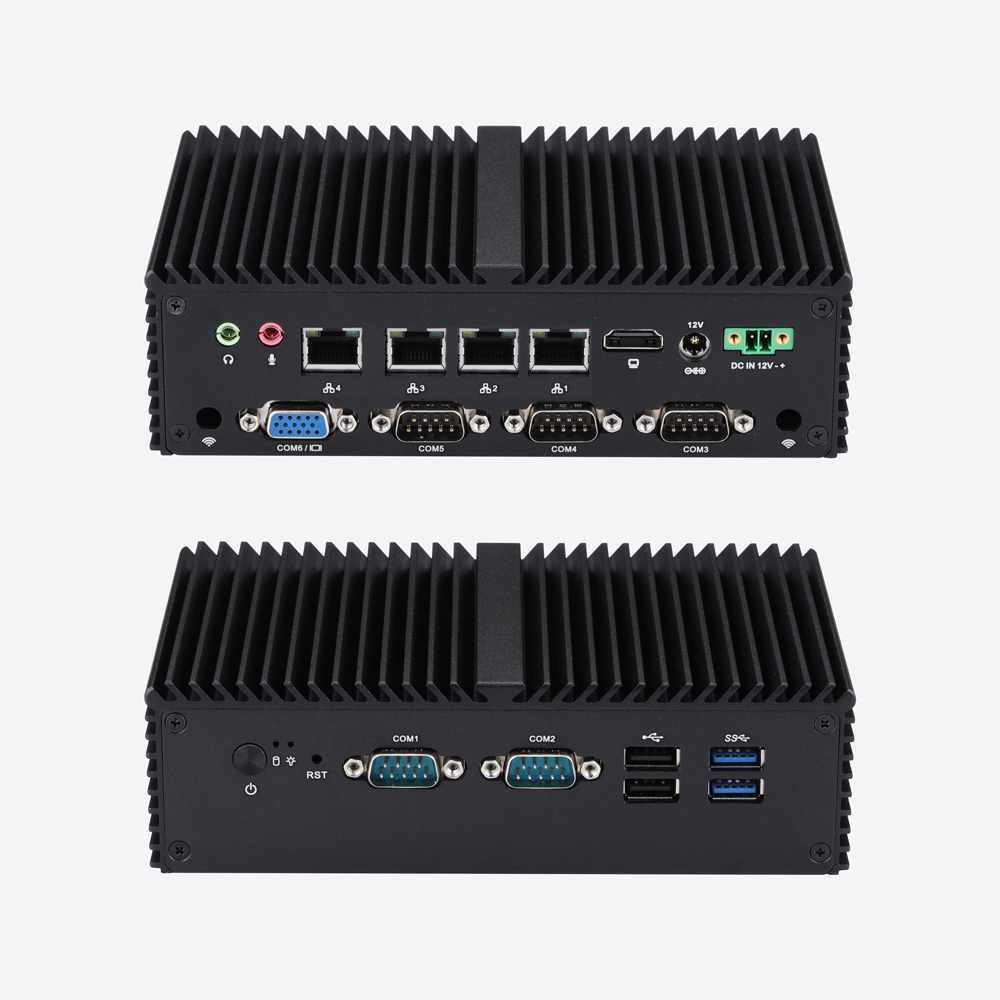
Q10800G4XV-S04
4×1G5 COM
Q10800G4XV-S04 brings Elkhart Lake industrial Mini PC supporting processors such as J6412, with 4×Gigabit LAN, 5×RS232 and DDR4 up to 32GB to industrial communication and embedded control projects. COM1/2 can be configured as RS485, while M.2, mSATA and SATA expansion support automation gateways, PLC communication and industrial. Typical applications include machine connectivity, industrial data acquisition and controller integration.
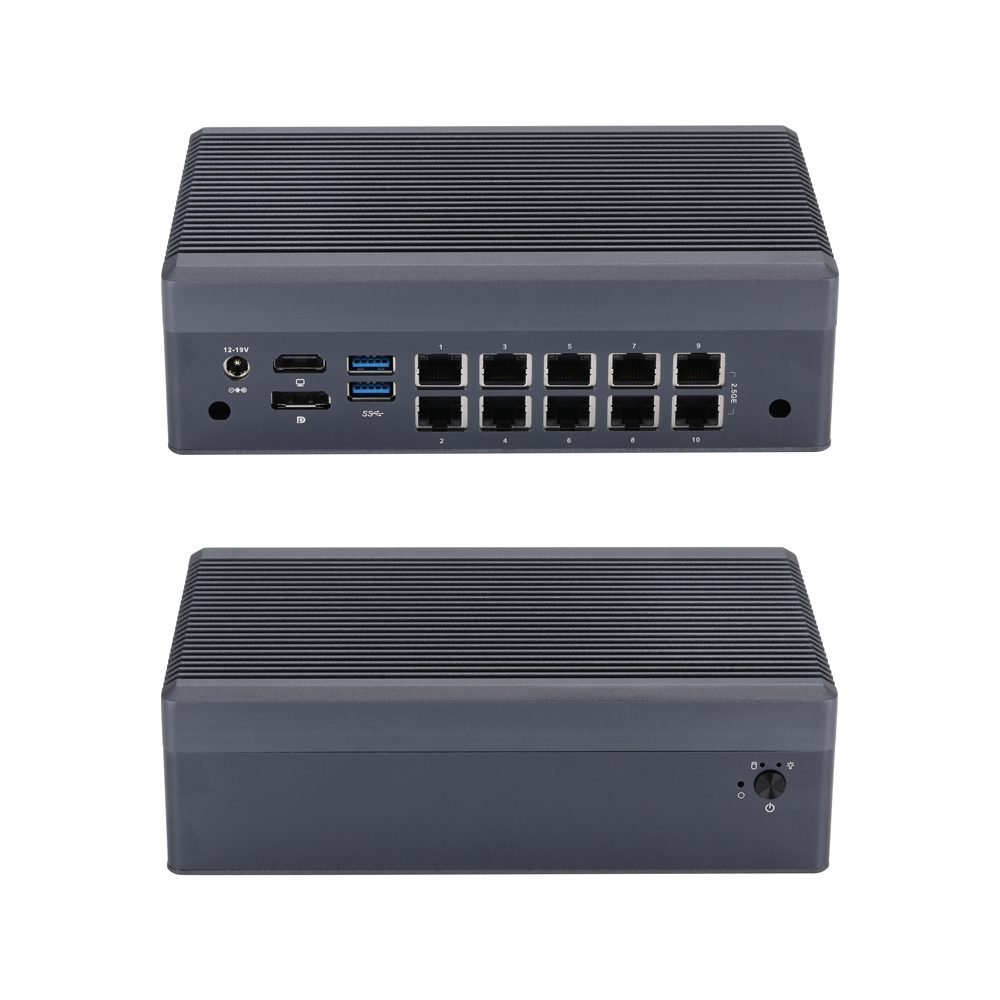
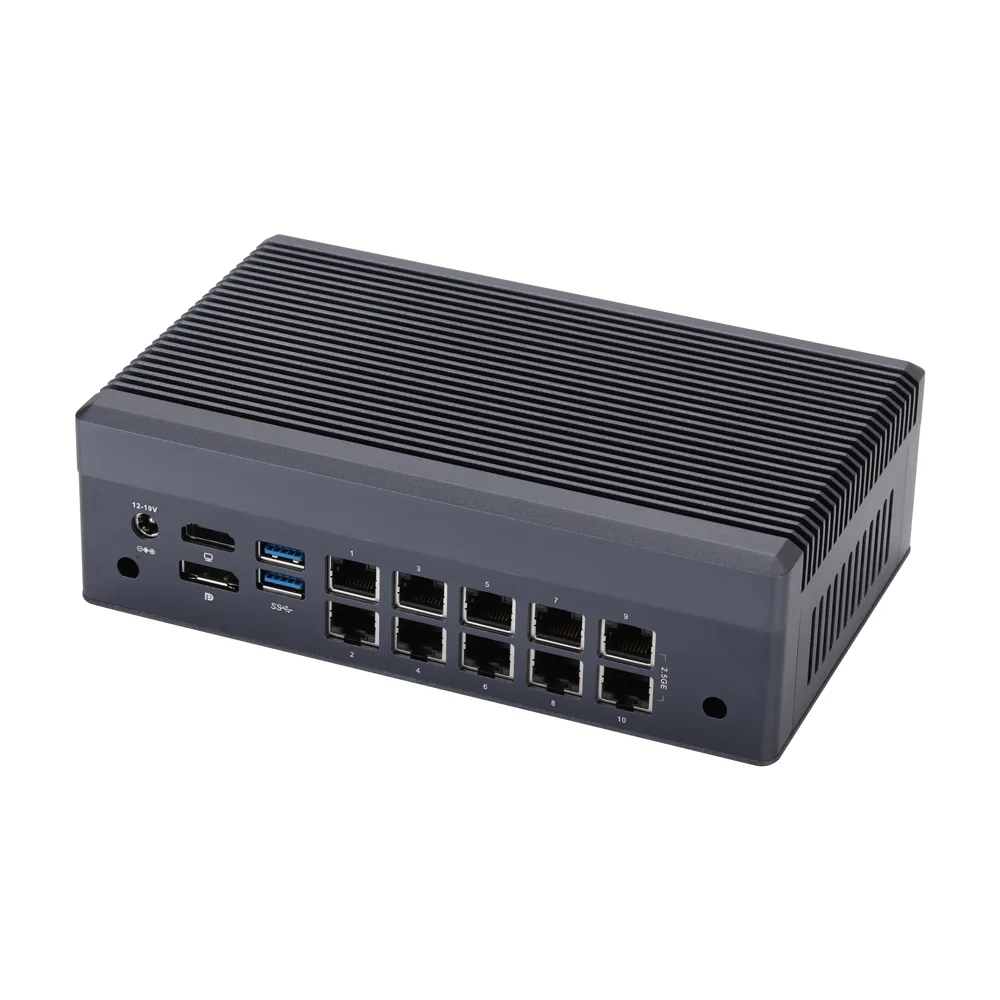
Q31200GT-S23
10×2.5G
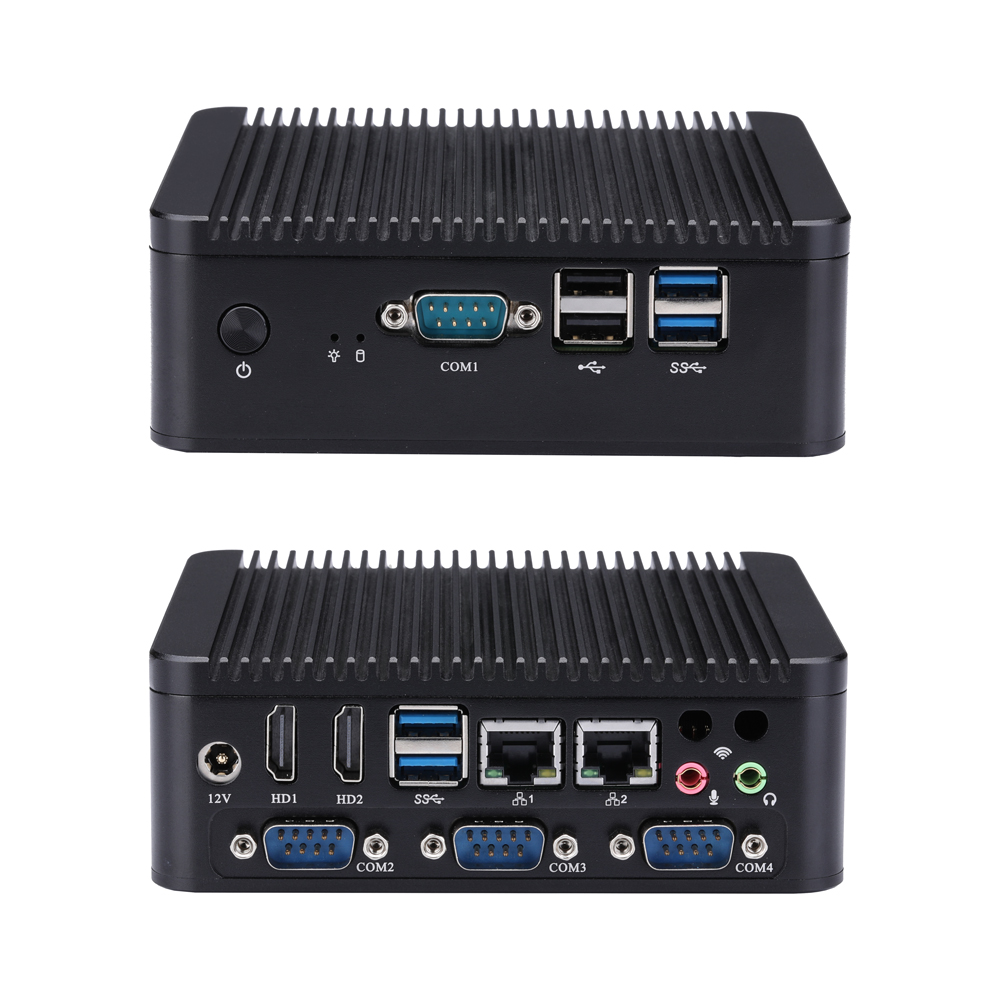
Q30600P-S02
2×1G4 COM
Q30600P-S02 brings 4×RS232, 2×Realtek Gigabit LAN and DDR4 up to 32GB, with Intel Skylake and Kaby Lake processor options to industrial communication and embedded control projects. The platform also includes Dual HDMI, M.2 SSD, SATA, GPIO, Watchdog and AutoStart support industrial automation, POS equipment, machine communication and. Typical applications include machine connectivity, industrial data acquisition and controller integration.

Q20300SE-S23
4×10G RJ454×10G SFP+1 COM
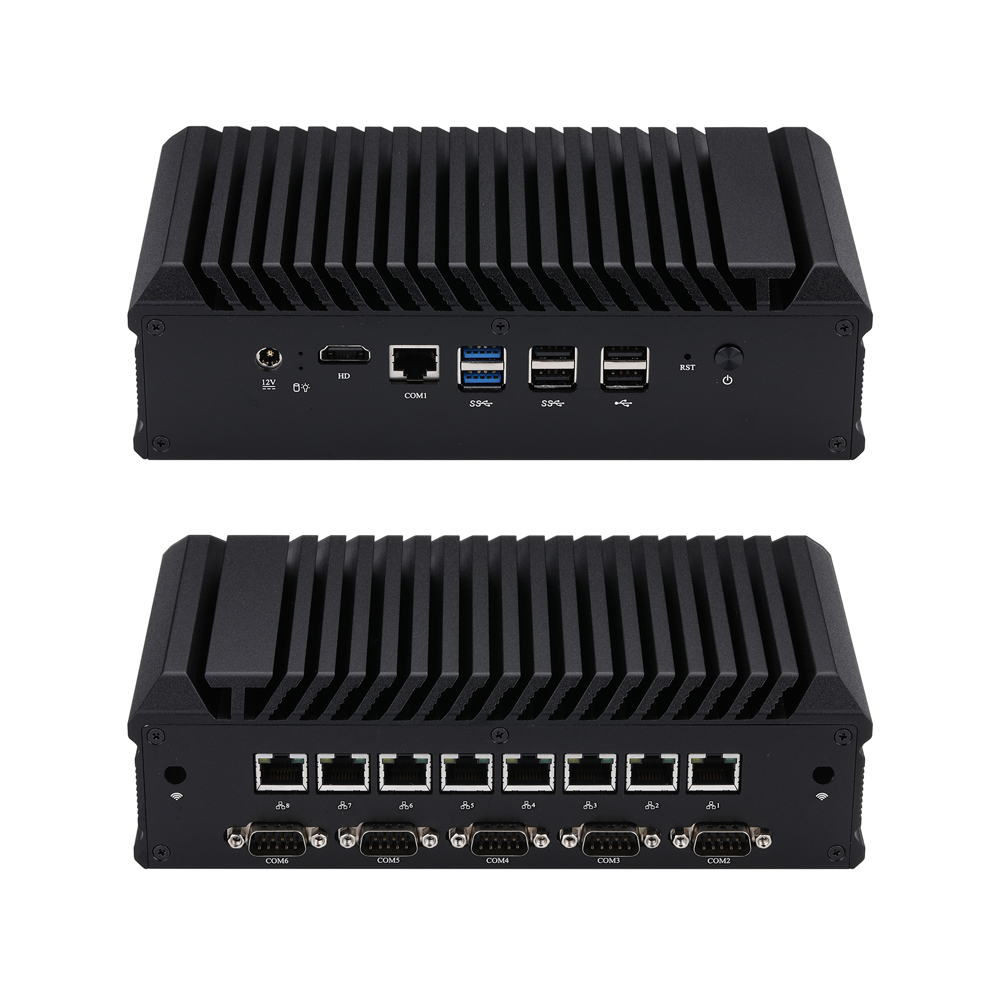
Q30400GEX-S20
8×1G6 COM
Q30400GEX-S20 brings 8×Intel I211/I210 Gigabit LAN with 6×RS232, while COM3/4 can be configured as RS485 to industrial communication and embedded control projects. The platform also includes fanless aluminum design, Haswell/Broadwell processor options, mSATA and SATA storage make it suitable.
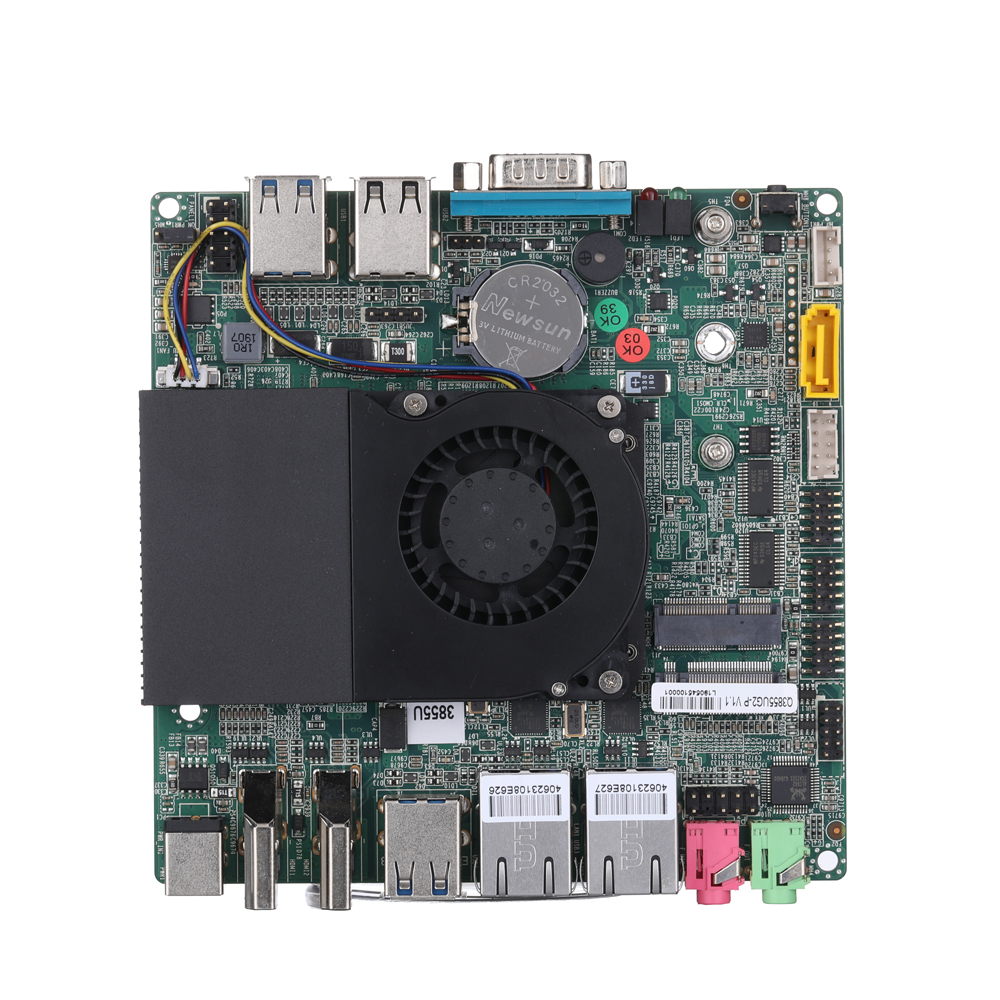
MB2U247-0600
2×1G3 COM
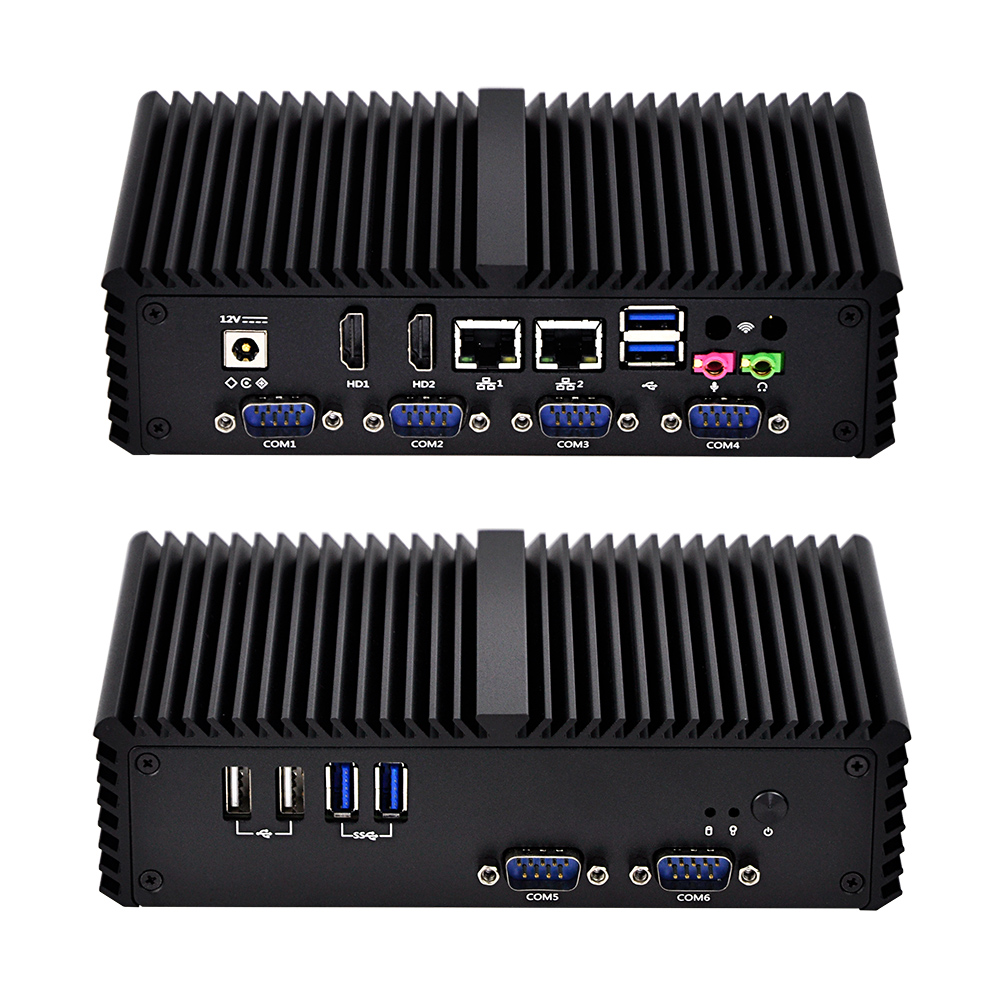
Q300X-S05
2×1G6 COM
Q300X-S05 brings industrial Mini PC with 6 serial ports, dual Gigabit LAN and DDR3L up to 8GB, supporting Intel Haswell and Broadwell processors to industrial communication and embedded control projects. The platform also includes Multiple serial interfaces and flexible storage make it suitable for automation controllers, factory equipment, serial device.
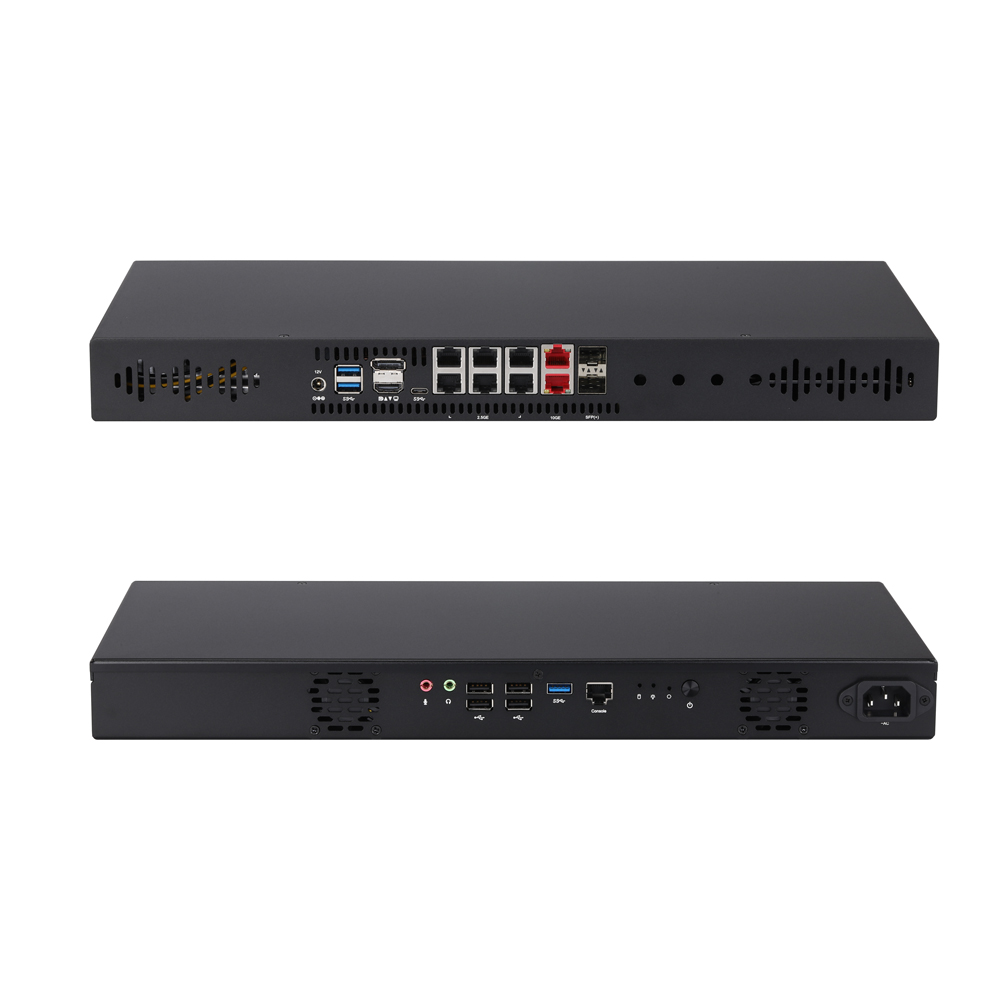
Q31500ST-1U14
6×2.5G2×10G RJ452×10G SFP+1 COM
Real reviews from global tech reviewers and engineers - hear what they say about Qotom
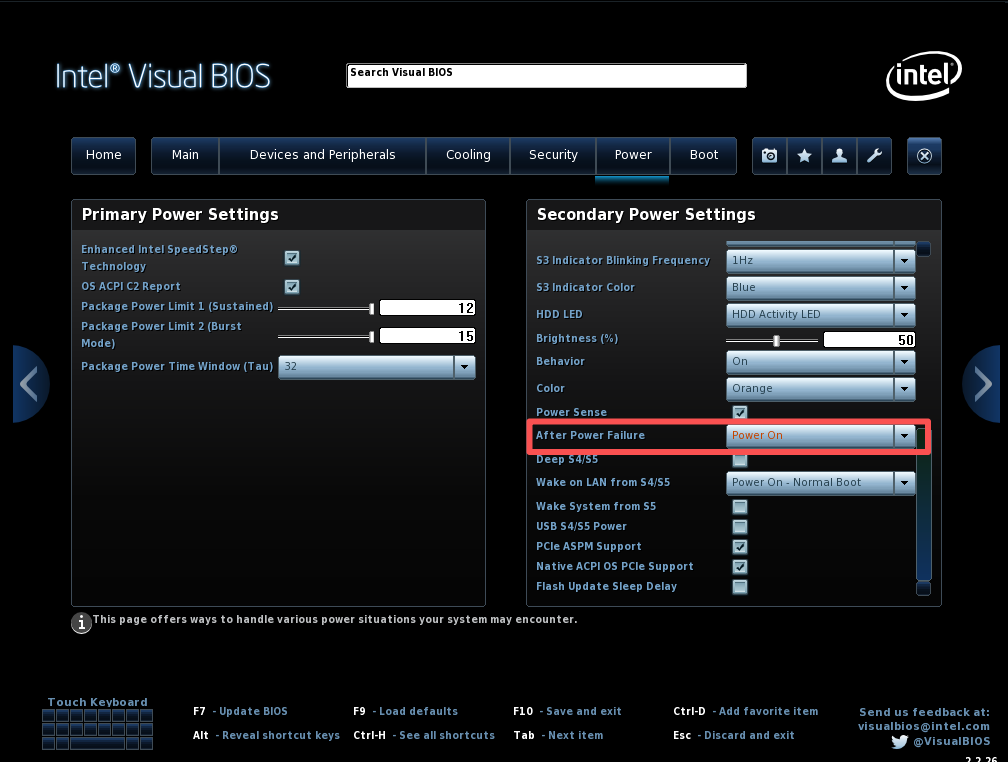
Learn to set Qotom Q10531 auto‑power‑on after power loss via BIOS: press F2, go to Advanced > POWER > Secondary Power Settings‑After Power Failure, set to Power On, save with F10 for 24/7 unattended operation.
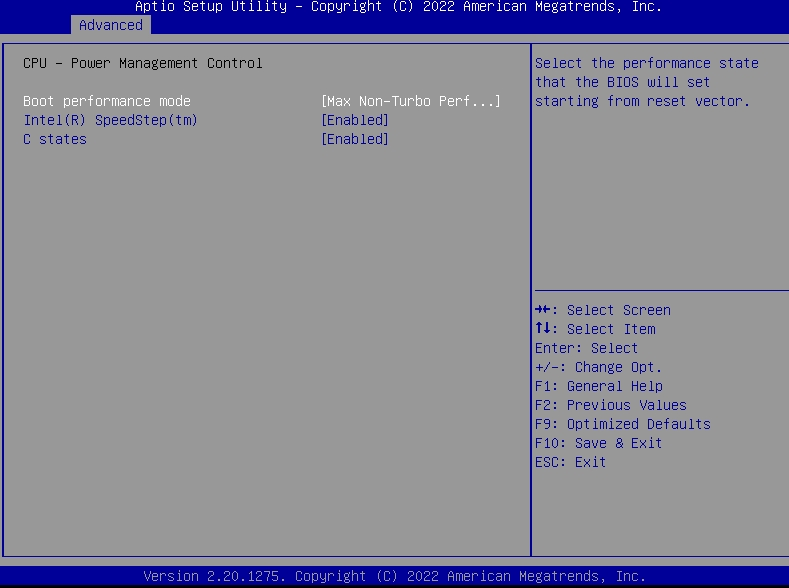
Qotom Q30900GE 8x2.5Gbps mini PC fails to boot without a monitor? Here is the official fix for BIOS V13/V20. Disable CPU C-State in BIOS to solve the no-display boot problem permanently.
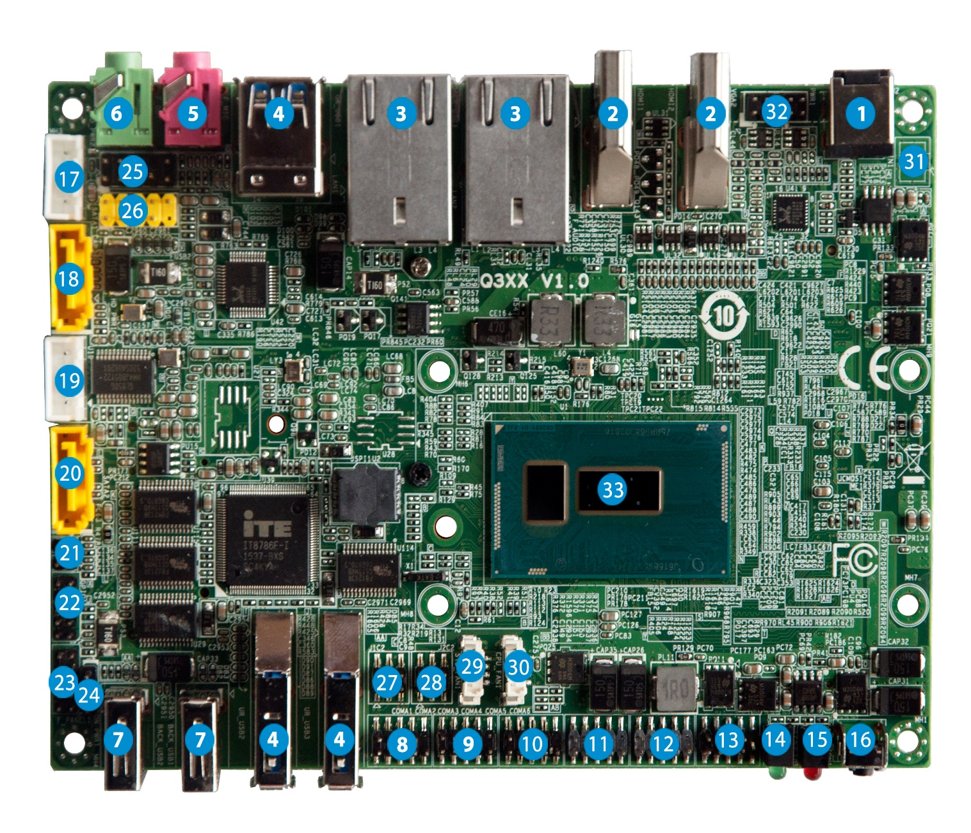
This article covers full procedures to switch COM2 to RS485 mode for Q30400X series, including J1C2/J2C2 hardware jumper configuration, COM2 RS485 pin assignment, 120‑ohm termination resistor tips, and two troubleshooting solutions for serial‑port sequence disorder. Complete jumper and BIOS setup before RS485 testing.
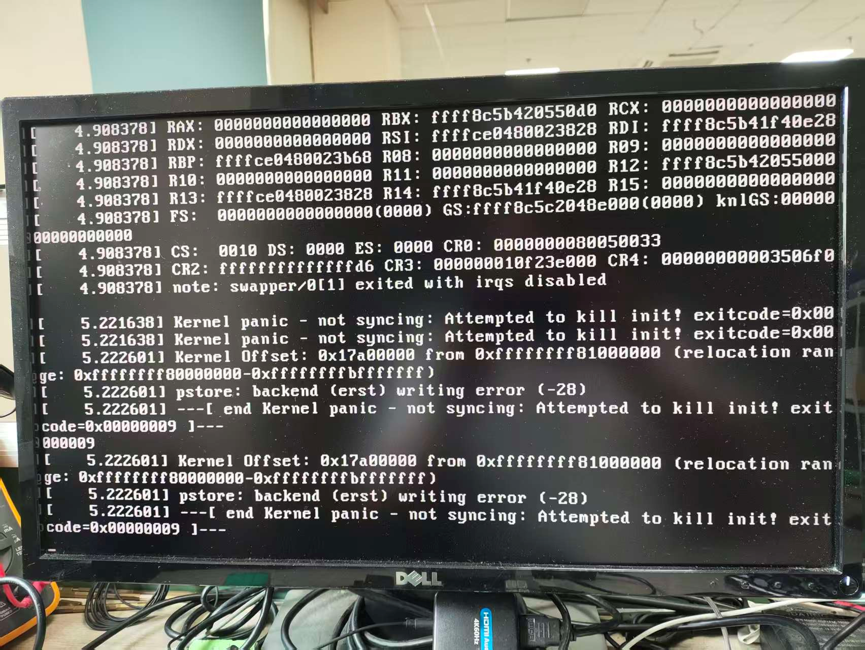
Proxmox VE 9.2 encounters kernel panic and boot freeze after installing kernel 7.0.14-8-pve. This compatibility issue only exists on this specific kernel build, while version 7.0.14-6-pve and older releases work normally. We share verified troubleshooting attempts and a temporary GRUB boot parameter workaround with known limitations.
Our engineering team can provide professional industrial computing solutions tailored to your specific needs.